One, two, or four switches
 InputConfig is completely free on the Mac App Store. You don't have to make an account, there are no subscriptions, and nothing is locked. Optimized for Apple silicon.
One switch can do three things on a Mac: a press, a hold, and a double press are three actions from one movement, and InputConfig sets each one in the switch's row. Some people have one reliable movement: a switch under a hand, a head switch, a sip-and-puff, a foot pedal. InputConfig cannot add movements, but it can make each one count three times over, and a screen region is an input that needs no switch at all.
I build up from one switch to four, with layouts you can download and rebind to whatever switch interface you have. It works alongside macOS Switch Control, not instead of it. Allow half an hour, most of it finding comfortable timing with the person.
On this page: 13 sections
- Steps
- How to read this guide
- Connect the switches to the Mac
- One switch, three actions
- Two switches, six actions
- Four switches, a real pointer
- Add inputs that need no switch
- Let every action announce itself
- If a USB switch interface types its own key
- Put the stop on your most reliable switch
- The short version
- Download
- Questions
Steps
- Connect the switches through a PlayStation Access Controller, an Xbox Adaptive Controller, or a USB switch interface.
- Press Scan on a row and press the switch to see what it sends.
- Download the Two Switch or Four Switch preset from this page, add it, and re-scan its rows onto your switches.
- Set press, hold and double press in each switch's Options, with long windows to start.
- Switch on Speak on every row so each action announces itself.
- Put Emergency Stop on the hold of the most reliable switch, and test it.
How to read this guide
Start where you are:
- If the switches are not connected yet, read how switches reach the Mac.
- If you know how many switches you have, go to one switch, two or four.
- If you use a USB switch box that types keys, read the USB interface section first.
Connect the switches to the Mac
A switch needs an interface that presents it as a button. Climb this ladder, from the one that just works to the one that needs care:
- Xbox Adaptive Controller. Takes 3.5 mm switches directly and shows up as a game controller. Each port sends its own Xbox button out of the box.
- PlayStation Access Controller. Also takes 3.5 mm switches and shows up as a game controller. InputConfig reads its four ports by name, E1 to E4, so a switch there is E1 button, with no profile to set up first.
- A USB switch interface. Most present as a keyboard or a gamepad. Either works, because InputConfig reads keyboards and gamepads alike. One that types keys needs the care described in the USB interface section.
- You: Press Scan on any row and press the switch.
- InputConfig: Shows what the switch sends: a controller button, a key, or a mouse button.
- Check: The row now names that input. If Scan sees nothing, the interface is not sending anything for that switch, or the plug is not pushed all the way in.
A switch in a game controller's port is its own button and types nothing, which is the simplest route.
One switch, three actions
Open Options on the switch's row and give it three jobs:
- Press. The first action.
- Hold. A second action, after 600 ms.
- Double press. A third action, inside a 450 ms window.
With macOS Switch Control doing the scanning, the three become Select, Next, and Previous, and the whole Mac is reachable. Without Switch Control, one switch is best spent on the one action that matters most: Start Dictation, with the hold as Return. A person who can speak then has a complete text input from a single movement.
Two switches, six actions
The Two Switch preset on this page gives each switch three jobs:
| Switch | Press | Hold | Double press |
|---|---|---|---|
| Switch 1 | Click | Right click | Return |
| Switch 2 | Start Dictation | Escape | Tab |
That is a complete way to work through forms, messages, and dialogs, with macOS Switch Control or a joystick providing the pointer and dictation providing the text. Every threshold is long, 700 ms holds and 500 ms double-press windows, and each row speaks its action. It is built on A and B of a standard controller, so re-scan the two rows onto your switches.
Four switches, a real pointer
Four switches make a proper pointer. The Four Switch preset on this page is built on the D-pad, so re-scan it onto four switches:
- Move. Up, down, left, right, at a slow constant speed while the switch is held.
- Move faster. A hold past 700 ms switches to a faster speed for long trips.
- Click. A double press on the up switch.
- Right click. A double press on the down switch.
- Return. A double press on the right switch.
Speed 1 on a Mouse Motion row is a few pixels per second at the default polling rate, which is slow enough for anyone. With Variable Sensitivity off, the pointer moves at a predictable pace, which matters more than speed for aiming with switches.
Add inputs that need no switch
Three inputs cost no switch at all:
- Screen regions. An area of the screen that fires when the pointer enters it: a strip along the top edge that triggers Mission Control, a corner that starts dictation. With a pointer driven by switches, a region is a command that costs no switch.
- Tap the Mac. A knock on a MacBook with any part of the body is an input, counted from one to five taps. It was tested on M4 MacBooks and did not work on an M1 Pro in our testing; the calibrator's status chip tells you whether yours listens. Desktop Macs have no sensor.
- Motion. A DualSense, DualSense Edge, DualShock 4, Switch Pro Controller or Joy-Con strapped to a wrist or a chair arm can move the pointer by tilting, using its gyroscope.
Let every action announce itself
Someone using switches often cannot see the controller and may not be watching the pointer.
- You: Switch on Speak on every row and type a short phrase for each.
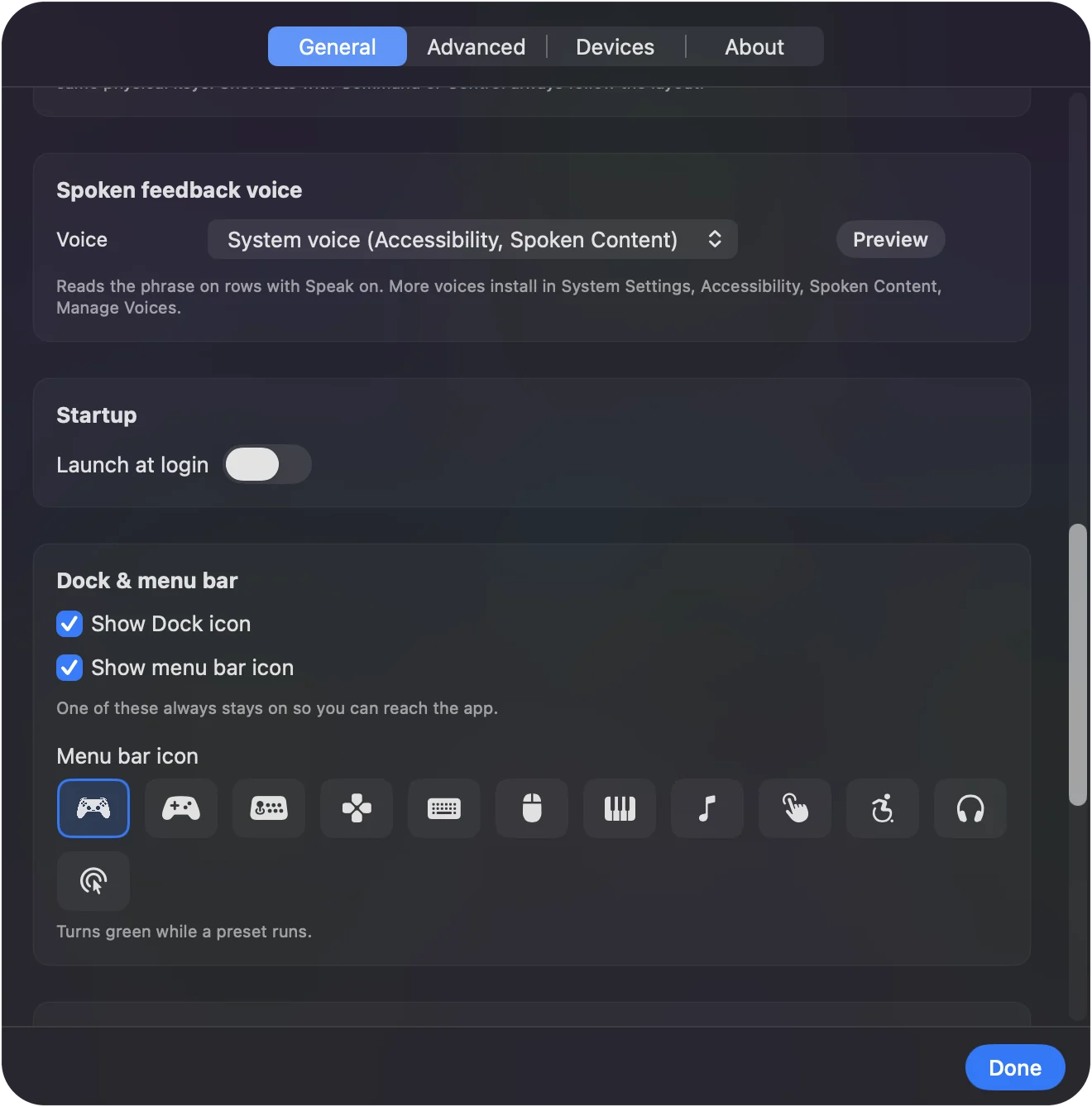
- InputConfig: Speaks the phrase through the Mac's sound output, in the voice chosen in Settings, General, Spoken feedback voice, each time the row fires.
- Check: Press each switch and hear its action. Use haptics too if the interface can rumble.
A row can exist only to speak. A screen region near the screen edge that says edge is a cheap way to know where the pointer is.
If a USB switch interface types its own key
A switch interface is a small box with 3.5 mm sockets that turns switches into something a computer understands. Most send keyboard keys, and some can also move the mouse. AbleNet's Hitch 2, for example, takes up to five switches, is listed by AbleNet as working with macOS, and can be programmed with keystrokes of your choice.
InputConfig reads those keys as keyboard input, with two things to know first:
- It listens. It does not block. InputConfig listens to the keyboard and cannot swallow or remap the key itself. If the interface sends Space, the Mac still gets a Space as well as whatever you bound to it.
- Every keyboard is one device to it. Every keyboard reports as one synthetic device id, so a Space from the switch and a Space from the keyboard are the same input.
Climb this ladder, smallest step first:
- Program unused keys. Set the interface to send keys nothing else uses, F13 to F19 where it offers them, and bind those.
- Use Switch Control for fixed keys. If an interface only sends fixed keys such as Space and Enter, use it with macOS Switch Control, which expects those keys.
- Move the switches to a controller. Plug them into a PlayStation Access Controller or Xbox Adaptive Controller instead, where each switch is its own button and types nothing.
An interface in mouse mode moves the pointer by itself and needs no app. F13 to F19 are the keys to ask a switch box for, because almost nothing on a Mac uses them by default.
Put the stop on your most reliable switch
For a switch user the stop matters twice: it releases a stuck key, and it is the way to stop a runaway sweep. It works while the Mac is locked too.
- A hold on a switch. Put Emergency Stop on the hold of whichever switch is most reliable.
- The controller hold. Back and Start held together for three seconds by default, with a buzz one second in. The button and the hold, one to five seconds, are in Settings, General, Emergency stop, and a button picked there works on its own. On an Access Controller, the default is socket 7 (Options) alone, because its base profile never sends Create.
Test it before relying on it.
The short version
- One switch. Press, hold and double press are three actions. Start Dictation and Return cover text.
- Two switches. Click, right click, Return, dictation, Escape and Tab.
- Four switches. Four switches give you a slow, predictable pointer with clicks on double presses.
- Every switch. Speak on, long timing windows, and the stop on the most reliable one.
Start with long windows and a slow pointer, then shorten them only as the person's timing allows.
Download
- Two Switch presetBuilt on A and B of a standard controller. Re-scan the two rows onto your switches. 3 KB
- Four Switch presetBuilt on the D-pad. Re-scan onto four switches. Holds move faster, a double press clicks. 5 KB
To add a downloaded preset: drop the file on InputConfig's Dock icon, or click the … button next to any preset in the sidebar, choose Import Preset File, and pick the file. It lands in the sidebar, ready to activate or edit. Any launch target inside a preset file is cleared on import; add one yourself in the editor if you want it.
Questions
What is Switch Control on a Mac?
Switch Control is the macOS accessibility feature that runs the Mac from one or more switches by scanning through items on screen. A controller button can be a switch. InputConfig is the other approach: direct control, where each switch or button does one thing immediately.
Does this replace macOS Switch Control?
No, it works alongside it. Switch Control is a scanning system for the whole interface. InputConfig gives switches direct actions. Many people use Switch Control for text and menus and InputConfig for the pointer, dictation, and games.
Can a switch interface that shows up as a keyboard work?
Its keys are Keyboard Key inputs. They still type their own key as well, so set the interface to send keys nothing else uses, such as F13 to F19, or a key that is harmless in the apps you use.
How slow can the pointer go?
Speed 1 on a Mouse Motion row is a few pixels per second at the default polling rate, which is slow enough for anyone.
What switch interface works with a Mac?
Any that presents as a keyboard, a mouse, or a game controller. The simplest route with InputConfig is a 3.5 mm switch in a PlayStation Access Controller or Xbox Adaptive Controller, because each switch becomes its own button and types nothing. USB interfaces such as AbleNet's Hitch 2 send keys. Set them to F13 to F19 where they allow it.
Do switch-accessible games and cause and effect activities work this way?
Most web-based switch games and cause and effect activities listen for the Space bar, Return, or a mouse click. Bind the switch to that key or to Left Click in InputConfig and the activity responds as if the key was pressed. If the switch interface already types Space by itself, you do not need InputConfig for that activity. It helps when you want the same switch to do something else in other apps, or to speak what it did.
Related
This page in other languages: العربية, Čeština, Dansk, Deutsch, Español, Suomi, Français, עברית, Magyar, Bahasa Indonesia, Italiano, 日本語, 한국어, Norsk, Nederlands, Polski, Português, Русский, Slovenčina, Svenska, ไทย, Türkçe, Українська, Tiếng Việt, 繁體中文, 简体中文
Completely free. You don't have to make an account, there are no subscriptions, and nothing is locked. Optimized for Apple silicon. Open source on GitHub.
Updated