Free controller, gamepad and joystick mappers for Mac
 InputConfig is completely free on the Mac App Store. You don't have to make an account, there are no subscriptions, and nothing is locked. Optimized for Apple silicon.
Yes, there are free controller mappers for the Mac, and four of them lock nothing: InputConfig, Recontrol, Enjoyable and JoyKeyMapper. Others are free to download and charge for controllers, features or time. Each fact below was checked against the app's own listing. I make InputConfig, so read this knowing that. The others are good at things, and a couple were here years before mine. For paid mappers too, see the best controller mapper for Mac comparison.
On this page
Pick the right free mapper
Start from what you need, and the choice is usually one line:
- One remap for one Steam game. Steam Input is already installed.
- Joy-Cons only. JoyKeyMapper is small and free.
- A Mac on macOS 12 or 13. InputConfig will not install, so look at Gamepad Mapper or JoyMapper.
- Coming from a paid mapper. The pages on a joystick mapper for Mac and a gamepad mapper for Mac compare what each one charges for.
- Enjoyable still works for you. There is no reason to move.
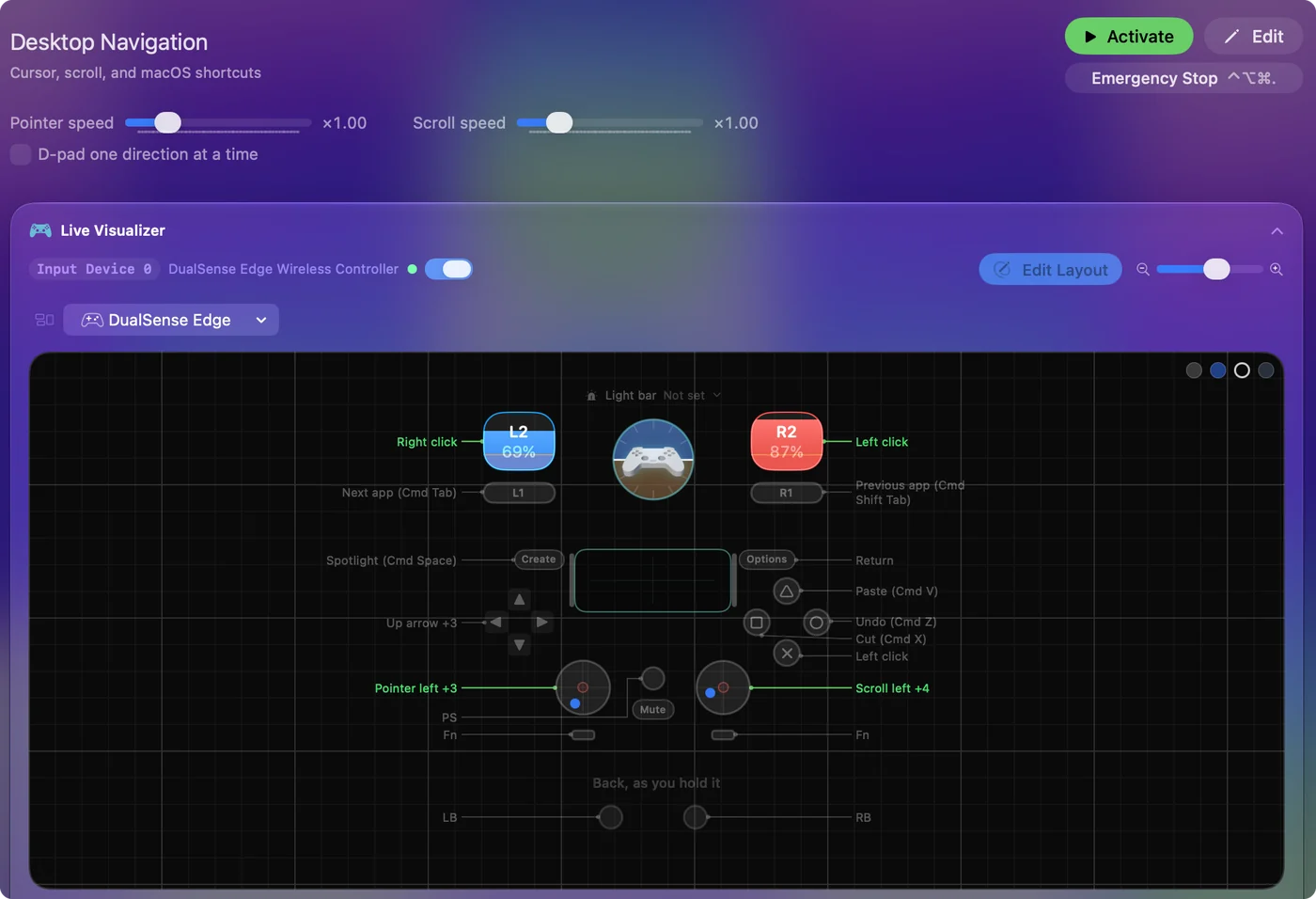
- The controller doing everything. Games without support, the whole Mac, the touchpad and gyro, MIDI gear as input, one-stick driving, switches: that is what I built InputConfig for, and nothing in it is locked.
If you only need one thing, the smallest tool that does it is the right one.
Free, nothing locked
| App | Last update | macOS | Open source | Notes |
|---|---|---|---|---|
| InputConfig | 1.8, October 2026 | 14 or later | Yes, MIT | Any controller, MIDI device, keyboard, mouse, trackpad, or a tap on the MacBook to keys, clicks, pointer, scroll, macros, MIDI and system actions. 450+ ready layouts. Mine. Tapping the MacBook was tested on M4 MacBooks and did not work on an M1 Pro in our testing; the calibrator's status chip tells you whether yours listens. |
| Recontrol | 2.1.1, May 2026 | 15.6 or later | No | Gamepad to mouse and keyboard remapper, on the Mac App Store. |
| Enjoyable | 1.2, October 2014 | 10.7 or later | Yes, MIT | The one a lot of people remember: buttons to keys, a stick to the mouse. A community fork for Apple silicon appeared in 2025. |
| JoyKeyMapper | 1.2.0, August 2020 | 10.14 or later | Yes, MIT | Nintendo controllers only: Joy-Con, Switch Pro, and the Famicom and Super Famicom pads for Switch. |
| Steam Input | Continuous | Inside Steam | No | Remaps any controller for Steam games, including to keys. Only for Steam games, and some Mac games ignore it. |
| Karabiner-Elements | Continuous | Recent macOS | Yes | A keyboard and mouse customizer, not a controller mapper. Works for pads that can act as a keyboard, such as an 8BitDo Zero 2 in keyboard mode. |
Free to download, with features or time locked
| App | Last update | macOS | What costs money |
|---|---|---|---|
| Gamepad Mapper | 1.8, August 2024 | 12 or later | In-app purchases: All Access at $2.99 a month, or PS5, Xbox Series X and Switch Pro drivers at $3.99 each, plus other add-ons. |
| JoyMapper | 1.22.0, September 2026 | 10.14.4 or later | A five-day trial, then $7.99. |
| ConMapper | 1.7.0, September 2026 | 14 or later | ConMapper Pro, $6.99. |
| Controlly | 1.1.7, November 2025 | 11 or later | A seven-day trial, then $3.99. |
| USB Overdrive | 5.4 | 12 or later | Free to try, then a paid license. Handles joysticks and gamepads as well as mice and keyboards. |
| ControllerKeys | 2.9.0, September 2026 | 14.6 or later | A 14-day trial, then $19.99 from the maker's site. |
Checked on 22 October 2026 against each app's App Store listing, GitHub or Codeberg page, and the maker's own site.
Read the code before you grant Accessibility
Three of the free mappers publish their code under the MIT license: InputConfig, Enjoyable and JoyKeyMapper. That matters more for this kind of app than for most. A mapper needs the Accessibility permission, which lets it send keystrokes and clicks to every app on your Mac. With the code public, anyone can read what an app does with that permission.
- Where the code is. InputConfig's source is on GitHub, written in Swift. You can build it yourself in Xcode, or install it from the Mac App Store, which keeps it updated.
- What it is allowed to do. The entitlements file is in the repository too. The app runs in Apple's App Sandbox, asks only for Bluetooth, USB and files you choose to open or save, and has no network entitlement, so it cannot reach the internet.
- What it collects. Nothing: there is no account and no analytics.
Download each one from its maker
Search results for these apps are full of download sites that repackage them, and for the paid ones, "free download" and "cracked" copies. Every mapper asks for the Accessibility permission, so a tampered copy could type or click anywhere on your Mac. Get each one from its maker:
- InputConfig. The Mac App Store, or build it from the GitHub source.
- Recontrol, JoyKeyMapper, Gamepad Mapper, JoyMapper, ConMapper and Joystick Mapper. The Mac App Store.
- Enjoyable. Its maker's page at yukkurigames.com or its Codeberg repository.
- Karabiner-Elements. Its own site, karabiner-elements.pqrs.org.
A Mac App Store app has been through Apple's review, runs in the App Sandbox and updates itself. If the app you had in mind is a paid one, a free one from the tables above is a better answer than a copy from a download site.
The short version
- Free with nothing locked. These are InputConfig, Recontrol, Enjoyable and JoyKeyMapper.
- Open source. InputConfig, Enjoyable and JoyKeyMapper are, and all three use the MIT license.
- Older macOS. On macOS 12 or 13, Gamepad Mapper or JoyMapper, since InputConfig needs macOS 14.
- Where to get them. Get them from the Mac App Store or the maker's own page, never a mirror.
A free mapper from its maker beats a "free" copy of a paid one from anywhere else.
Questions
Is there a free controller mapper for Mac with nothing locked?
Yes. InputConfig, Recontrol, Enjoyable and JoyKeyMapper are free with nothing held back. InputConfig has an optional tip jar that adds nothing to the app.
Which controller mapper for Mac is open source?
InputConfig, Enjoyable and JoyKeyMapper publish their source under the MIT license.
Is Joystick Mapper free?
No. Joystick Mapper costs $4.99 on the Mac App Store, and its last update was version 1.2 in November 2019. The free route is a joystick mapper for Mac.
Is Gamepad Mapper free?
It is free to download. PlayStation 5, Xbox Series X and Switch Pro support are in-app purchases at $3.99 each, or all features for $2.99 a month.
Is there a free alternative to reWASD for Mac?
reWASD is Windows only. On the Mac, InputConfig covers most of the same ground, free and open source, though it does not turn a keyboard into a virtual controller.
Is there a free gamepad mapper for Mac with no in-app purchases?
Yes. InputConfig has nothing to buy except an optional tip, which adds nothing. Recontrol, Enjoyable and JoyKeyMapper are also free with nothing held back.
Can I read InputConfig's source code before I install it?
Yes. The full source is on GitHub under the MIT license, including the entitlements file that shows the app runs sandboxed with no network access. You can build it yourself in Xcode or install it from the Mac App Store.
Related
This page in other languages: 日本語, ไทย, 繁體中文, 简体中文
Updated