Enjoyable for Mac in 2026
 InputConfig is completely free on the Mac App Store. You don't have to make an account, there are no subscriptions, and nothing is locked. Optimized for Apple silicon.
Maybe, but I would not count on it. Enjoyable's last release, 1.2, came out on 27 October 2014, and I have not tested it on macOS 26 or 27, so I cannot promise it works with today's Xbox or PlayStation controllers. The Enjoyable app is a free, open-source Mac gamepad mapper by Joe Wreschnig that turns controller buttons into keys and a stick into the mouse, and its code has not changed since that release. A community fork for Apple silicon, enjoyable-silicon by pedroh77 on GitHub, published a 1.0.0 in November 2025. If you want a free option that is updated for current macOS, InputConfig is the one I make, so weigh that.
On this page
Steps
- Install InputConfig from the Mac App Store and allow Accessibility access.
- Pair the controller.
- Search the Smart Preset Maker for the game you used Enjoyable with, or pick Mouse + Scroll.
- Press Scan on any row you want to change, press the button, and choose what it sends.
- Press Activate.
Get and open Enjoyable today
- Where. The official download is Enjoyable-1.2.zip (about 311 KB) from Yukkuri Games, or the source on Codeberg. Many other sites mirror it. The original is the one to trust.
- What it needs. Its stated requirement is Mac OS X 10.7 or later and a HID-compatible controller over USB or Bluetooth, and its author wrote it with a PlayStation 3 controller.
- The first launch. It was built years before Apple started notarizing apps, so expect current macOS to warn you the first time you open it. System Settings, Privacy & Security has an Open Anyway button.
- The permission. Like any mapper, it needs Accessibility to send keys.
If Enjoyable still runs for you and does what you need, there is no reason to move.
Run Enjoyable on Apple silicon
The original Enjoyable 1.2 is from 2014, long before Apple silicon, and I have not tested it on an M-series Mac. The fork that exists for this is enjoyable-silicon. I read its GitHub page on October 27, 2026, and I have not run it either.
- What it is. A fork of Enjoyable, under the MIT license, described as a game controller to keyboard and mouse mapper for macOS.
- What it runs on. Its readme says it is a universal build that needs no Rosetta, and that it targets macOS 15 Sequoia and later.
- How to open it. Download the disk image from its releases page. The app is unsigned, so macOS can block the first launch: right-click it, choose Open, and allow Accessibility when it asks.
Download Enjoyable only from the project's own pages, which are Yukkuri Games or Codeberg for the original and GitHub for the fork, and skip the mirrors.
Follow an Enjoyable video tutorial in InputConfig
Several of the most-watched Mac controller tutorials on YouTube, some past 200,000 views, still teach Enjoyable, and most were made four to six years ago. The idea in them has not changed, so here is how each step maps to InputConfig on a current Mac:
| In the Enjoyable video | In InputConfig |
|---|---|
| Download the app from GitHub and open it past the security warning | Install it from the Mac App Store, free, for macOS 14 or later on Apple silicon or Intel |
| Allow it under Accessibility in Privacy settings | The same one permission, Accessibility, in System Settings, Privacy & Security |
| Press a button so it lights up in the list, then choose the key it sends | Press Scan on a row, press the button, then choose Keyboard Key and the key |
| Set a stick to move the mouse | A Mouse Motion row, with a deadzone and a response curve on the same row, or start from the Mouse + Scroll preset |
| Keep one mapping per game and switch by hand | One preset per game or app, and per-app auto-switch changes preset when that app comes to the front |
| Download someone else's mapping file | Search the Smart Preset Maker for the game: it has ready layouts for 450+ games and apps |
If you would rather follow written steps, the first preset walkthrough is the same five minutes in order, one step per heading.
Replace Enjoyable's mapping files
Enjoyable shipped downloadable mappings for a handful of games. InputConfig cannot import them, but it has a ready layout for most games people used Enjoyable with.
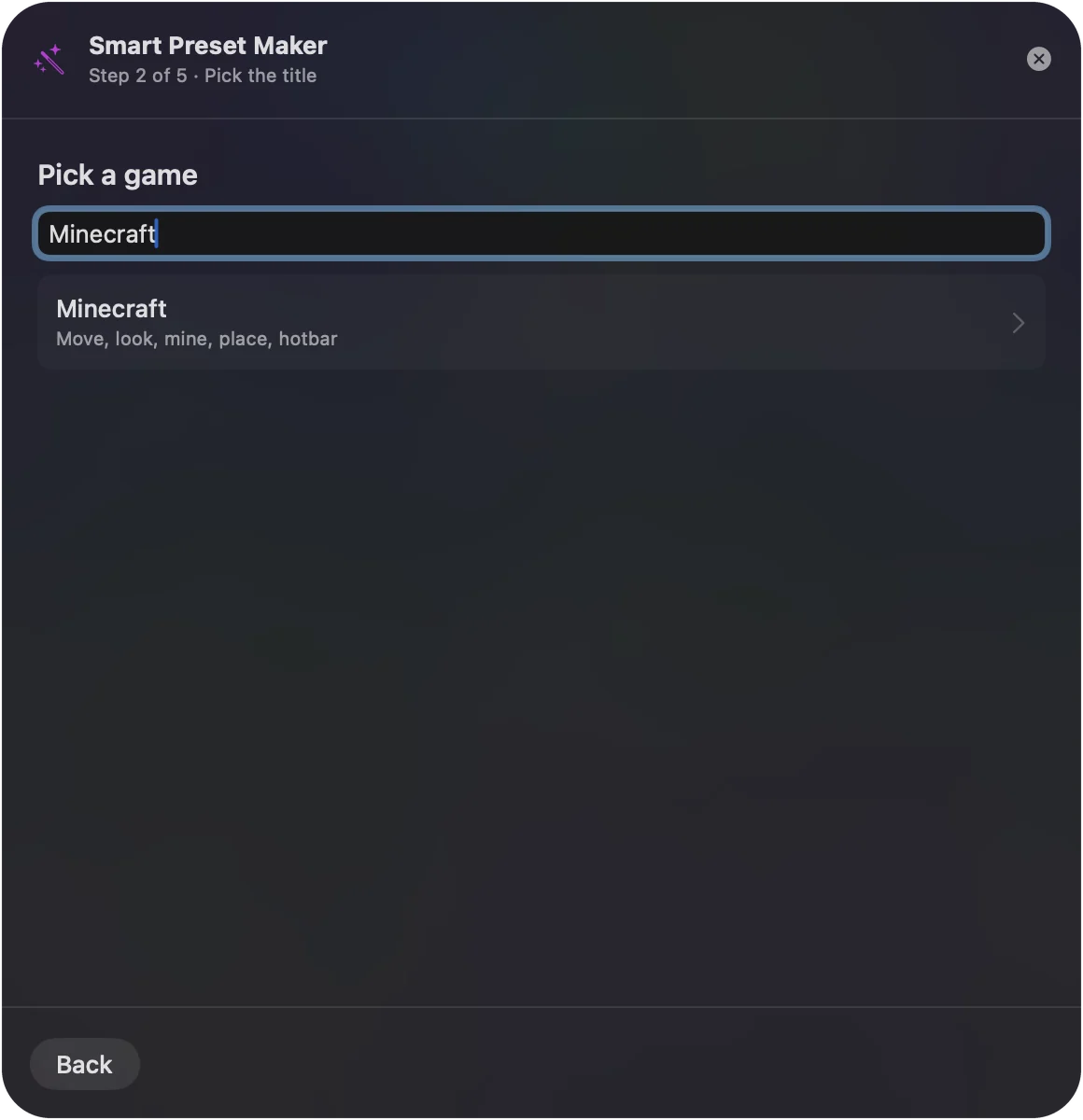
- You: Open the Smart Preset Maker and type the game's name, or browse the preset list.
- InputConfig: Builds a preset from the ready layout and adds it to the sidebar.
- Check: Every layout is a starting point. Press Scan on any row you want different and press the button you would rather use.
Use the Anki preset instead
A lot of people found Enjoyable through Anki: four face buttons are easier on the hands than the number row for an hour of reviews. InputConfig has a built-in Anki preset that maps the whole review loop: show answer and Good on the bottom button, Again, Hard and Easy on the others, undo and replay audio on the bumpers. The Anki controller guide covers small pads such as the 8BitDo Zero 2 and Micro.
If Enjoyable will not run
Climb this ladder, smallest step first:
- Open it anyway. After the first warning, use the Open Anyway button in System Settings, Privacy & Security.
- Reset Accessibility. If it opens but sends nothing, switch Enjoyable off and on again in System Settings, Privacy & Security, Accessibility.
- Try the fork. enjoyable-silicon is the community version aimed at Apple silicon.
- Switch. InputConfig does the same job on current macOS, free, with the steps above.
Where Enjoyable stands
The original Enjoyable is free, open source under the MIT license, and finished: there will be no 1.3. I have not tested 1.2 on macOS 26 or 27, or with current controllers. InputConfig supports the Xbox One and Series controllers, the DualShock 4 and the DualSense, and needs macOS 14 or later.
The short version
- Enjoyable still runs for you. Keep it.
- It will not run. Try Open Anyway, then the enjoyable-silicon fork.
- You want current. InputConfig is free, with a ready layout for most of the games Enjoyable mapped.
The steps in an old Enjoyable video still teach the right idea, and the only thing that has changed is the app.
Questions
Is Enjoyable still updated?
The original is not: version 1.2 from October 2014 is the last release. A community fork, enjoyable-silicon, released 1.0.0 in November 2025.
Does Enjoyable work on Apple silicon Macs?
The original 1.2 is from 2014 and I have not tested it on an M-series Mac. The community fork enjoyable-silicon says it is a universal build that needs no Rosetta and targets macOS 15 and later. InputConfig runs natively on Apple silicon and Intel on macOS 14 or later.
Where do I download Enjoyable safely?
From the maker's own site, Yukkuri Games, or from the source on Codeberg. For the Apple silicon fork, use its GitHub page. Avoid mirror sites, and expect macOS to warn you the first time you open any of them.
Is there a newer free app like Enjoyable for Mac?
Yes. InputConfig is free and open source like Enjoyable, updated for current macOS and controllers.
The YouTube tutorial I found uses Enjoyable. Should I still follow it?
You can, if Enjoyable runs on your Mac: its last release, 1.2, is from October 2014, and the community fork enjoyable-silicon is the version aimed at Apple silicon. The steps carry over to InputConfig almost one for one: allow Accessibility, press Scan on a row, press the button, pick the key or mouse action it sends.
Does Enjoyable work with an Xbox or PS4 controller?
Enjoyable reads HID-compatible controllers over USB or Bluetooth, and its author built it around a PlayStation 3 pad. I have not tested current Xbox or PlayStation controllers with version 1.2. InputConfig supports the Xbox One and Series controllers, the DualShock 4 and the DualSense.
Related
This page in other languages: Français
Updated