Anki Spacebar Binder
 InputConfig is completely free on the Mac App Store.
This is a tiny Anki add-on I made that changes what the spacebar does on the answer side of a card. Anki's default is Good. With this, you can make Space mean Again, Hard, Good or Easy, and that's honestly all it does.
Download anki-spacebar-binder.ankiaddon
1 KB. Free, no account, no tracking. Anki 2.1.50 and later, including 25.x, on Mac, Windows, and Linux. Read the source: it is 30 lines.
Why it exists
I review with a game controller. The InputConfig Anki preset puts Space on the big button, because Space shows the answer and then presses Good, so the common path is press, read, press. But I did not want the big button to be Good. I wanted it to be Hard, because that is the honest rating for most of my cards. Anki has no setting for that. So I wrote one.
You do not need a controller to use it. If you have ever wished Space meant something other than Good, this is for you too.
Install
- Download the file above.
- Double-click it, or in Anki open Tools, Add-ons, Install from file, and pick it.
- Restart Anki.
Pick the button
Tools, Add-ons, select Anki Spacebar Binder, Config. Set spacebar to again, hard, good, or easy. It ships set to hard. Restart Anki after changing it.
On a new card that shows only three buttons, Easy falls back to Good so a press never lands on a button that is not there.
With a controller
Pair it with the Anki preset: the bottom face button sends Space, the other three send Again, Hard, and Easy directly, the bumpers undo and replay audio. The Anki from a controller guide walks through the layout and the small changes worth making.
How this fits with InputConfig
This page tests a keyboard in the browser. InputConfig works one step later: it can make any key, F13 to F19 and keys on gaming, ISO and Japanese keyboards included, send a shortcut, a click, typed text or a macro, in every app or only in one.
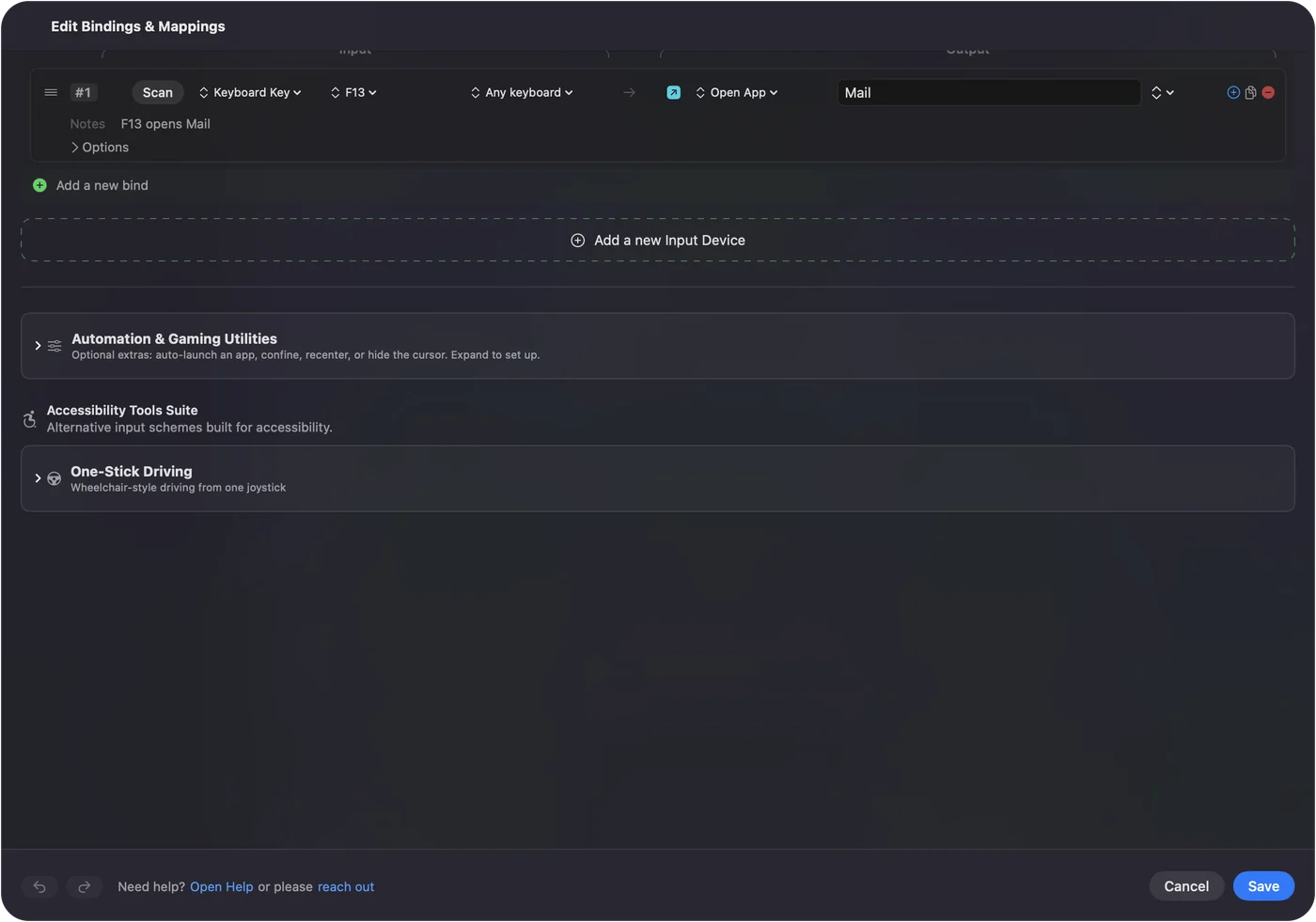
Per-app keyboard shortcuts on a Mac shows it step by step. InputConfig is free on the Mac App Store.
More keyboard tests
Completely free. You don't have to make an account, there are no subscriptions, and nothing is locked. Optimized for Apple silicon. Open source on GitHub.
Updated