Keyboard chatter test
 InputConfig is completely free on the Mac App Store.
Click the box and type normally, or press the key you suspect over and over. Any key that fires twice too fast to be you gets flagged.
30 ms
Per key
| Key | Presses | Chatter | Fastest repeat |
|---|
How to test one key
- Click the box. The test only listens while the box has focus.
- Press the key 50 times or more. Press at a normal speed, then fast. Chatter often shows only now and then.
- Read the row. A count in the Chatter column means the key sent a second press faster than the threshold.
A person rarely presses the same key twice within 30 ms, so a repeat that fast is almost always the switch, not your finger. Very fast typists can trip a higher threshold, which is why the slider is there.
If a key chatters
Climb this ladder, smallest step first:
- Clean it. Blow compressed air under the keycap and press the key quickly many times.
- Reseat the switch. On a hot-swap keyboard, pull the switch and push it back in, or swap it with one from a key you rarely use.
- Raise the debounce time. If your keyboard has its own software, look for a debounce setting.
- Use Slow Keys as a stopgap. System Settings, Accessibility, Keyboard, Slow Keys adds a delay before any key counts. It slows every key, so it is a patch, not a fix.
- Repair or replace. A laptop key that still chatters after cleaning usually needs service.
Chatter is different from ghosting, where a key does not register while others are held. The ghosting test checks that.
How this fits with InputConfig
InputConfig cannot fix a chattering switch, because the extra press comes from the keyboard itself. This page tests a keyboard in the browser. InputConfig works one step later: it can make any key, F13 to F19 and keys on gaming, ISO and Japanese keyboards included, send a shortcut, a click, typed text or a macro, in every app or only in one.
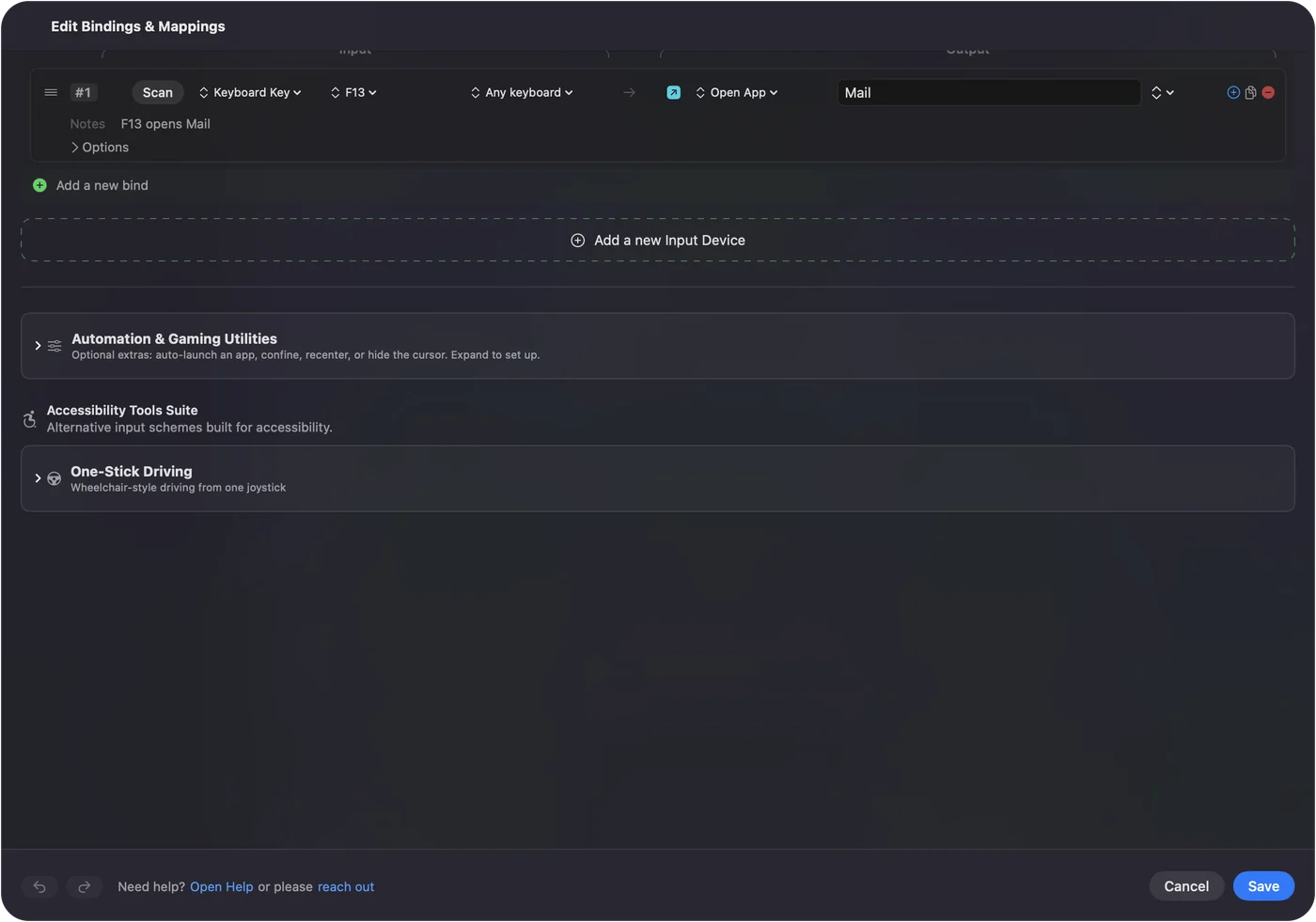
Per-app keyboard shortcuts on a Mac shows it step by step. InputConfig is free on the Mac App Store.
More keyboard tests
Questions
What is keyboard chatter?
A key that registers two or more presses when you pressed it once, so you get doubled letters. It usually comes from a worn, dirty or loose switch.
How does the test find chatter?
It watches the time between a key coming up and the same key going down again. A gap shorter than the threshold, 30 ms by default, is faster than a person can press a key twice, so it is flagged.
How do I fix a chattering key?
Blow out the switch with compressed air, then press it many times quickly. On a hot-swap keyboard, reseat or replace the switch. Some keyboards have a debounce setting in their own software.
Is there a Mac setting that helps?
Slow Keys in System Settings, Accessibility, Keyboard adds a short delay before a key counts. It can hide chatter, but it slows down every key, so treat it as a stopgap.
Related
Completely free. You don't have to make an account, there are no subscriptions, and nothing is locked. Optimized for Apple silicon. Open source on GitHub.
Updated