Snap tap and counter-strafe test
 InputConfig is completely free on the Mac App Store.
Click the box, then strafe: hold A, switch to D, back to A. You'll see the overlap or gap at each switch, in milliseconds, and which key was active.
Bars above the line are overlaps, both keys held. Bars below are gaps, neither key held.
Read the numbers
- Overlap. The second key went down while the first was still held. Without snap tap, both directions cancel out for that moment in many games.
- Gap. The first key came up before the second went down, so for that moment you were not pressing either.
- Distance from a perfect switch. How far, on average, each switch was from landing at the same instant. Smaller is tighter.
Practice until your switches sit close to the line with a small spread. Consistency matters more than any single fast switch.
Snap tap, SOCD and the rules
Keyboards with snap tap or a similar SOCD setting decide for you which of two opposite keys wins, so a held key never cancels the new one. Here that shows up as almost no overlap even when you hold both. Some games and leagues do not allow it, Counter-Strike 2 on Valve's official servers among them, so check before you use it in a match. I have not tested every keyboard's version of the feature.
Keys doubling up on you? That is chatter, not strafing, and the keyboard chatter test finds it.
How this fits with InputConfig
InputConfig does not add snap tap or SOCD to a keyboard. This page tests a keyboard in the browser. InputConfig works one step later: it can make any key, F13 to F19 and keys on gaming, ISO and Japanese keyboards included, send a shortcut, a click, typed text or a macro, in every app or only in one.
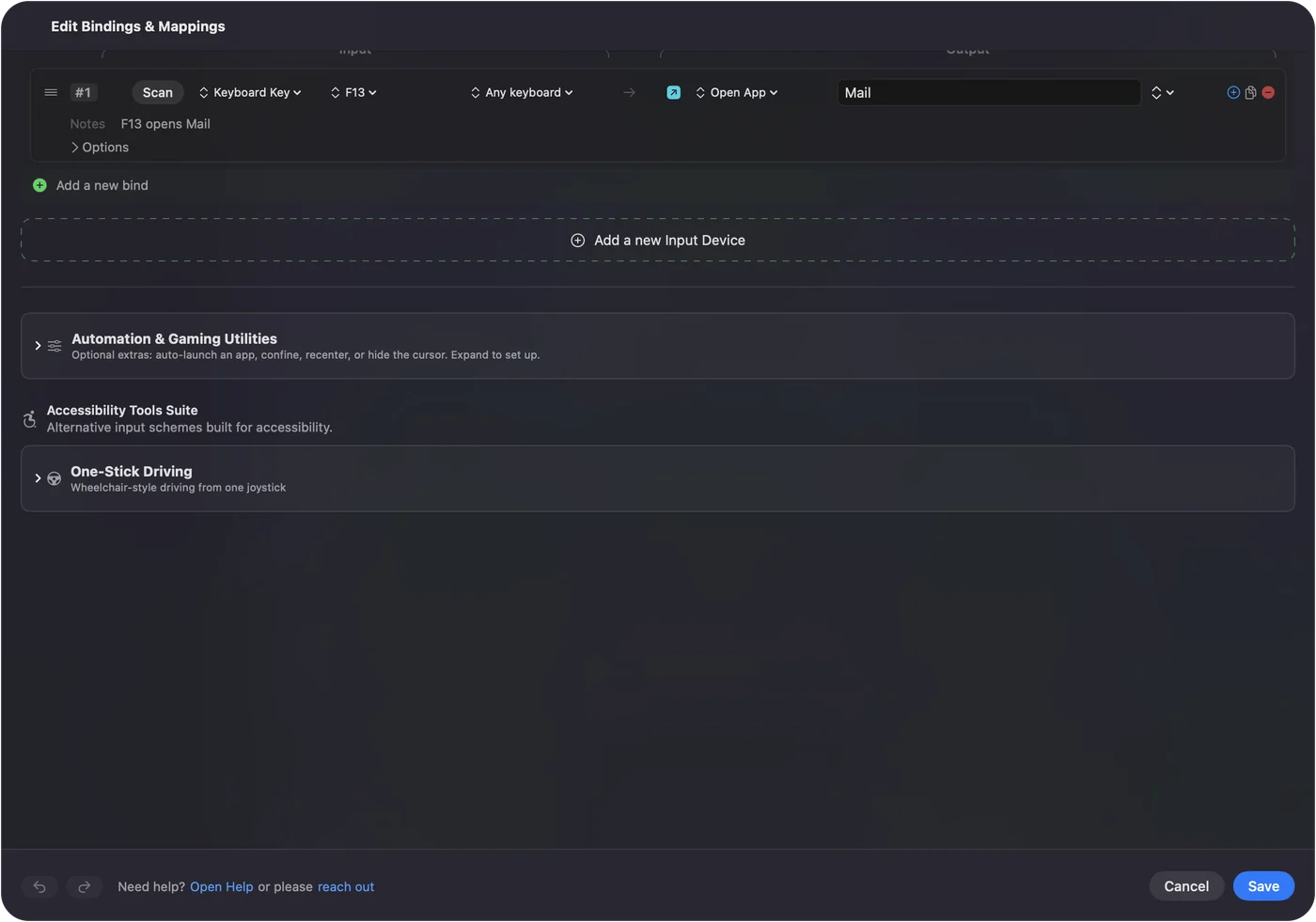
Per-app keyboard shortcuts on a Mac shows it step by step. InputConfig is free on the Mac App Store.
More keyboard tests
Questions
What is snap tap?
A keyboard feature that, when you hold two opposite keys such as A and D, sends only the one pressed last. It is sold under names such as Snap Tap and SOCD. Some games ban it on official servers, Counter-Strike 2 among them, so check the game's rules.
How does this test read my keys?
It times when each key goes down and up. If the second key goes down before the first comes up, that is an overlap. If the first comes up before the second goes down, that is a gap.
What is a good counter-strafe?
Players aim for the release and the opposite press to land very close together, with little gap and little overlap. The page shows how close yours are, so you can practice evening them out.
Can a browser see snap tap working?
Partly. With snap tap on, the keyboard itself sends the release of the first key at the moment you press the second, so the page sees almost no overlap. With it off, holding both keys shows a real overlap.
Related
Completely free. You don't have to make an account, there are no subscriptions, and nothing is locked. Optimized for Apple silicon. Open source on GitHub.
Updated