10 key test
 InputConfig is completely free on the Mac App Store.
Type each number you see and press Enter. The clock starts with your first key, and you'll see your keystrokes per hour when time runs out.
Read your score
- Keystrokes per hour. Correct keys, Enter included, scaled to an hour. This is the number data entry listings usually ask for.
- Accuracy. The share of numbers typed exactly right. Speed counts for little if accuracy drops, so aim to stay near 100 percent.
- Numbers per minute. How many whole numbers you got right each minute.
Keep your fingers on the home row of the pad, 4, 5 and 6, with your middle finger on the 5 bump, and type without looking.
On a Mac with no number pad
Most Mac laptops and the smaller Apple keyboards have no number pad. The number row works here, but practice on the kind of keyboard you will be tested on. A USB or Bluetooth number pad works on a Mac with no setup. To check that each key on the pad sends what it should, use the keyboard tester.
How this fits with InputConfig
This page tests a keyboard in the browser. InputConfig works one step later: it can make any key, F13 to F19 and keys on gaming, ISO and Japanese keyboards included, send a shortcut, a click, typed text or a macro, in every app or only in one.
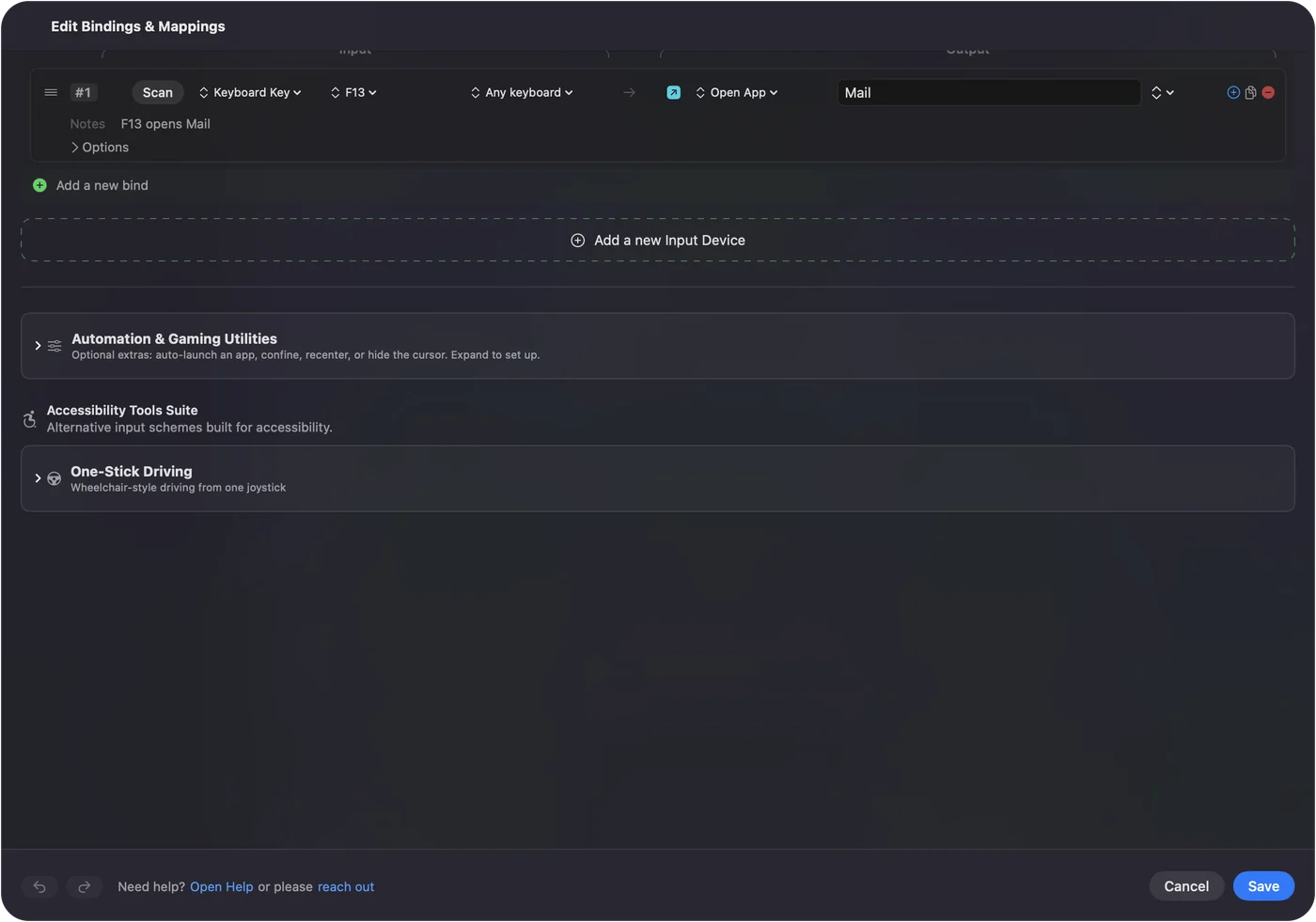
Per-app keyboard shortcuts on a Mac shows it step by step. InputConfig is free on the Mac App Store.
More keyboard tests
Questions
What is a good 10 key speed?
Data entry jobs often list a minimum around 8,000 to 10,000 keystrokes per hour, and fast typists reach well above 12,000. Each employer sets its own bar, so check the job listing.
What are keystrokes per hour?
The number of correct keys you would type in an hour at your current pace. The Enter key after each number counts as a keystroke, as most 10 key tests count it.
Can I take a 10 key test without a number pad?
Yes, the number keys above the letters work too, but the test is meant for a number pad. Many Mac keyboards have none, and a USB number pad is cheap.
Does it count mistakes?
Yes. A number with any wrong digit counts as wrong, and only correct keystrokes count toward your speed.
Related
Completely free. You don't have to make an account, there are no subscriptions, and nothing is locked. Optimized for Apple silicon. Open source on GitHub.
Updated