Typing test
 InputConfig is completely free on the Mac App Store.
Pick a length and start typing the words you see. The clock starts on your first key, and at the end you'll get your speed in words per minute and your accuracy.
Read your result
- Words per minute. Every five correct characters count as one word, spaces included, which is how typing speed is usually scored.
- Accuracy. The share of what you typed that was right. A word with a mistake in it does not count toward your speed.
- Missed words. The words you got wrong most, so you know what to practice.
Aim for accuracy first, because fixing mistakes costs more time than typing a little slower.
If a key is not typing
A test that keeps failing on the same letter can mean the key itself is the problem. The keyboard tester lights each key as you press it, and the ghosting test shows whether fast key combinations are being dropped.
How this fits with InputConfig
This page tests a keyboard in the browser. InputConfig works one step later: it can make any key, F13 to F19 and keys on gaming, ISO and Japanese keyboards included, send a shortcut, a click, typed text or a macro, in every app or only in one.
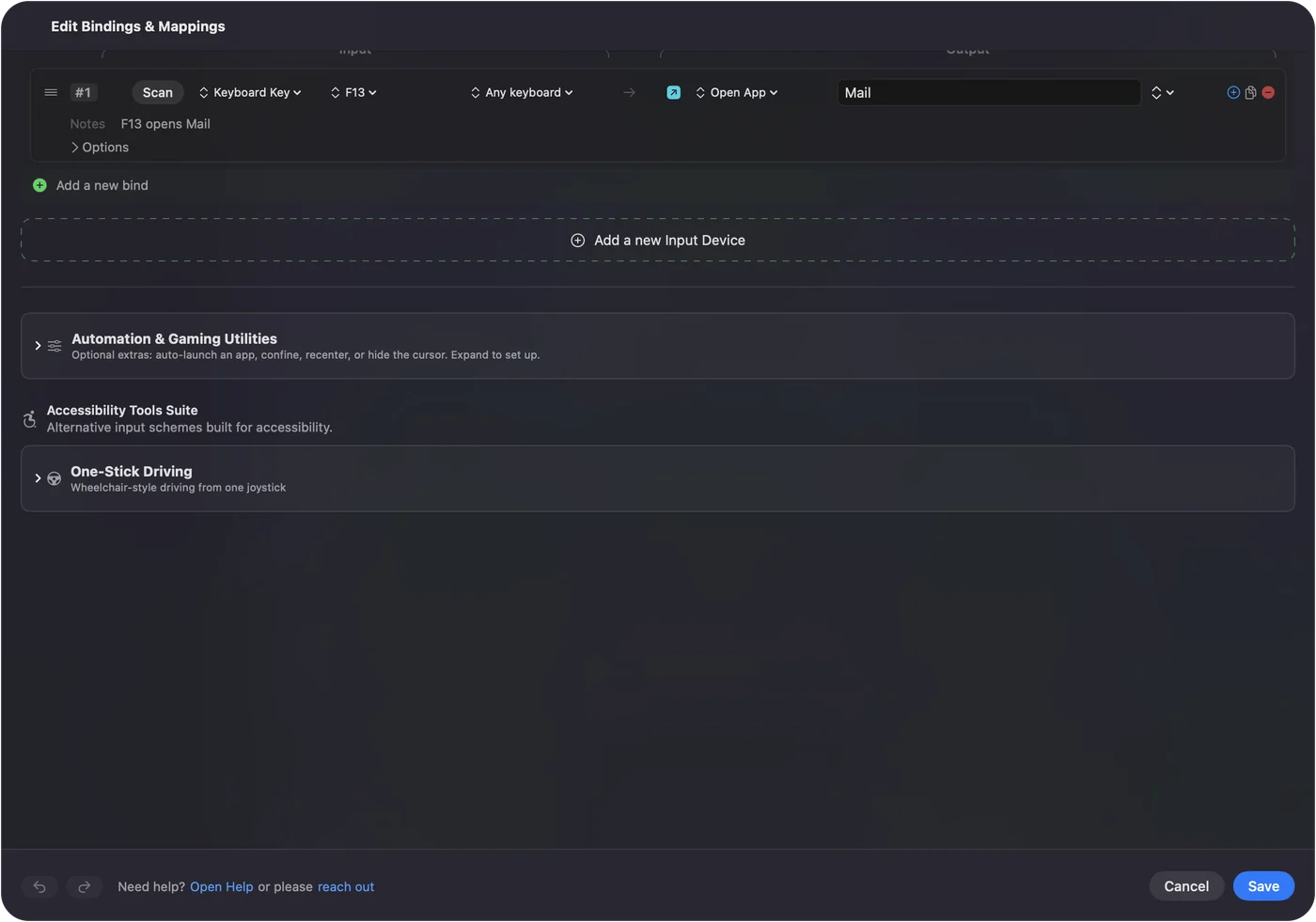
Per-app keyboard shortcuts on a Mac shows it step by step. InputConfig is free on the Mac App Store.
More keyboard tests
Questions
How is typing speed measured?
Words per minute counts every five correct characters as one word, so long and short words are scored the same way. This test counts only the characters you typed correctly.
What is a good typing speed?
Around 40 words per minute is a common average for adults, and 60 or more is fast for everyday work. Those figures are a rule of thumb, not a standard.
Does accuracy matter more than speed?
For practice, yes. Fixing mistakes costs more time than typing a little slower, so most typing teachers suggest getting accurate first and letting speed follow.
Can I test a new keyboard with this?
Yes. Take the test on each keyboard and compare. To check that every key registers, use the keyboard tester.
Related
Completely free. You don't have to make an account, there are no subscriptions, and nothing is locked. Optimized for Apple silicon. Open source on GitHub.
Updated