Keyboard layout checker
 InputConfig is completely free on the Mac App Store.
Click the box and press each key the page asks for, using the key in that spot on your keyboard. You'll see which layout your Mac is typing with.
How it decides
A key that waits for the next letter to add an accent, called a dead key, is skipped, because it types nothing on its own. US and UK Mac layouts type the same letters on these keys, so the page treats them as one. Each key sits in a fixed spot, but the character it types depends on the layout the Mac is set to. The page asks for the keys that differ most between layouts, such as the one right of L, and compares what you typed with each layout's map. The answer is the layout the Mac is using right now, which can differ from what is printed on the keys.
In Chrome and Edge the browser can share the layout map directly, so the answer appears without any presses. Safari does not share it, so press the keys.
Change the layout on a Mac
- Open the input sources. System Settings, Keyboard, then Edit next to Input Sources.
- Add a layout. Click the plus button, pick the language and the layout, and click Add.
- Switch layouts. Use the input menu in the menu bar, or press Control Space.
Keys still typing the wrong thing? The Mac keyboard tester shows exactly what each key sends.
How this fits with InputConfig
This page tests a keyboard in the browser. InputConfig works one step later: it can make any key, F13 to F19 and keys on gaming, ISO and Japanese keyboards included, send a shortcut, a click, typed text or a macro, in every app or only in one.
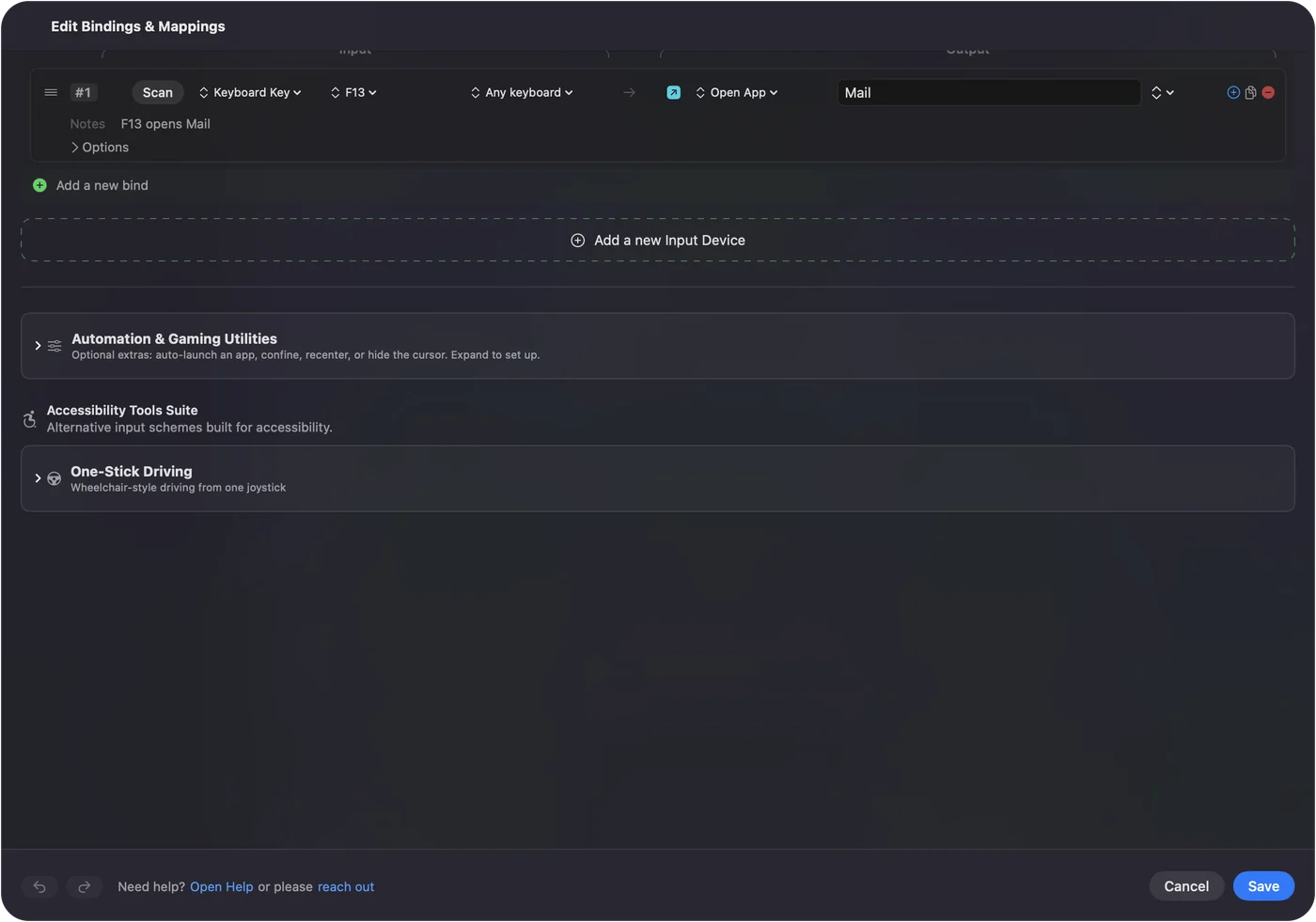
Per-app keyboard shortcuts on a Mac shows it step by step. InputConfig is free on the Mac App Store.
More keyboard tests
Questions
How do I tell which keyboard layout I have?
Press the keys this page asks for. It compares the character each key types with what that key types on common layouts and names the best match.
How do I change the keyboard layout on a Mac?
Open System Settings, Keyboard, and click Edit next to Input Sources. Add the layout you want, then switch with the input menu in the menu bar or Control Space.
Why do my keys type the wrong characters?
The Mac is set to a different layout than the one printed on the keys. Switch the input source to match the keyboard, or add the right layout.
What is the difference between QWERTY, QWERTZ and AZERTY?
They name the first six letter keys. QWERTY is common in the US and UK, QWERTZ in German-speaking countries and AZERTY in France and Belgium.
Related
Completely free. You don't have to make an account, there are no subscriptions, and nothing is locked. Optimized for Apple silicon. Open source on GitHub.
Updated