System functions
 InputConfig is completely free on the Mac App Store. You don't have to make an account, there are no subscriptions, and nothing is locked. Optimized for Apple silicon.
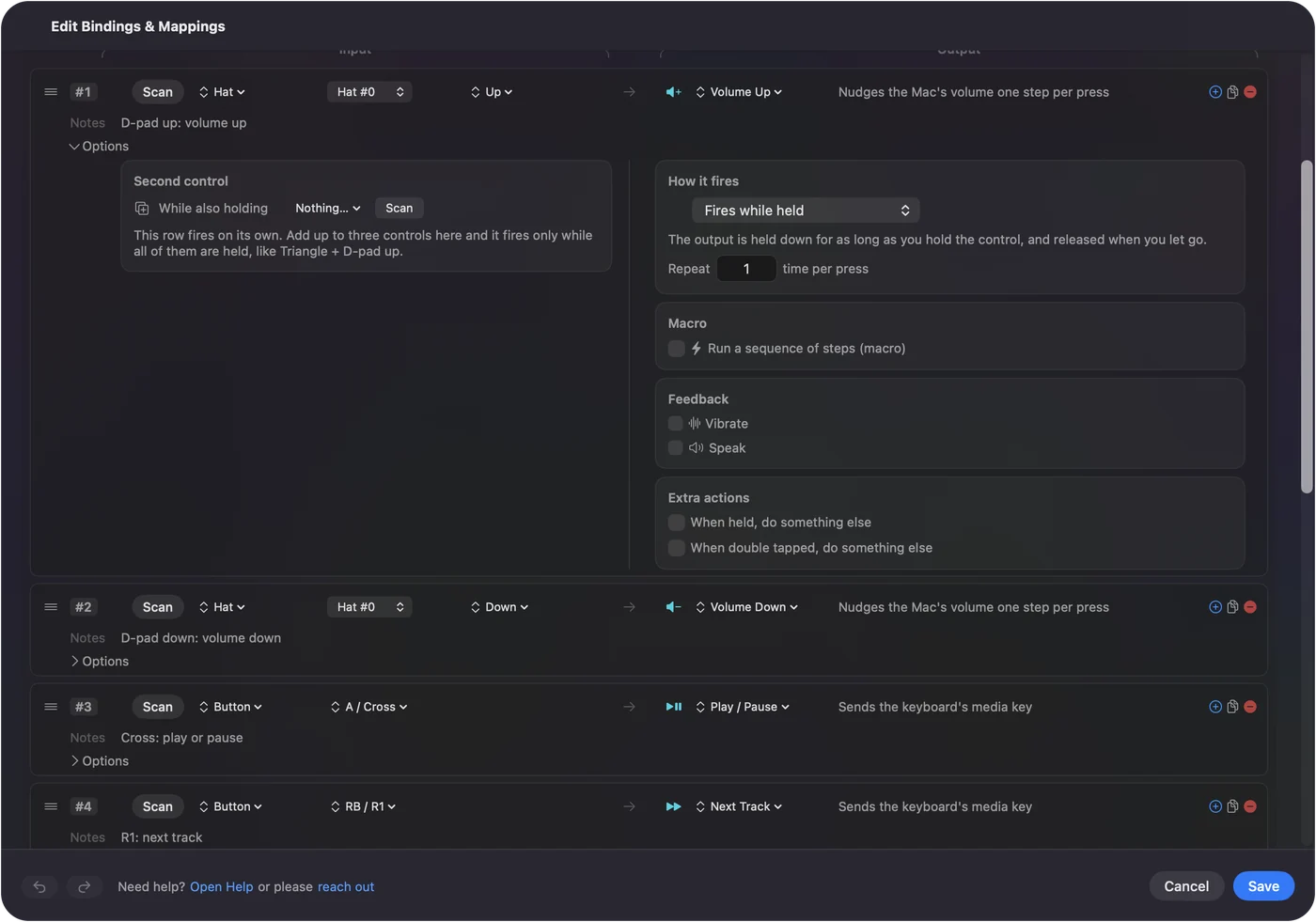
A System Function is an output that runs the Mac directly instead of pressing a key: volume, media, brightness, Mission Control, lock screen, a Siri Shortcut, an app or a link. Set a row's output type to System Function and pick from its list. It is the way to put the Mac's own controls on any button, pad or key.
Pick a system function
- Sound. Volume Up, Volume Down and Mute.
- Media. Play / Pause, Next Track and Previous Track, sent as real media keys.
- Display. Brightness Up and Down, and keyboard backlight up and down.
- Accessibility. Start Dictation, Speak Selection, Zoom On / Off, Zoom In and Zoom Out. See dictation, zoom and speak selection for the macOS setting each one needs.
- Mac. Mission Control, Launchpad, Spotlight, Lock Screen and the screenshot toolbar.
- Automation. Run Siri Shortcut, Open App and Open URL.
System Volume is a separate output and not a press: the Mac's volume follows the position of a knob, a trigger or a wheel. System Functions are the Mac's own controls, so they work in every app.
Run a Siri Shortcut
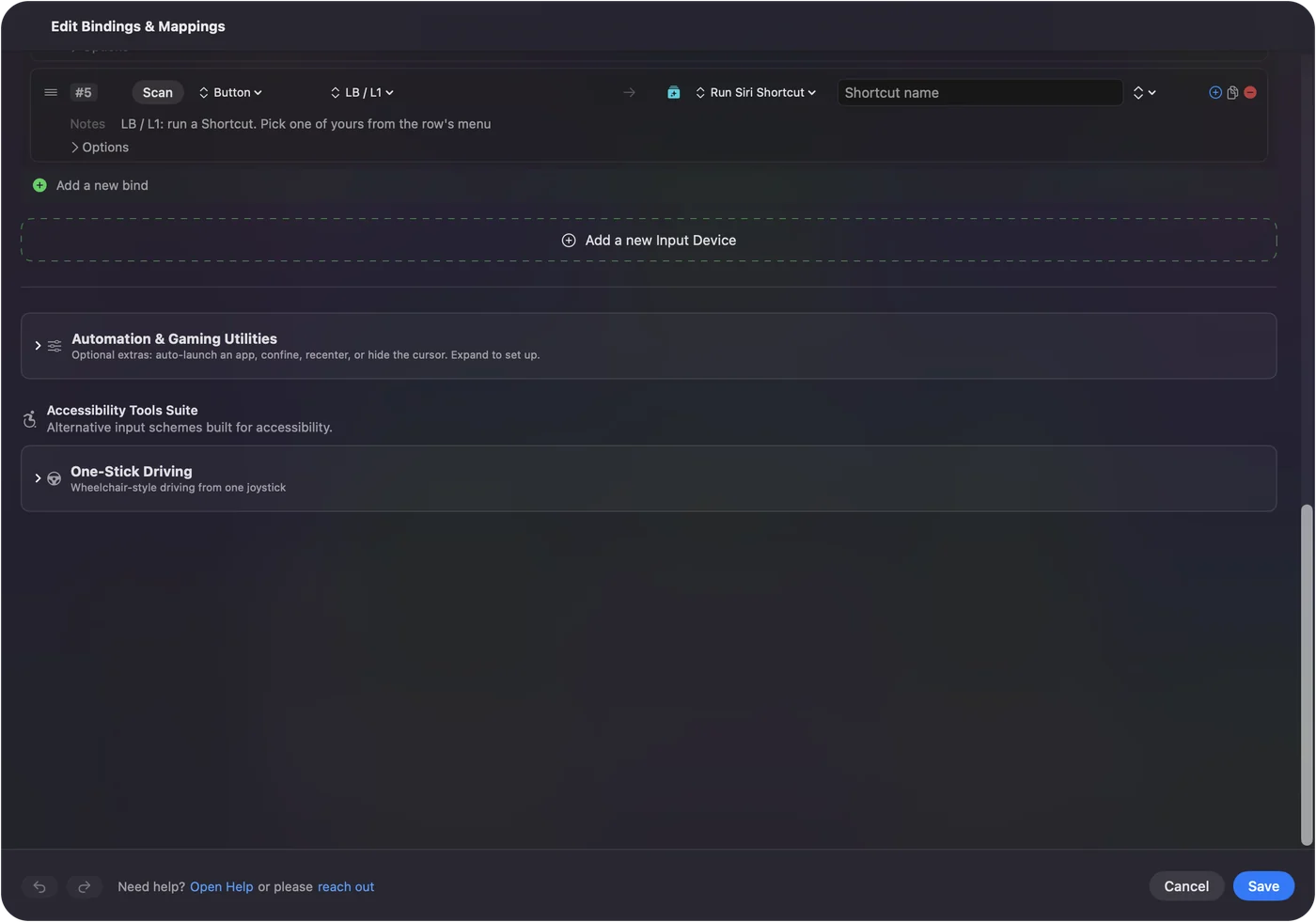
- You: Pick Run Siri Shortcut on a row and choose the shortcut from the list.
- InputConfig: Runs it by name in the background, without taking focus, so a pad can toggle Do Not Disturb, start a timer or run a smart-home scene while you keep working.
- Check: Press the control. macOS asks once per shortcut the first time; allow it, and the shortcut runs.
Any input can carry it: a controller button, a MIDI pad, a mouse side button, a key such as F13, or a tap on a MacBook. Tap the Mac was tested on M4 MacBooks and did not work on an M1 Pro in our testing; the calibrator's status chip tells you whether yours listens. Running a Shortcut from a controller has ideas and the built-in ways macOS offers first. Anything you can build in Shortcuts, one button can run.
Open an app or a link
- Open App. Takes an app name, a bundle identifier or a path, and brings the app to the front.
- Open URL. Opens a web, mail or app link: https, mailto, and app schemes such as spotify or obsidian. It does not open files, Shortcuts, scripts, network shares or calls.
A System Function can sit on the same row as a macro, as a stacked output, so one press can mute or open an app while the macro's keys run. One button can open the app and then do the first thing you always do in it.
If a system function does nothing
Climb this ladder, smallest step first:
- Switch on the macOS setting. Dictation, Zoom and Speak Selection each need a setting in System Settings first; dictation, zoom and speak selection lists them.
- Allow the Shortcut. Run Siri Shortcut waits for macOS to ask the first time; allow it.
- Check the permission. InputConfig needs Accessibility in System Settings, Privacy & Security to send anything.
The three accessibility outputs only work once their macOS setting is on.
The short version
- Output type. System Function, then pick from the list.
- Siri Shortcuts. Any shortcut, by name, in the background.
- Apps and links. Open App and Open URL.
The Mac's own controls belong on whatever button is easiest for you.
Questions
Can a System Function be a macro step?
Not as a step; steps are keys and mouse buttons. Put the System Function on the row as a stacked output beside the macro.
Related
Completely free. You don't have to make an account, there are no subscriptions, and nothing is locked. Optimized for Apple silicon. Open source on GitHub.
Updated