Keyboard, mouse, and trackpad as input
 InputConfig is completely free on the Mac App Store. You don't have to make an account, there are no subscriptions, and nothing is locked. Optimized for Apple silicon.
The Mac's own keyboard, its trackpad, a Magic Mouse or any other mouse can be an input in InputConfig, with no controller needed. Keys, both sides of every modifier, the top row's brightness, media and volume keys, F13 to F19, mouse buttons, double clicks, scrolling, the two-finger scroll gesture and the trackpad's force click all bind to anything. InputConfig listens to them and does not block or remap the key itself, so every key keeps its normal job as well. It needs no permission beyond Accessibility. Because a bound key still types, pick keys that type nothing.
On this page: 10 sections
Bind a key
- You: Add a row, press Scan, and press the key.
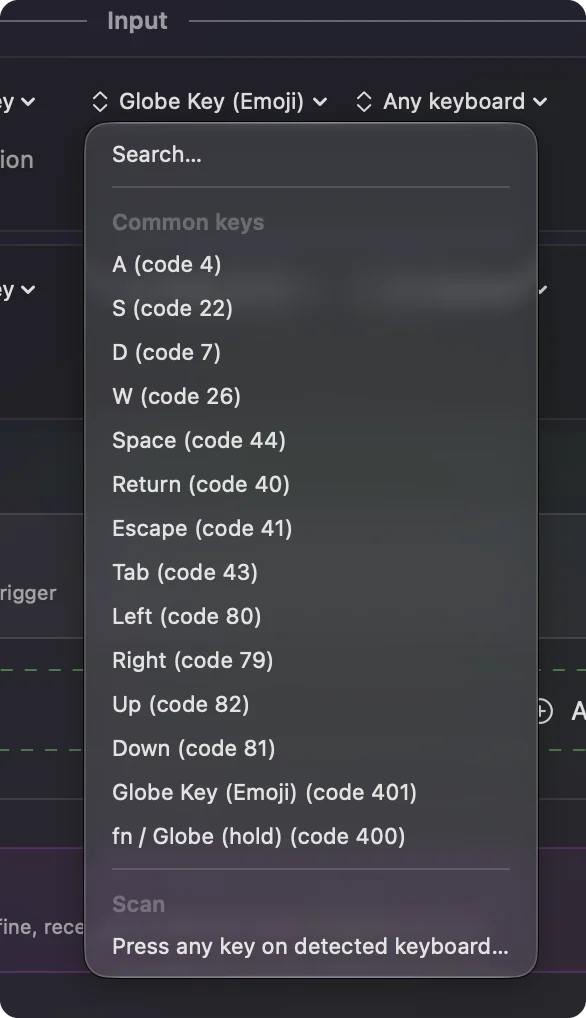
- InputConfig: Binds the row to that key and shows the key's name. Shift, Control, Option and Command are read on each side separately, and Caps Lock and fn too.
- Check: Press the key with the preset running and the output fires, while the key still does what it always did.
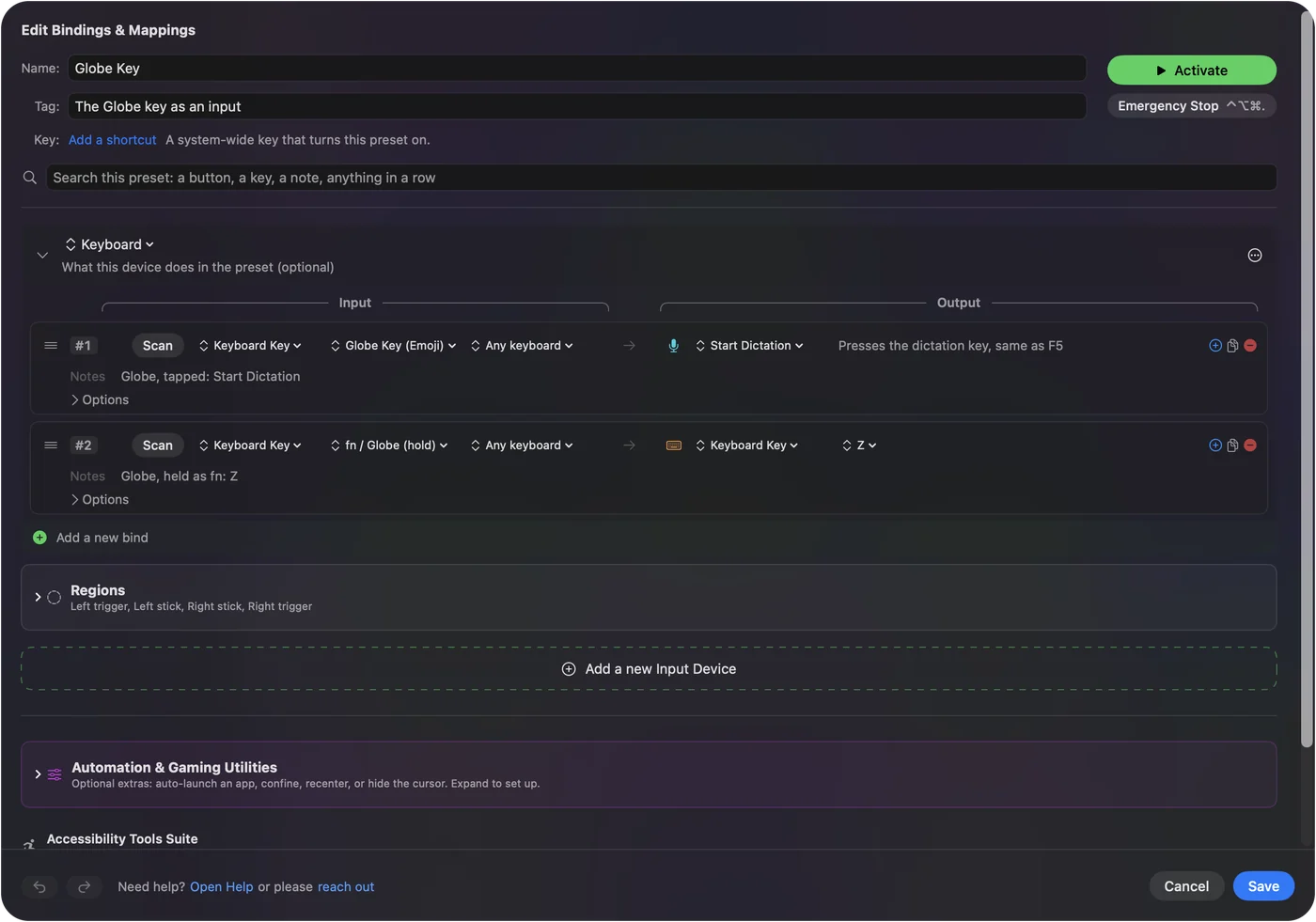
The top row's brightness, keyboard light, media, mute and volume keys are inputs from any app. Mission Control, Launchpad, Spotlight, Dictation and Focus are not: macOS keeps those five keys to itself and never hands them to an app. With fn held they are plain F3 to F6, which do work. The Eject key is an input too. Every keyboard reports to InputConfig as one keyboard, with one synthetic device id, so the same key on two keyboards is the same input. A preset with only keyboard rows runs on its own, with no controller connected.
Pick keys that type nothing
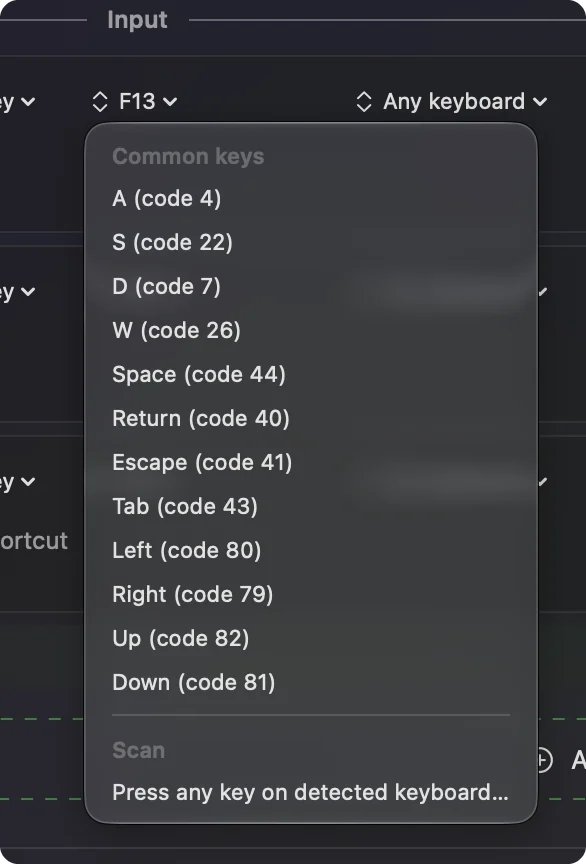
A key keeps doing what it did; the app listens alongside macOS and cannot take the key away. That is why the built-in presets use keys nothing needs: F13 to F19 are free on a full-size keyboard (see which keyboards have F13 to F19, and what to use on a MacBook).
- Modifier Holds. Gives the right-hand modifiers a second job with no output on the plain press: hold Right Command for Spotlight, double tap it for Launchpad, hold Right Option for Dictation, hold Right Shift for Mission Control. Every shortcut still works.
- The hold timing. In Modifier Holds the hold fires once Right Command has been down for 450 ms, even if you press another key meanwhile, so a slow Command Tab on the right-hand key opens Spotlight too. Use the left Command for long shortcuts, or raise the hold to 700 ms in the row's Options.
The right Command and Option keys page covers the timing and what to do if you want the key itself changed. The best key to bind is one that does nothing today.
Bind a mouse or trackpad
A Mouse row's kind menu offers Button, Move X and Y, Scroll X and Y, Pressure and Deep Press (force click on the trackpad), Double click, and Scroll gesture.
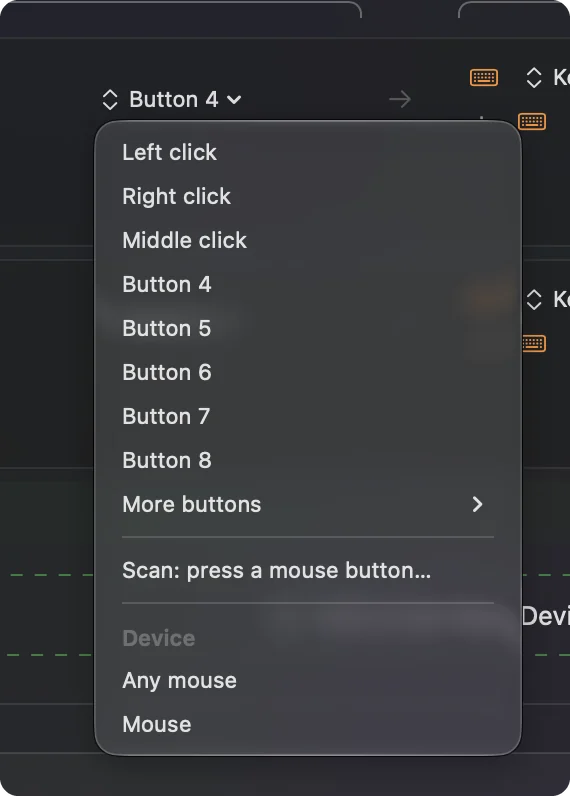
- Buttons. Named the way macOS numbers them: Left click, Right click, Middle click, Button 4, Button 5, and on up to Button 8 in the menu, with More buttons reaching Button 32. Pick Scan in the button menu and click the one you mean; it waits 5 seconds unless the Scan setting in Settings, General was changed.
- Tilt and thumb wheels. They scan as Scroll X.
- Double click. It fires on the second click of a pair, so a single click keeps doing what it always did. On a trackpad with tap to click, a double tap counts.
- Scroll gesture. It is on from the moment fingers touch the pad until momentum stops.
- Held side buttons. Since 1.8 a side button held for a row's hold action stays held, and a trackpad scroll counts its distance.
- Block the button's own action. Turn it on in a row's Options to stop a side button also going Back in a browser while the preset runs.
Every mouse connected to the Mac counts as one, so two mice cannot have different jobs for the same button. Trackpad & Mouse and Double Click Deck are the built-in examples. Side buttons and double clicks are free inputs on almost every mouse.
Use gaming mice, keypads and macro pads
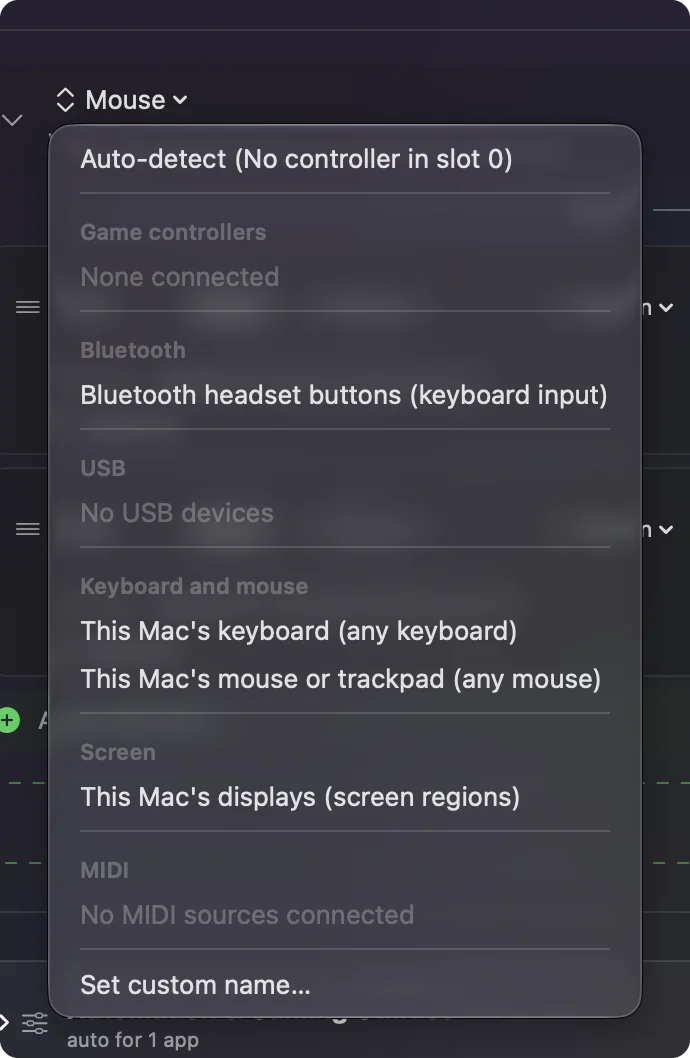
Gaming mice and keyboards work the same way: press Scan and press the button or key. A key InputConfig has no name for still binds, and the row calls it Key code followed by a number. A Razer Naga, Logitech G600, Corsair Scimitar, Razer Tartarus, Azeron or macro pad reaches the Mac as a keyboard, so the pad's 1 is the main keyboard's 1, and it still types.
- You: In the device's own software or onboard memory, such as Razer Synapse, Logitech G Hub or Logi Options+, set its keys or buttons to F13 to F20. Then press Scan on a row and press each one.
- InputConfig: Binds the row to that F key, which no real keyboard key clashes with.
- Check: The row shows F13 or whichever key you set, and pressing it types nothing. Skip F21 to F24, which macOS does not pass to apps.
The activity log notes the first press of a key with no name, and of any mouse button above Button 5, so a saved report shows exactly what your device sends. F13 to F20 turn any keypad into keys that only InputConfig uses.
Use pen tablets, eye trackers and head trackers
- Pen tablets. The pen moves the pointer like a mouse, and its tip, side buttons and eraser end bind as Pen inputs. Pen pressure and Pen tilt are axes, so a row can press harder to run or lean the pen to steer, and a pen within range of the tablet is a control of its own. Express keys work when the tablet's own software sets them to send keystrokes; give them F13 to F20 and Scan them.
- Eye and head trackers. Tobii eye trackers and head trackers work when their software moves the pointer, which screen regions and Mouse rows then read.
Anything that moves the pointer can drive screen regions.
See it live
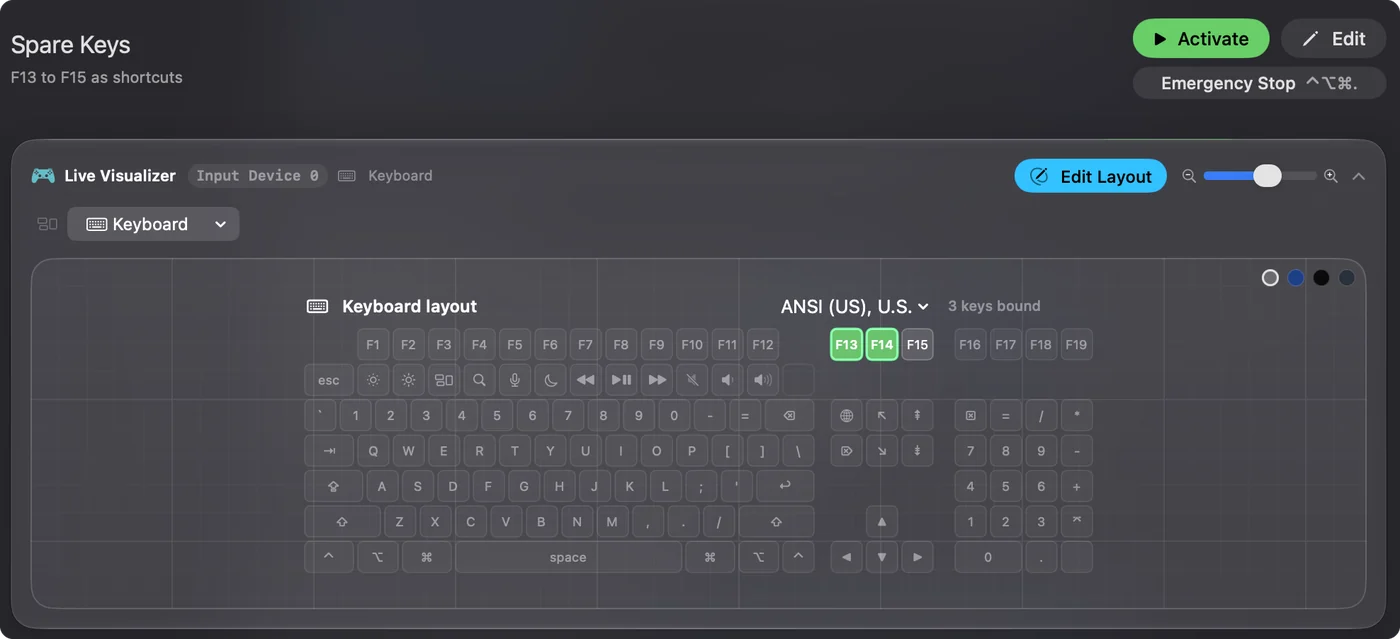
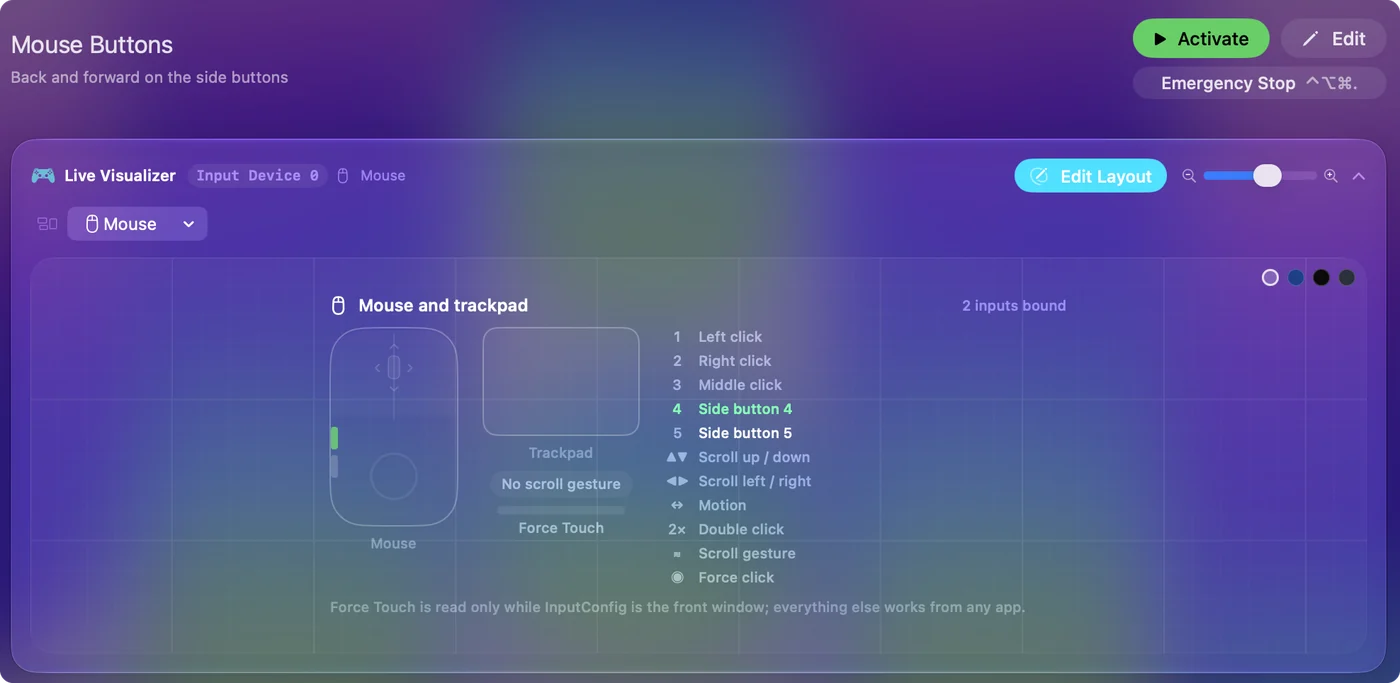
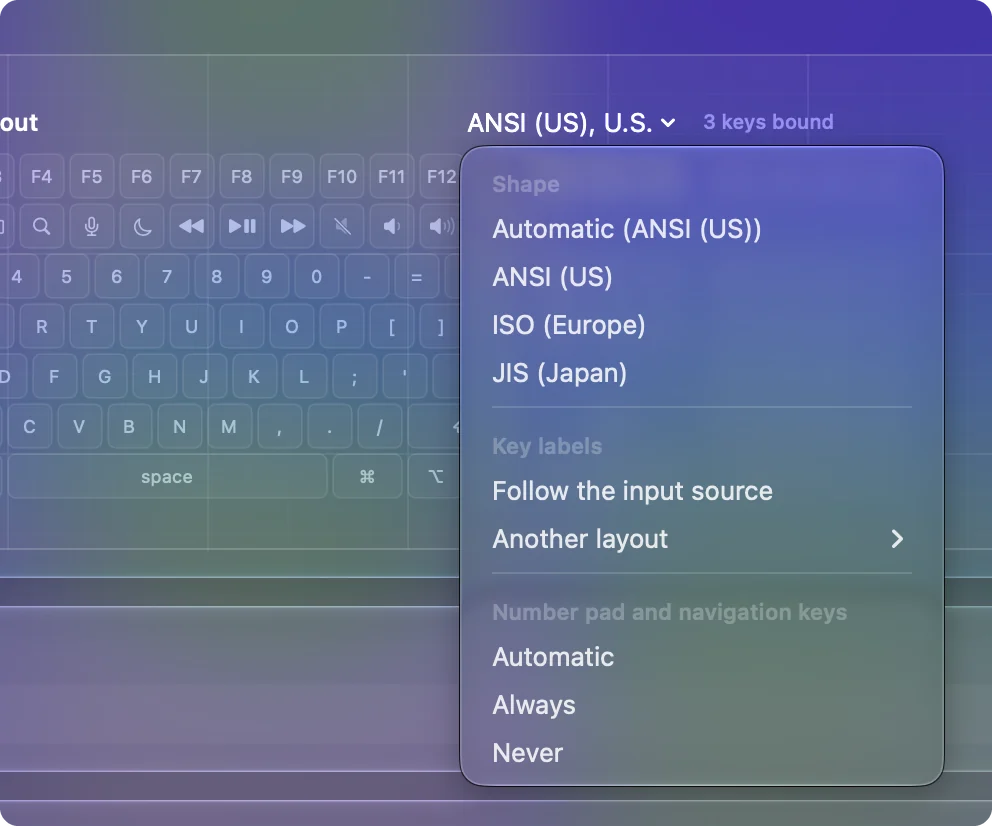
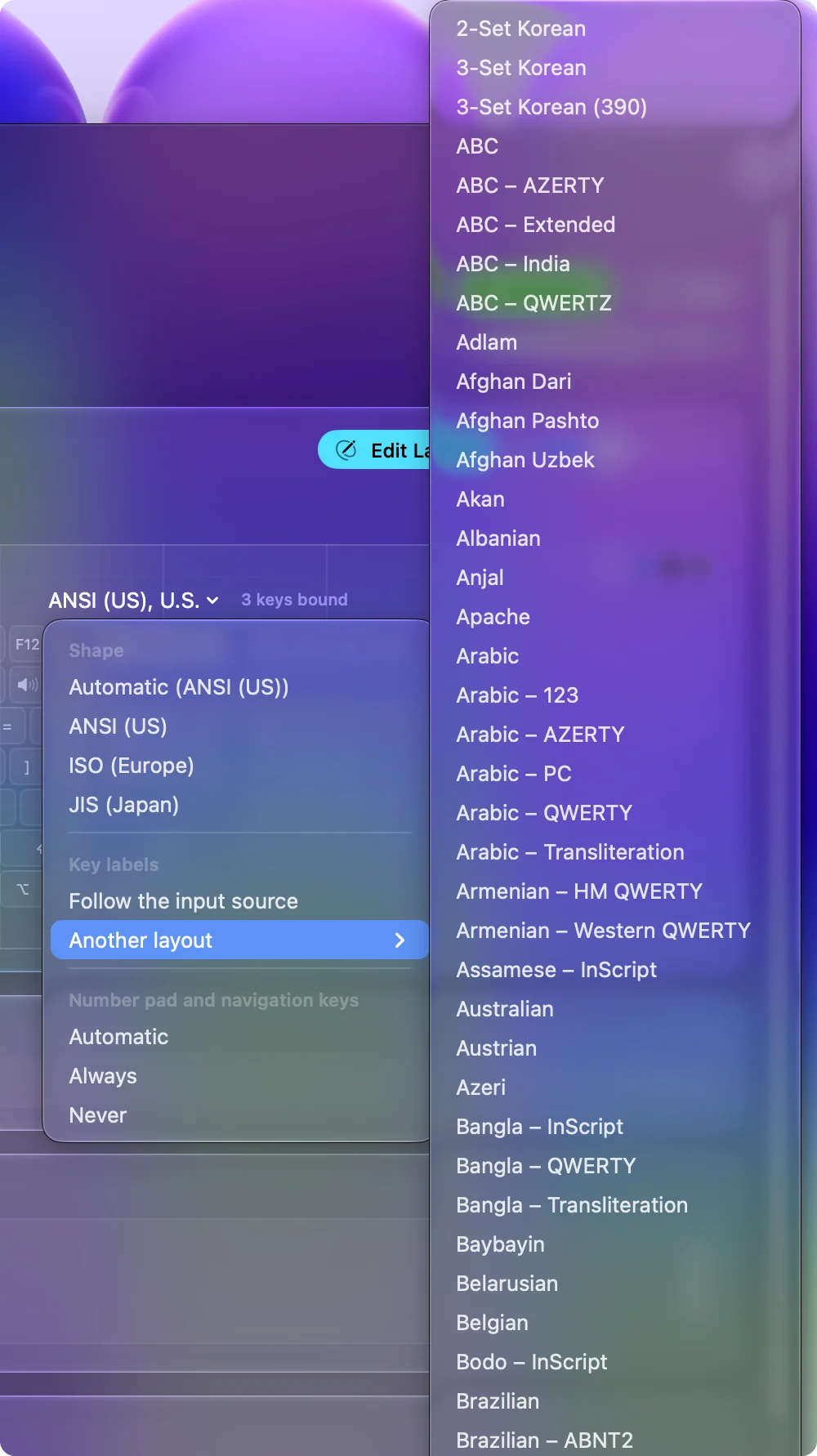
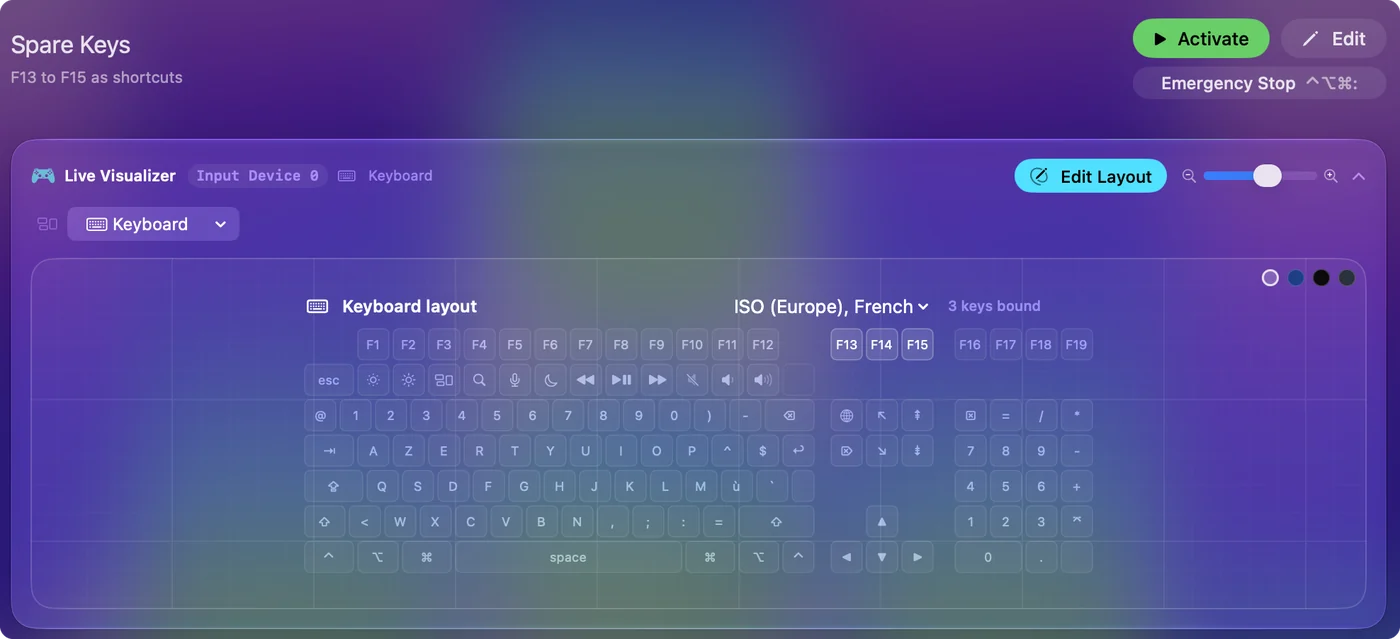
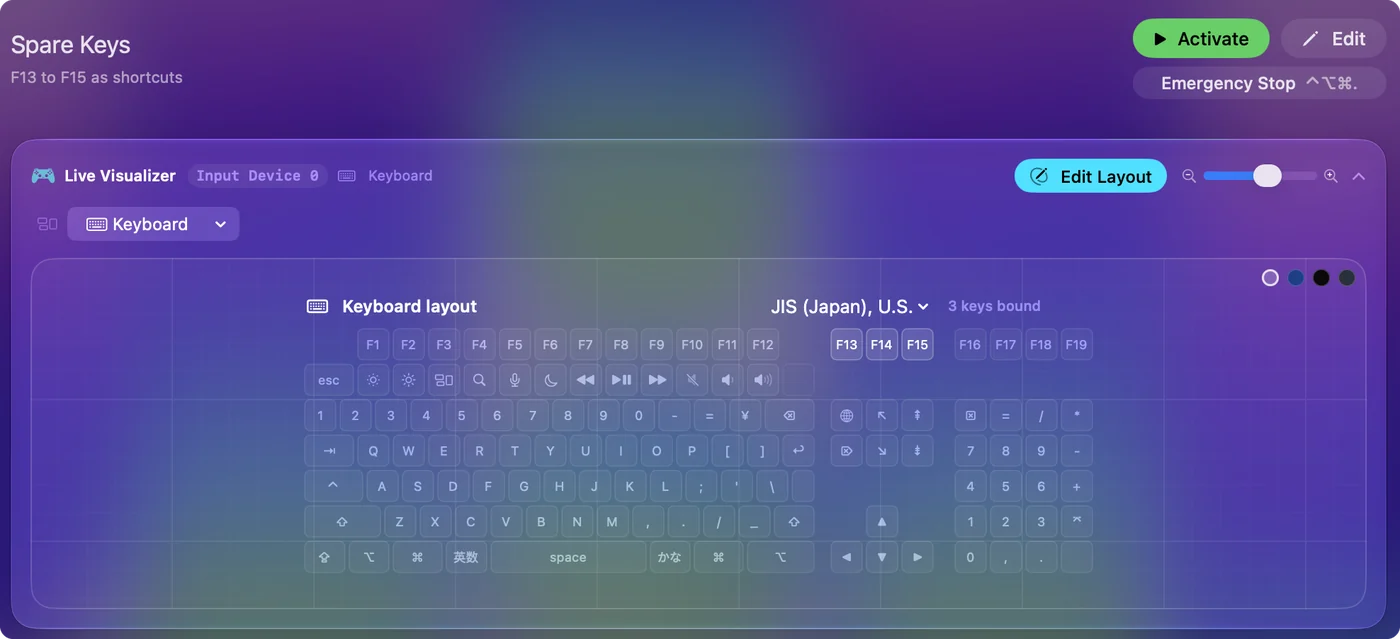
The Live Visualizer's Keyboard template draws your keyboard in its own shape, labels every key as your layout types it, and lights every key as you press it. Mouse draws the mouse and the trackpad, with the clicks, scrolling in four directions, the scroll gesture, double clicks and a Force Touch gauge, live. They work with no preset running.
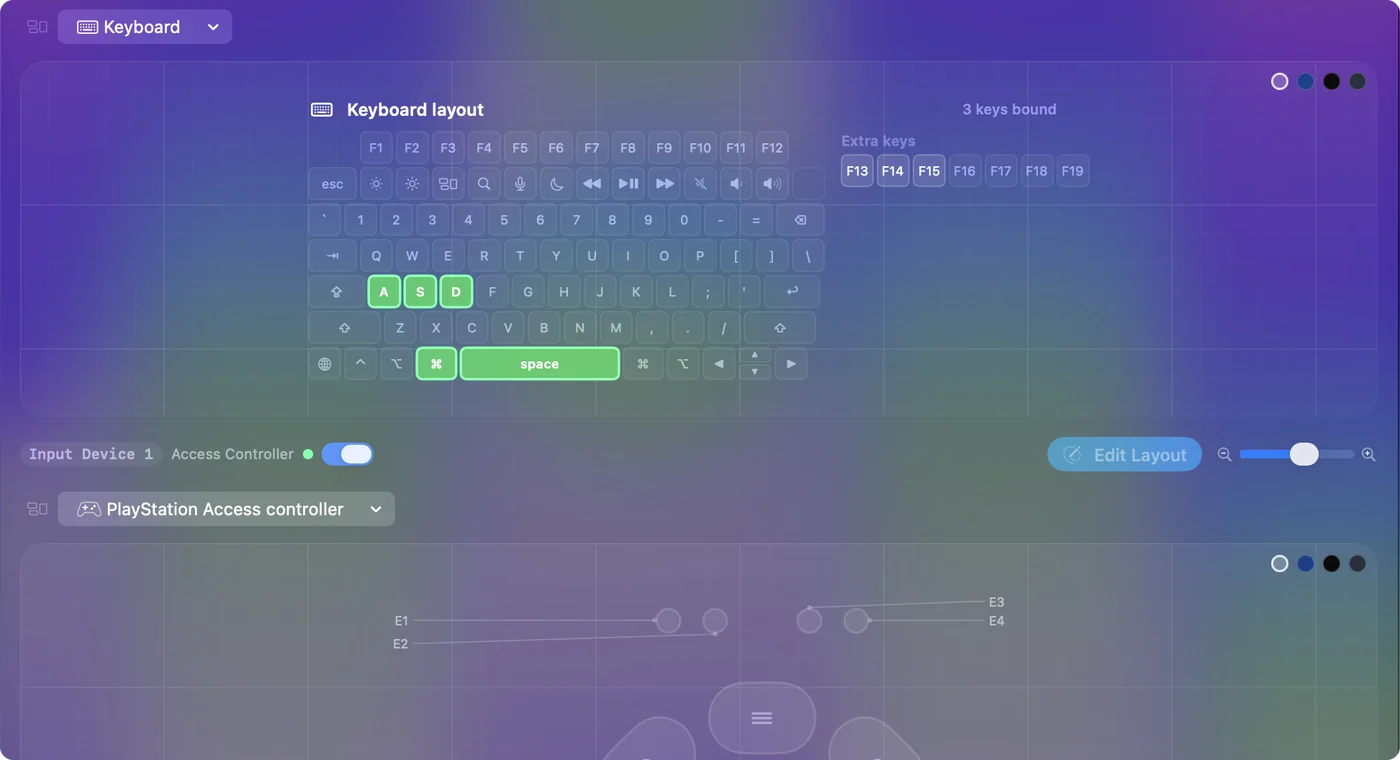
Check what a key or button sends here before you bind it.
If a key or button does nothing
Climb this ladder, smallest step first:
- Watch the Live Visualizer. Press it with the Keyboard or Mouse template open.
- Check it is not a reserved key. Mission Control, Launchpad, Spotlight, Dictation and Focus never reach an app; hold fn for F3 to F6.
- Give it an F key. If Scan hears nothing, macOS is not passing that button to apps, which is common for thumb, gesture and DPI buttons. Set it to F13 to F20 in the device's own software.
- Bring InputConfig to the front for Force Touch. Pressure and Deep Press work only while InputConfig is the front window.
- Check the permission. Keys and clicks are read through Accessibility.
- Look for the password note. A keyboard row says when a password field has the keyboard. Click out of the field and press the key again.
If the Live Visualizer cannot see it, no binding can.
What it cannot do
- Block a key. InputConfig listens; a bound key still does its normal job. A mouse button is held back only when its row turns on Block the button's own action.
- Tell keyboards or mice apart. Every keyboard counts as one, and so does every mouse.
- Read Force Touch in other apps. macOS gives trackpad force to the front app only, so Pressure and Deep Press work while InputConfig is the front window; everything else works from any app.
- Read DPI and profile buttons. They are handled inside the mouse and never reach the Mac.
- Read TrackIR. It sends head position only to games.
A preset that binds Command or Escape adds to those keys while it runs; it does not remove them. The emergency stop, Control Option Command period, is checked before any row. Nothing you bind can lock you out of your own keyboard.
The short version
- Scan the key or button. Any key, any mouse button, double clicks and scrolling.
- Pick keys that type nothing. F13 to F19, a held right-hand modifier, or a side button.
- Remap the device first if Scan hears nothing. F13 to F20 in its own software.
Your own keyboard and mouse are full of spare inputs.
Questions
Can I remap keys without a controller?
A preset with only keyboard rows runs on its own.
Can a mouse button send a shortcut?
Side buttons, the middle button, and a double click on any of them bind to any output. To stop a side button also going Back in a browser, turn on Block the button's own action in the row's options; it applies while the preset runs.
My keyboard has no dictation key. Can another key start dictation?
Bind any key to System Function, Start Dictation. Pick one nothing uses, such as F18 or a held Right Option (the built-in Modifier Holds does this), because the key still does its usual job too.
Can a USB foot pedal run a shortcut?
It can if it sends a key or a mouse button, as most USB pedals do. Program the pedal to send a key nothing uses, such as F13, then Scan it in a row and pick any output. A pedal that sends a middle click, Button 4 or Button 5 binds the same way. The foot pedal page covers MIDI and adaptive-controller pedals too.
Why does my mouse's side button do nothing on a Mac?
macOS hands Button 4 and Button 5 to the app in front, and many apps ignore them. Bind them here and they work in every app while the preset runs. The side buttons page has setup ideas and fixes.
Will holding Right Command for a shortcut set off Spotlight?
It can. In Modifier Holds the hold fires once Right Command has been down for 450 ms, even if you press another key meanwhile, so a slow Command Tab on the right-hand key opens Spotlight too. Use the left Command for long shortcuts, or raise the hold to 700 ms in the row's Options.
Can the same key do something different in each app?
Make a preset per app with the same key on different outputs and list the app under Automation & Gaming Utilities. With automatic switching on in Settings, Advanced, the preset takes over when the app comes to the front and the previous one returns when you leave. Per-app keyboard shortcuts walks through it.
Can a key or mouse button start an auto clicker?
Scan it as the row's input, put a click on the output, and choose Repeats until pressed again. The key still does its usual job, so use one that types nothing, such as a side button or F13.
Related
Completely free. You don't have to make an account, there are no subscriptions, and nothing is locked. Optimized for Apple silicon. Open source on GitHub.
Updated