Speaker test
 InputConfig is completely free on the Mac App Store.
Press Left, then Right. You'll hear a tone from one side at a time, so you can tell in a few seconds whether both speakers work and whether they're the right way round.
Play a tone
Keys: L for left, R for right, B for both, space to stop.
What to listen for
- Left and Right. Each tone should come from one side only. A tone from the wrong side means the speakers, the cables or the earbuds are swapped.
- Both. The tone should sit in the middle. If it leans to one side, the balance is off or one speaker is weaker.
- Sweep. The pitch should rise smoothly. A buzz or a rattle at one spot points to something loose near the speaker.
If one side is silent
Climb this ladder, smallest step first:
- Check the balance. On a Mac, open System Settings, Sound, Output, and put the Balance slider in the middle.
- Check the output. In the same list, pick the speakers or headphones you mean to test.
- Reseat the plug. A headphone plug that is not pushed all the way in often plays one side only.
- Try another pair. If other headphones play both sides, the first pair is at fault, not the Mac.
If Left and Right both play here, the speakers work, and the problem is in the app you were using.
How this fits with InputConfig
InputConfig does not test sound, cameras or screens, so these pages fill that gap. Where the app meets them: any button can start dictation or read text aloud with the Speak option, and screen regions turn parts of the display into targets for the pointer.
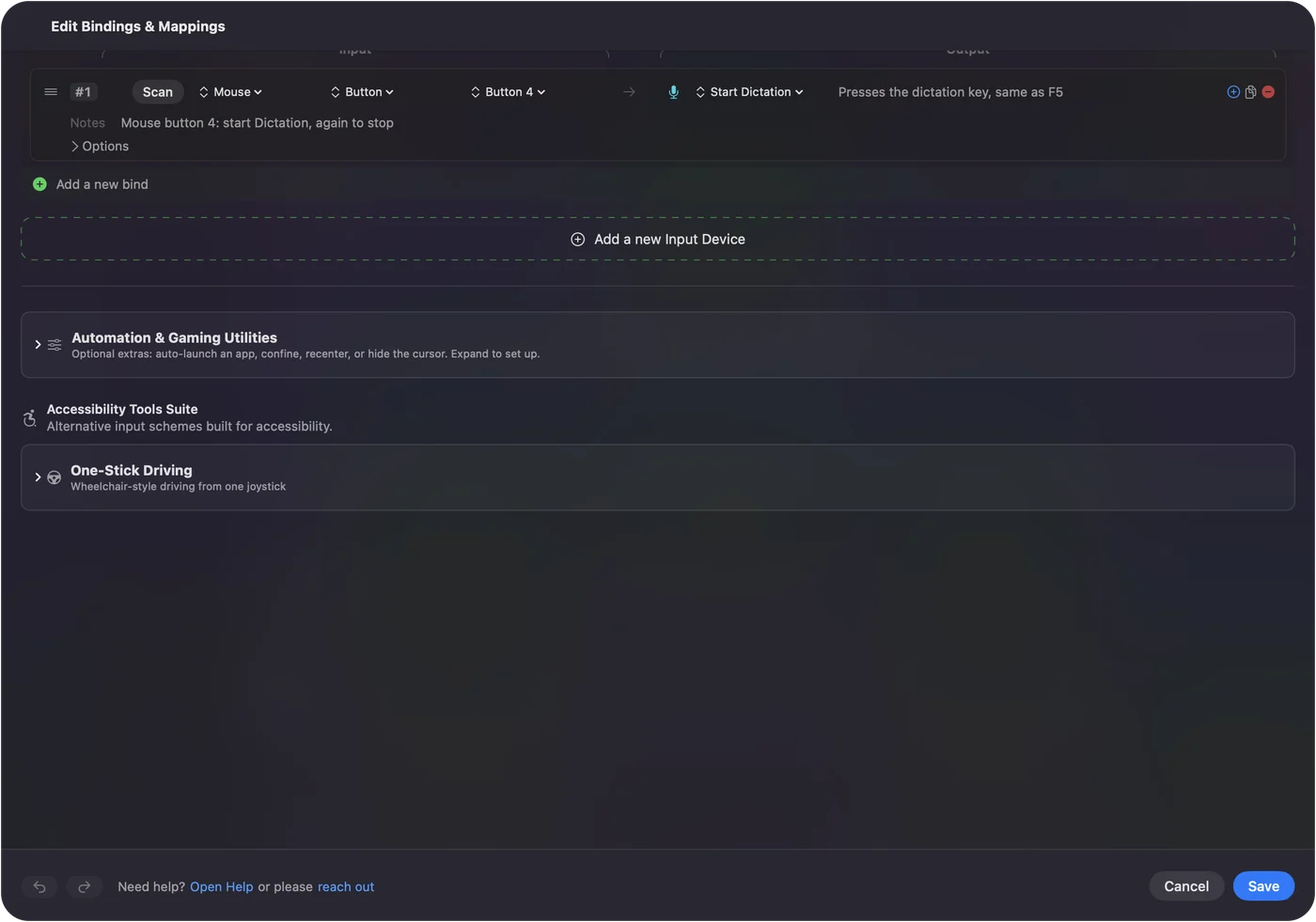
Start dictation from any button on a Mac shows it step by step. InputConfig is free on the Mac App Store.
More sound, camera and screen tests
Questions
How do I test my left and right speakers?
Press Left, then Right. Each button plays a short tone in one channel only. If the sound comes from the wrong side, the speakers or headphones are swapped.
Why does sound only come from one side?
The balance may be pushed to one side, mono audio may be off, or a cable or earbud may be faulty. On a Mac, check the Balance slider in System Settings, Sound, Output.
What does the sweep do?
It slides a tone from 40 Hz up to 16,000 Hz over ten seconds. Small speakers go quiet at the low end, and a rattle or buzz at one point means something is loose.
Does this work with headphones and AirPods?
Yes. The tones go to whichever output the device is using, so it works as a headphone test too.
Related
Completely free. You don't have to make an account, there are no subscriptions, and nothing is locked. Optimized for Apple silicon. Open source on GitHub.
Updated