Refresh rate test
 InputConfig is completely free on the Mac App Store.
Leave this page open for a couple of seconds. The big number is how many frames a second your browser is really drawing on this screen.
Frame times
The bar should glide. A stutter in the bar lines up with a spike in the chart.
Read the numbers
- The big number. The measured rate, snapped to the nearest common refresh rate when it is within a few percent of one.
- Frame time. How long each frame lasts. 16.7 ms is 60 Hz, 8.3 ms is 120 Hz, 6.9 ms is 144 Hz.
- Dropped frames. Frames that took far longer than the rest. A steady count means the screen is being fed evenly.
This measures what the browser draws, so a lower number than the box says can be the browser's limit and not the screen's.
If the number is lower than you expect
Climb this ladder, smallest step first:
- Check the display setting. On a Mac, open System Settings, Displays, and look at Refresh Rate for the screen you are testing.
- Turn off low power mode. Battery saving modes often hold the screen and the browser to 60 frames a second.
- Try another browser. Some browsers hold web pages to 60 frames a second even on a faster screen. I have not tested every browser and version.
- Check the cable and the port. An older HDMI cable or adapter can limit a 144 Hz monitor to 60 Hz.
- Move the window. With two screens, the browser follows the screen the window is on. Drag it fully onto the one you want to test.
How this fits with InputConfig
InputConfig does not test sound, cameras or screens, so these pages fill that gap. Where the app meets them: any button can start dictation or read text aloud with the Speak option, and screen regions turn parts of the display into targets for the pointer.
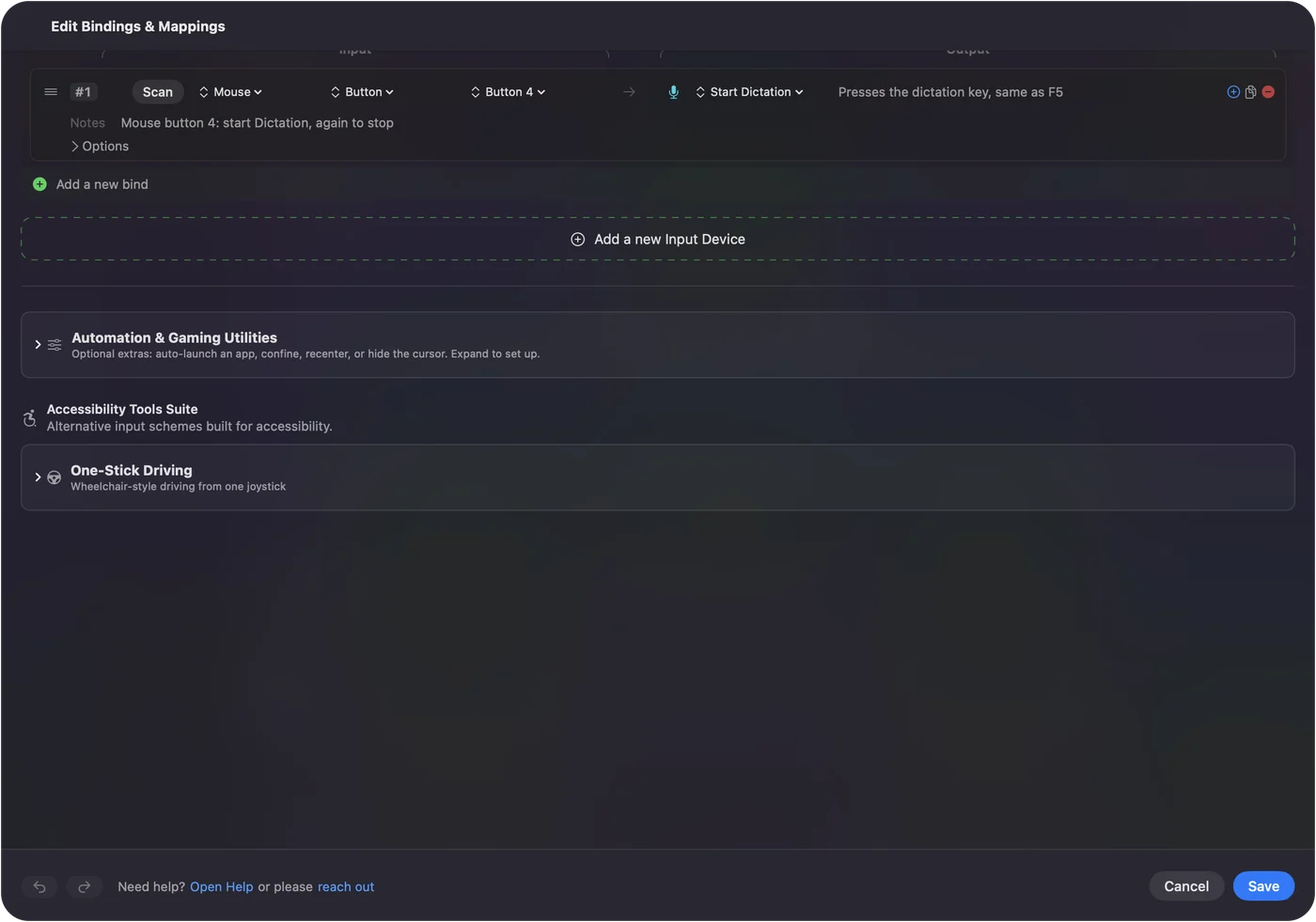
Start dictation from any button on a Mac shows it step by step. InputConfig is free on the Mac App Store.
More sound, camera and screen tests
Questions
How do I check my monitor's refresh rate?
Open this page and wait two seconds. The big number is how many frames a second the browser is drawing on this screen, which matches the refresh rate when nothing is limiting it.
Why does it say 60 on a 120 Hz screen?
Something is limiting the browser. Common causes are a low power or battery mode, a browser that holds pages to 60 frames a second, a display set to 60 Hz, or a cable that cannot carry more.
What is frame time?
It is how long one frame stays on screen. At 60 Hz it is 16.7 ms, at 120 Hz it is 8.3 ms, and at 144 Hz it is 6.9 ms.
What is a dropped frame?
A frame that took about twice as long as the others, because the browser missed a screen refresh. A few at the start are normal.
Related
Completely free. You don't have to make an account, there are no subscriptions, and nothing is locked. Optimized for Apple silicon. Open source on GitHub.
Updated