High frequency hearing test
 InputConfig is completely free on the Mac App Store.
Set your volume low, press Start, and a tone will slowly rise. Press the button the moment you can't hear it anymore.
Space also stops the tone. Run it two or three times, because the first try is often low.
What the number tells you
- It is the top of what you heard here. The result depends on your speakers or headphones, the volume and the room as much as on your ears.
- Lower with age is normal. The highest tones are usually the first to fade, often starting in early adulthood.
- Left and right can differ. Test each ear on its own with headphones to compare.
This is a curiosity test, not a medical one. If you notice trouble hearing speech, ringing, or a change in one ear, see a hearing professional.
Get a fair reading
- Use wired headphones. Laptop speakers and some wireless earbuds cut off high tones before your ears do.
- Find a quiet room. Background noise masks faint high tones.
- Keep the volume low. Set it before you start and leave it there.
Want to hold one pitch steady instead? The tone generator plays any frequency you choose, and the speaker test checks left and right.
How this fits with InputConfig
InputConfig does not test sound, cameras or screens, so these pages fill that gap. Where the app meets them: any button can start dictation or read text aloud with the Speak option, and screen regions turn parts of the display into targets for the pointer.
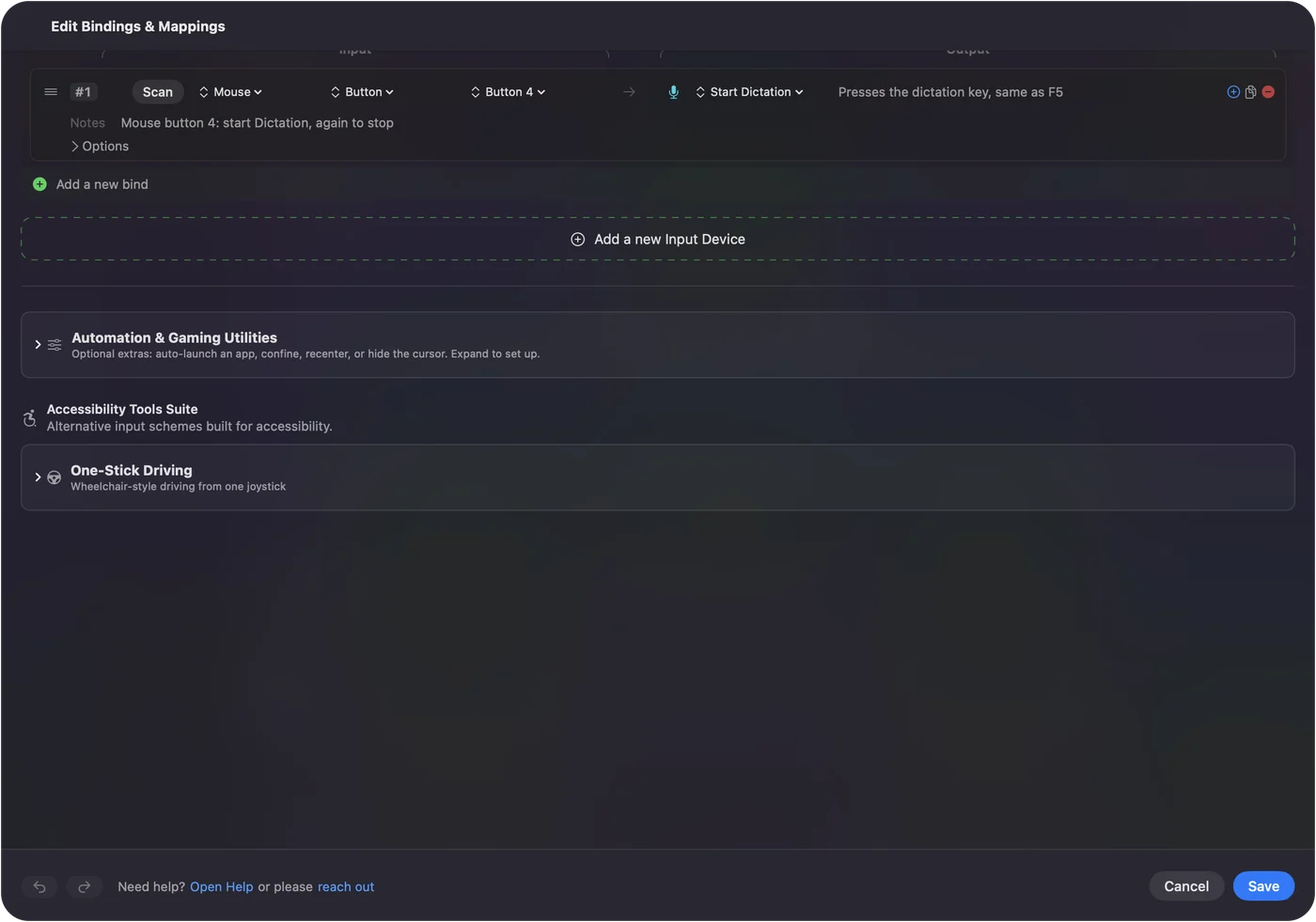
Start dictation from any button on a Mac shows it step by step. InputConfig is free on the Mac App Store.
More sound, camera and screen tests
Questions
What is the highest frequency people can hear?
Around 20,000 Hz is the usual figure for young people. The top of the range tends to drop with age and with noise exposure, so many adults hear well below it.
Is this a real hearing test?
No. It shows the highest tone you can hear through your own speakers or headphones at your own volume. Many speakers cannot play the highest tones at all. For a real hearing test, see a hearing professional.
Why do I hear nothing above a certain point on laptop speakers?
Small speakers often roll off near the top of the range. Try good wired headphones, and you may hear higher.
Is it safe?
Keep the volume low and raise it only a little. High tones can be uncomfortable, and turning the volume up to chase a tone you cannot hear is not worth the risk to your ears.
Related
Completely free. You don't have to make an account, there are no subscriptions, and nothing is locked. Optimized for Apple silicon. Open source on GitHub.
Updated