What is my screen resolution
 InputConfig is completely free on the Mac App Store.
Your screen size is the big number below. You'll also see the scale factor, the real pixel count and the size of this browser window.
Resize the window or drag it to another screen and the numbers follow.
Read the numbers
- Screen size. The size the system lays windows out on, in points. Web pages and apps are measured against this.
- Scale factor. How many real pixels draw one point. A Retina display usually reports 2x. Browser zoom changes this number too, so set zoom to 100 percent for a true reading.
- Real pixels. Screen size multiplied by the scale factor. This is the picture the system renders for the display.
- Browser viewport. The area a web page gets inside the window.
On a scaled display, the real pixel count can differ from the panel's native resolution, because the system renders a larger picture and shrinks it to fit.
Change it on a Mac
Open System Settings, Displays. The row of size options runs from Larger Text to More Space, and each one changes the screen size shown above. An external monitor has its own entry in the same pane.
How this fits with InputConfig
InputConfig does not test sound, cameras or screens, so these pages fill that gap. Where the app meets them: any button can start dictation or read text aloud with the Speak option, and screen regions turn parts of the display into targets for the pointer.
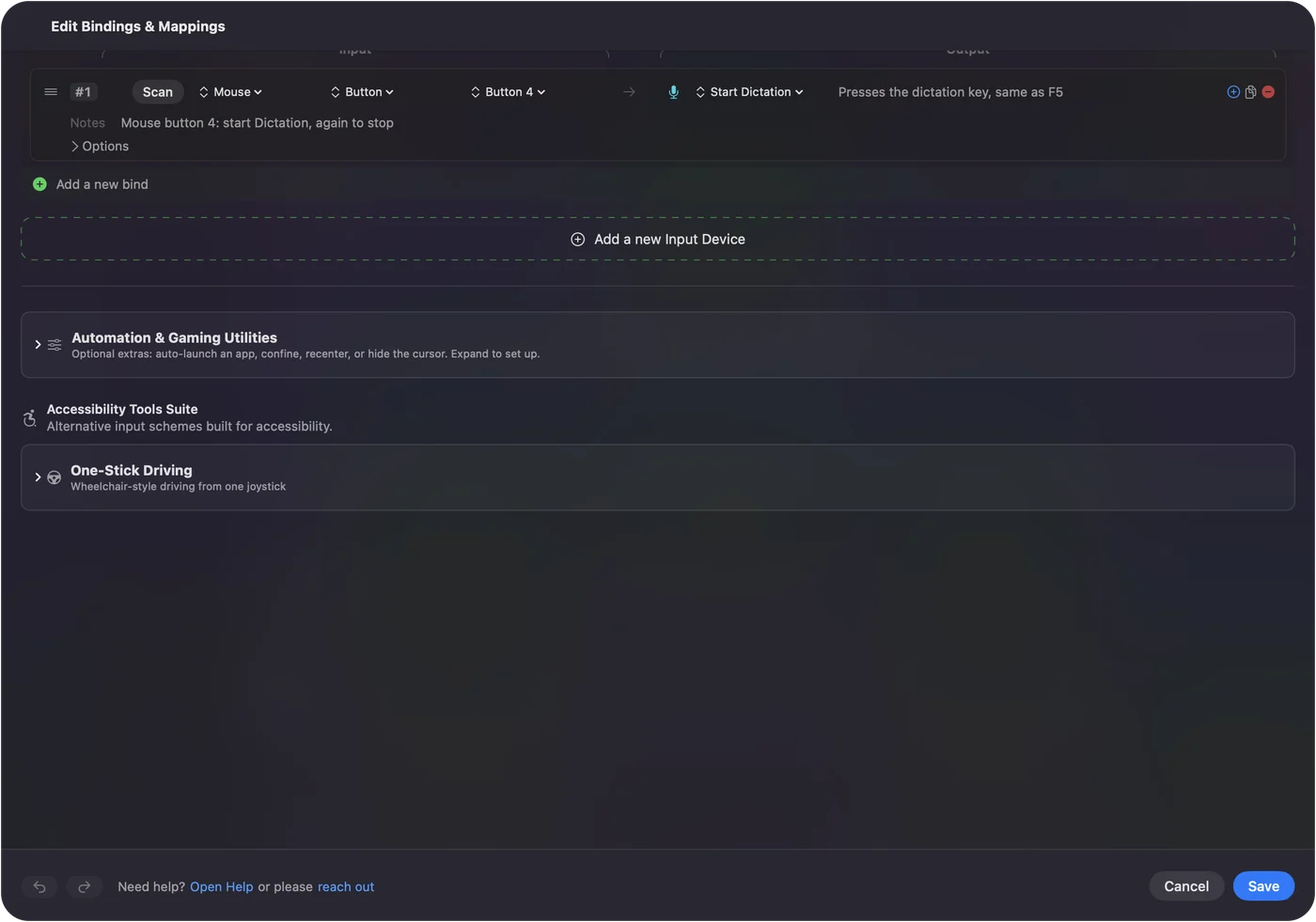
Start dictation from any button on a Mac shows it step by step. InputConfig is free on the Mac App Store.
More sound, camera and screen tests
Questions
How do I find my screen resolution?
This page reads it from the browser and shows it at the top. The first number is the width and the second is the height.
Why is the number lower than my display's real resolution?
Sharp displays, such as a Retina display, draw each point with more than one pixel. The page shows both the size in points and the size in real pixels, which is the points multiplied by the scale factor.
What is the viewport?
It is the part of the browser window that shows the web page, without the toolbars. It changes as you resize the window.
How do I change screen resolution on a Mac?
Open System Settings, Displays, and pick one of the size options, from Larger Text to More Space.
Related
Completely free. You don't have to make an account, there are no subscriptions, and nothing is locked. Optimized for Apple silicon. Open source on GitHub.
Updated