Mouse DPI analyzer
 InputConfig is completely free on the Mac App Store.
Slide your mouse a distance you've measured and this page works out its real DPI. It takes a ruler and about a minute.
Get a number you can trust
- Lay a ruler along the mouse pad and line the mouse's edge up with zero.
- Type the distance you will move, such as 2 inches or 5 centimeters.
- Press and hold on the box, slide the mouse exactly that far to the right, and let go.
- Repeat it two or three times. The page averages the results.
Pointer acceleration makes fast moves count for more, which throws the number off. On a Mac it is on by default, and how to turn off mouse acceleration on a Mac has the steps. Move slowly and evenly, because a slow move is the one acceleration changes least.
What the browser can and cannot see
A web page reads how far the pointer moved, not the sensor itself, so the result includes the system's pointer speed setting. Set the pointer speed to its middle value for the closest reading. That is caution, not something I measured on every mouse.
How this fits with InputConfig
InputConfig does not change a mouse's DPI. Its Pointer speed slider sets how fast a controller or a touchpad moves the pointer. This page measures clicks and pointer movement. InputConfig is the free auto clicker and button mapper for the same jobs on a Mac: its Auto Clicker preset clicks on a timer and starts and stops with fn F6, and any mouse button up to 32 can do something else.
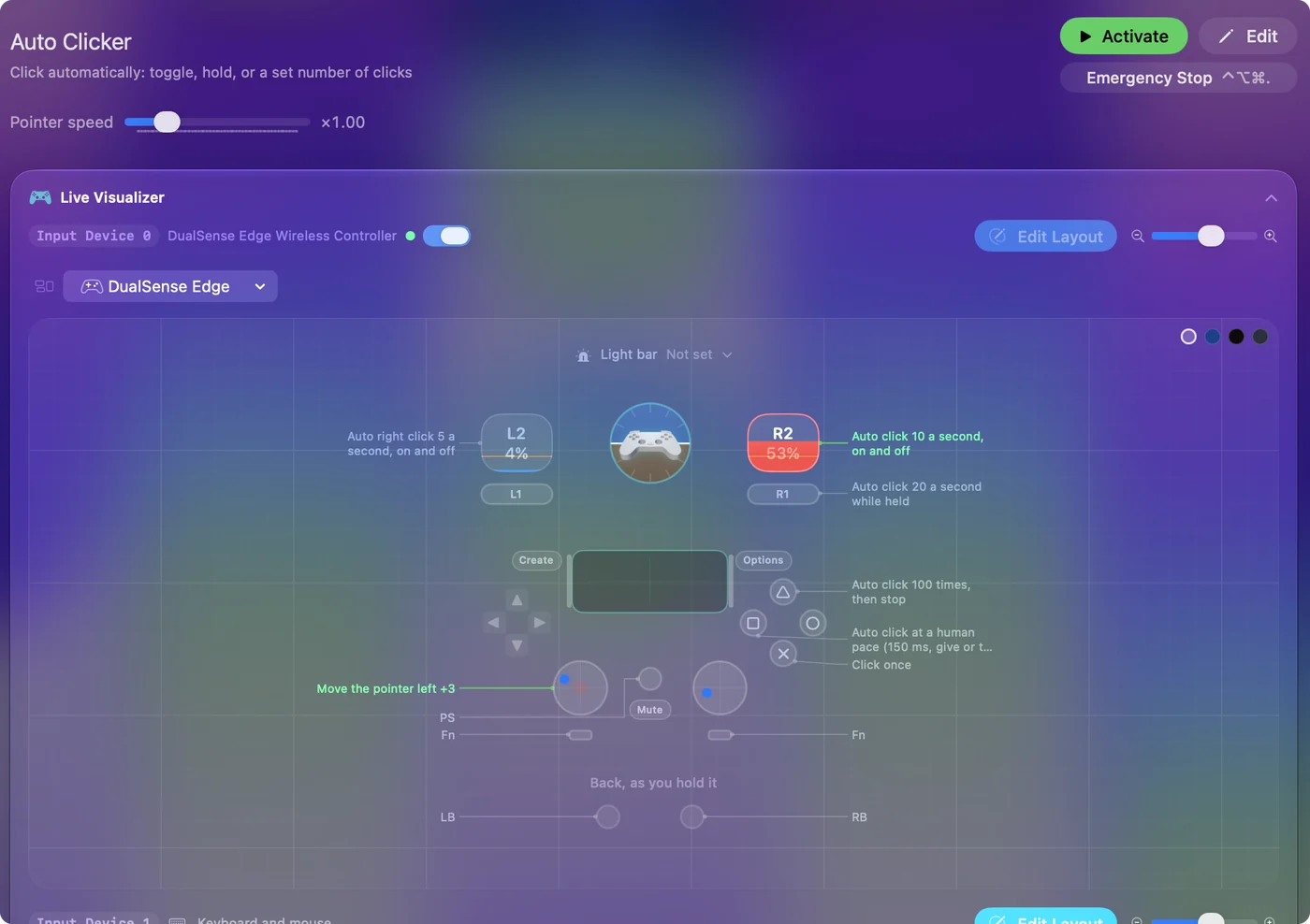
The free auto clicker for Mac shows it step by step. InputConfig is free on the Mac App Store.
More mouse and clicking tests
Questions
How do I check my mouse DPI?
Type a distance, such as 2 inches, press and hold on the box, slide the mouse exactly that far along a ruler, and let go. The page divides the counts the mouse reported by the distance.
Why does the DPI test read wrong on my Mac?
Pointer acceleration changes the result, and macOS has it on by default. Turn it off first, or move the mouse slowly and evenly, and repeat the measurement a few times.
What is a good mouse DPI?
It is a preference. Many players use 400 to 1600 DPI with a lower in-game sensitivity, and higher DPI suits large or high-resolution screens. That is a common range, not a standard.
Is DPI the same as CPI?
For a mouse, yes. Both mean how many counts the sensor reports for each inch it moves.
Related
Completely free. You don't have to make an account, there are no subscriptions, and nothing is locked. Optimized for Apple silicon. Open source on GitHub.
Updated