eDPI calculator and sensitivity converter
 InputConfig is completely free on the Mac App Store.
Type your mouse DPI and your in-game sensitivity. You'll get your eDPI, how far the mouse moves for a full turn, and the matching sensitivity in other games.
Your settings
The same aim in other games
| Game | Sensitivity at your DPI | eDPI |
|---|
Read the numbers
- eDPI. DPI times sensitivity. It only compares players inside one game, because each game turns a different amount per mouse count.
- Centimeters for a full turn. The distance on the desk for 360 degrees. This is the number that carries from game to game.
- The table. Each row gives the sensitivity that keeps your full-turn distance the same in that game at your DPI.
Match the full-turn distance, not the eDPI, when you move from one game to another.
Limits
The conversion uses the turn-per-count values that players have published for each game, at the default field of view and with mouse acceleration off. I have not measured each game myself, and a game update can change its value. Scoped and aim-down-sights sensitivity are separate settings and are not converted here.
Not sure what DPI your mouse really sends? The mouse DPI analyzer measures it with a ruler.
How this fits with InputConfig
InputConfig does not change a mouse's DPI. Its Pointer speed slider sets how fast a controller or a touchpad moves the pointer. This page measures clicks and pointer movement. InputConfig is the free auto clicker and button mapper for the same jobs on a Mac: its Auto Clicker preset clicks on a timer and starts and stops with fn F6, and any mouse button up to 32 can do something else.
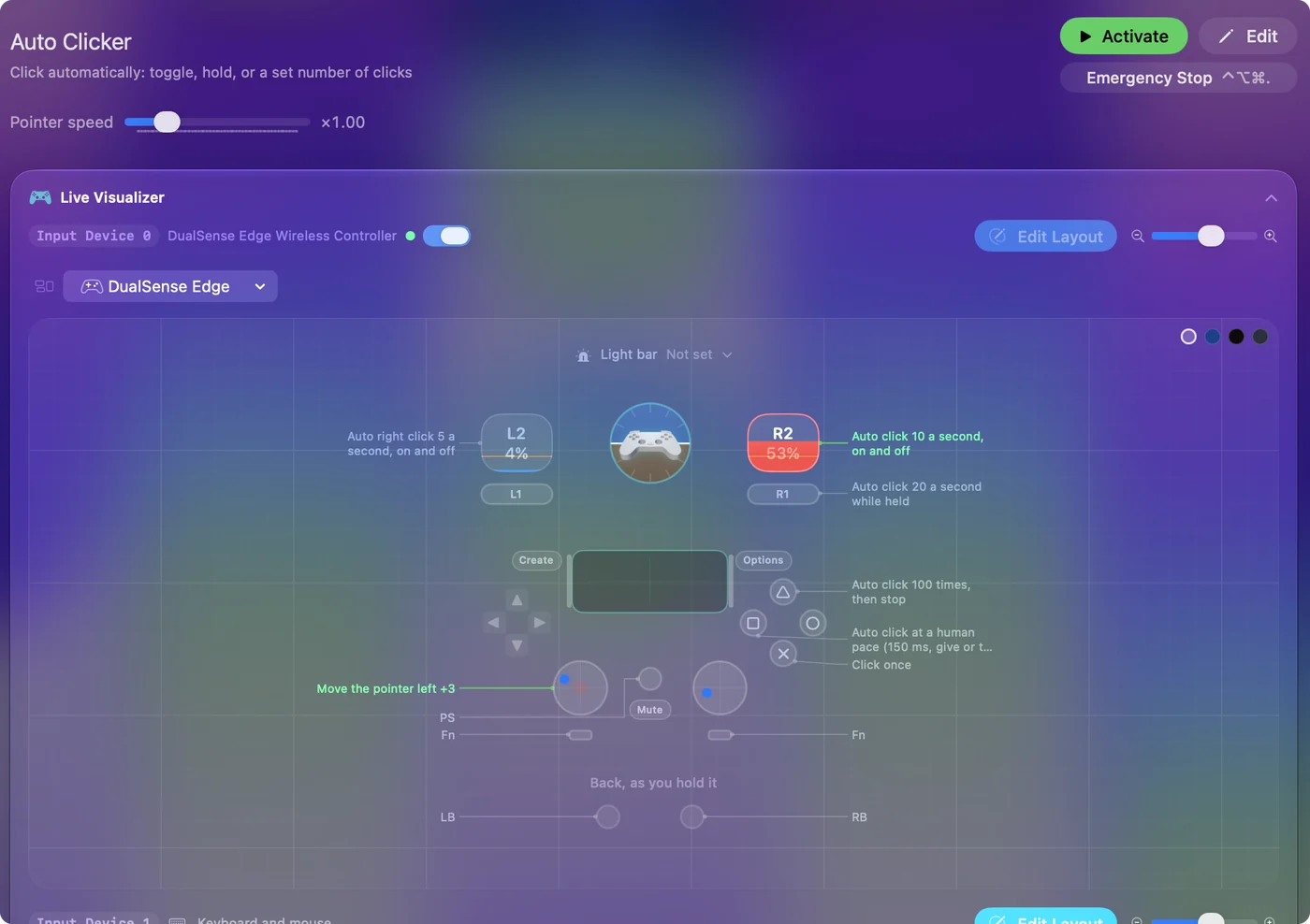
The free auto clicker for Mac shows it step by step. InputConfig is free on the Mac App Store.
More mouse and clicking tests
Questions
What is eDPI?
eDPI is mouse DPI multiplied by in-game sensitivity. It lets two players in the same game compare how fast their aim really is, even when their DPI differs.
How do I calculate eDPI?
Multiply the two numbers. 800 DPI at 0.5 sensitivity is 400 eDPI. 1,600 DPI at 0.25 is also 400, and the aim feels the same.
What is cm per 360?
It is how far the mouse travels on the desk to turn your view one full circle. Unlike eDPI, it compares across different games.
How do I convert sensitivity from one game to another?
Pick the game you play now, enter your DPI and sensitivity, and the table lists the sensitivity that gives the same cm per 360 in each other game.
Related
Completely free. You don't have to make an account, there are no subscriptions, and nothing is locked. Optimized for Apple silicon. Open source on GitHub.
Updated