Mic test
 InputConfig is completely free on the Mac App Store.
Press the button, allow the microphone, and say something. You'll see the level move, and you can record a few seconds to hear how you sound.
The sound never leaves this page. Close the tab and the recording is gone.
If the level does not move
Climb this ladder, smallest step first:
- Allow the microphone. The browser asks once. If you blocked it, click the icon in the address bar and allow it for this page.
- Pick the right microphone. The list shows every one the browser can see. A headset and the built-in mic are separate entries.
- Check the Mac's own settings. In System Settings, Sound, Input, pick the microphone and raise the input volume. In System Settings, Privacy & Security, Microphone, make sure your browser is allowed.
- Check the mute switch. Many headsets and USB mics have one on the cable or the body.
If the bar moves here, the microphone works, and the problem is in the app you were trying to use.
How this fits with InputConfig
InputConfig does not test sound, cameras or screens, so these pages fill that gap. Where the app meets them: any button can start dictation or read text aloud with the Speak option, and screen regions turn parts of the display into targets for the pointer.
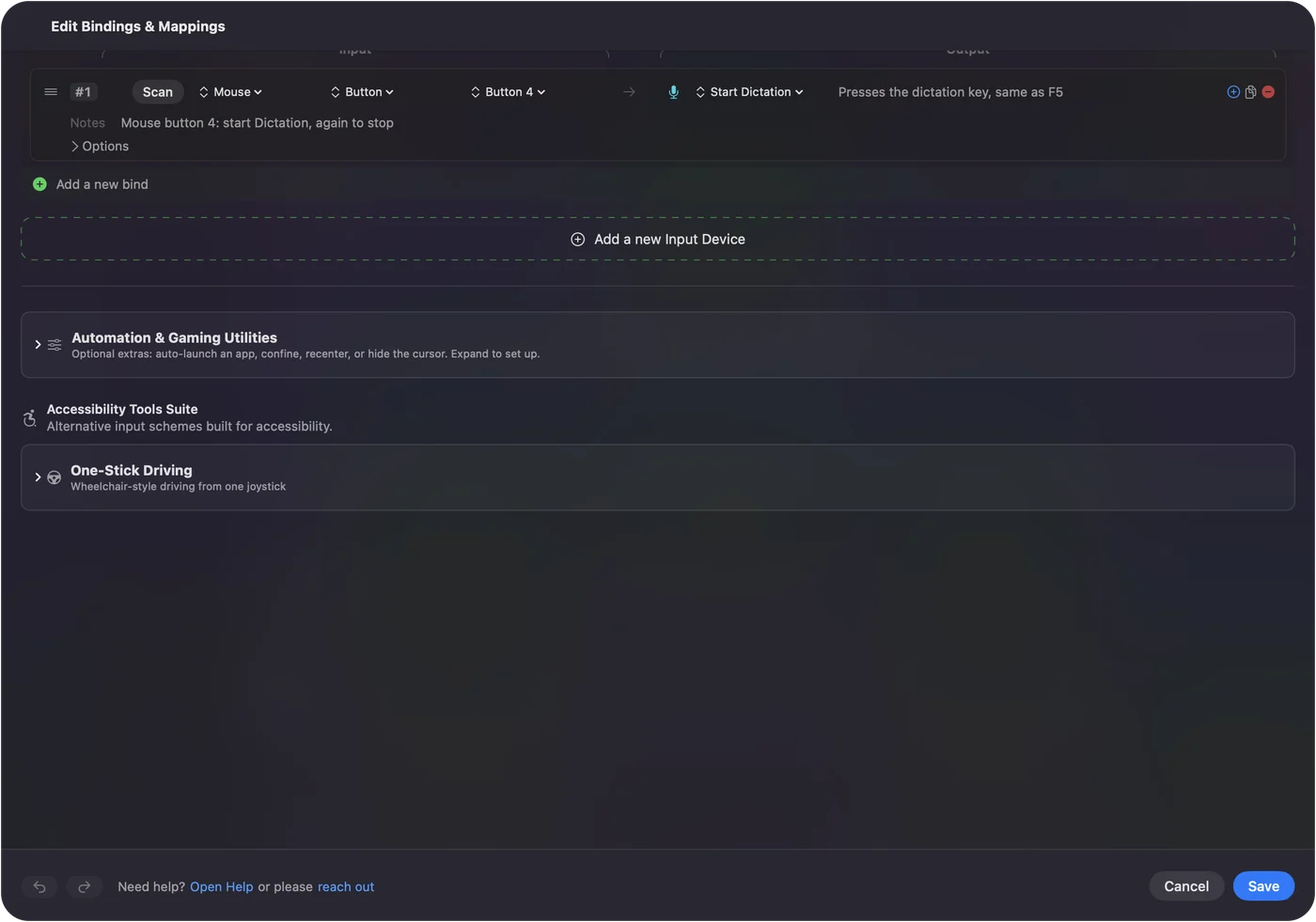
Start dictation from any button on a Mac shows it step by step. InputConfig is free on the Mac App Store.
More sound, camera and screen tests
Questions
How do I test my microphone?
Press Start the mic test and allow the microphone when the browser asks. Speak, and the level bar moves. Press Record to capture a few seconds and play them back.
Why is my mic not working in the test?
The browser needs permission to use the microphone, and the right microphone has to be chosen. On a Mac, also check System Settings, Privacy & Security, Microphone, and that the input is not muted in System Settings, Sound.
Is my voice recorded or sent anywhere?
No. The sound stays in this page on your device. The recording lives in the page's memory and is gone when you close it.
How do I test a headset or AirPods mic?
Connect it, press Start, and pick it from the microphone list. Then record and play back to hear how it sounds.
Related
Completely free. You don't have to make an account, there are no subscriptions, and nothing is locked. Optimized for Apple silicon. Open source on GitHub.
Updated