Questions
How to use a cheap USB controller on a Mac
Most cheap controllers work on a Mac in some form, and the mode the pad runs in decides which form. In one mode macOS treats it as a real game controller and Mac games see it. In another it is a plain USB device that emulators read and games ignore. In a third, the Xbox 360 mode many PC pads ship in, the Mac cannot read it at all.
Here is how to tell which you have, what each gets you, and how I use the plain USB kind with InputConfig, the free Mac app I make.
On this page: 8 sections
Steps
- Plug the pad in and look for it in System Settings, Game Controllers.
- If it is not there, look in System Information, USB.
- If it is in neither, switch the pad out of Xbox mode or try a data cable.
- For a plain USB pad, open InputConfig and pick a layout or start a preset.
- Press Scan on each row, press the button you want there, then Activate.
Check the mode before you buy, or before you give up
| Mode on the box or in the manual | What the Mac does | Who sees it |
|---|---|---|
| iOS, Apple, MFi, or Switch over Bluetooth | Treats it as a game controller, listed in System Settings, Game Controllers | Mac games with controller support, Apple Arcade, Steam, emulators, and InputConfig |
| D-input, DirectInput, PC, Android, or no mode at all on a wired pad | Reads it as a plain USB HID device, no driver | Emulators, flight sims, some browsers, and InputConfig. Most Mac games do not. |
| X-input, Xbox, or PC X mode over a cable | Usually nothing: it speaks the wired Xbox 360 protocol, which macOS does not support | Nobody. Switch modes if the pad has another one. |
- Safest buy. A pad with a Switch or iOS mode, for Mac games.
- Fine with a mapper. A wired pad with only a D-input or PC mode, for emulators and, through InputConfig, for anything that takes a keyboard.
- Skip it. A pad sold as Xbox-only and wired.
Brand-name picks are on the best controller for a Mac. The mode on the box tells you more than the brand does.
Find out which mode yours is in
Climb this ladder, smallest step first:
- Look in System Settings, Game Controllers. Listed there means the first row of the table.
- Look in System Information, USB. Hold Option, open the Apple menu, choose System Information, and click USB. Listed there means the second row.
- In neither place. That usually means the third row, or a cable that only charges.
Many pads change mode with a switch on the back, or with a button held while you plug in or turn them on; the manual names it.
Use a plain USB pad everywhere
For a pad the Mac reads as plain USB, InputConfig is the part that makes it useful outside emulators. It reads the pad directly and sends real keyboard and mouse events, so a game, a browser or an app sees an ordinary keyboard and mouse.
- You: Open InputConfig with the pad plugged in. Pick a ready layout from the Smart Preset Maker, which has more than 450 games and apps, or start a new preset.
- InputConfig: Lists the pad at the top of the sidebar. If not, click Refresh Controllers, or tick it under InputConfig, Devices in the menu bar.
- Check: Press Scan on any row and press the button you want there, then press Activate.
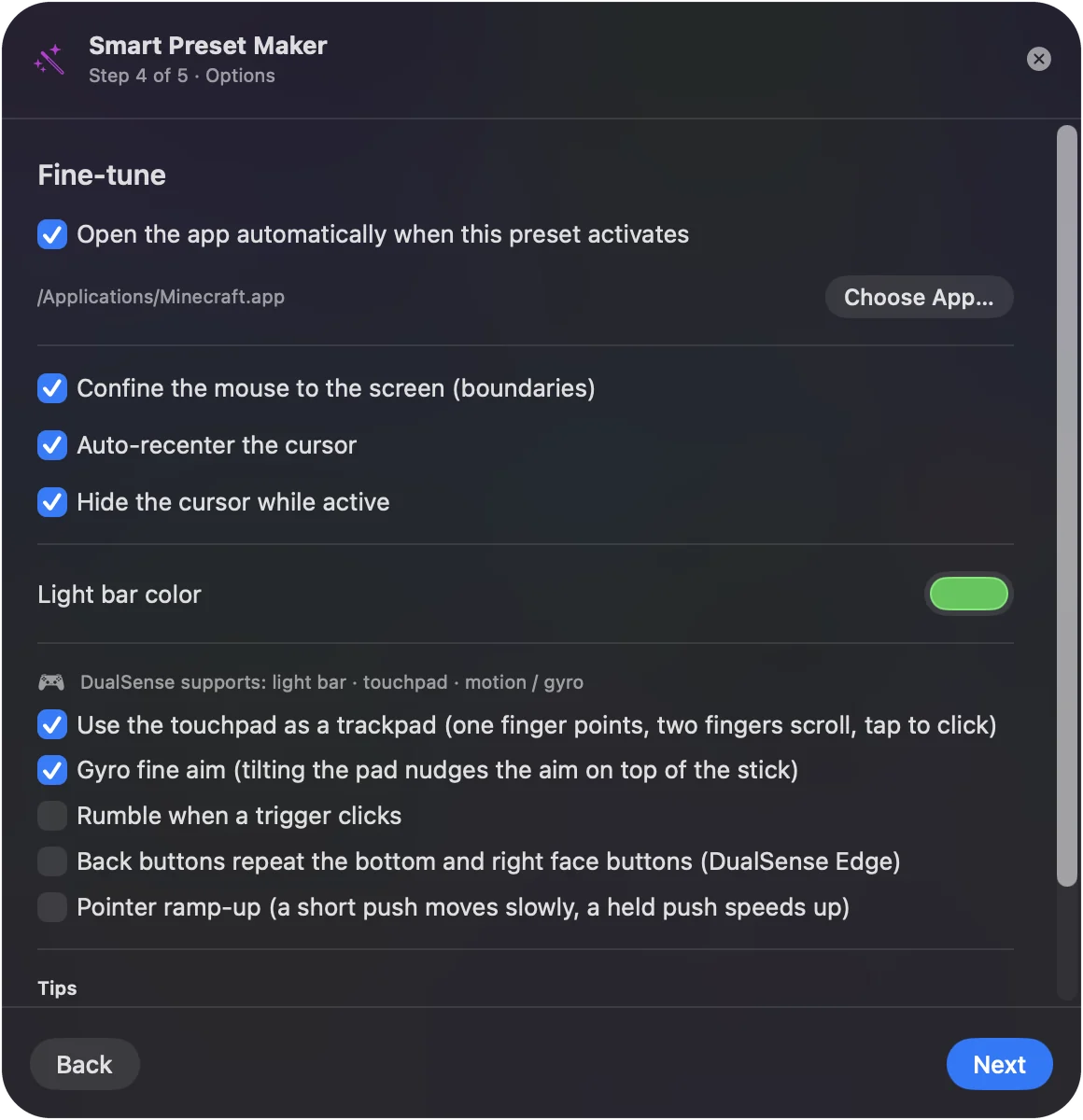
InputConfig 1.6 also knows many cheap pads by name from the community SDL GameControllerDB, so when yours is in it, A, B, X, Y, the shoulders and the sticks already sit where a preset made on any other controller expects them. A pad that is not in it is still read, button by button. Scan binds whatever you press, so it does not matter how the pad numbers its buttons.
 InputConfig is free on the Mac App Store. macOS 14 or later, no account, no tracking, open source.
Set up two cheap pads for two players
Two identical pads are two controllers to InputConfig. Each gets its own slot, and a preset holds a separate layout for each, so one pad can send W, A, S, D and Space while the other sends the arrow keys and Enter.
- Identical pads. In 1.6, two identical pads no longer switch on and off together.
- Twin adapters. Adapters that carry two players on one cable now give each player a controller of their own too.
The step-by-step version is on two controllers on a Mac. Two cheap pads and one preset make a two-player keyboard game.
What it cannot do
- Read Xbox 360 mode. A wired pad in that mode cannot be read by macOS or by any Mac app.
- Pose as a controller. A plain USB pad will not appear to games that only accept a controller through Apple's support. InputConfig sends keys and mouse; it does not pretend to be a controller.
- Rumble a plain USB pad. InputConfig's Vibrate option works on the DualSense and on controllers whose rumble macOS drives. On a plain USB pad it is skipped quietly.
If yours is misbehaving rather than simply ignored, see generic USB gamepad not working. A cheap pad gives you buttons and sticks, not rumble or a place in controller-only games.
The short version
- Switch or iOS mode. A real Mac game controller.
- D-input or PC mode. Emulators read it, and InputConfig maps it to keys for everything else.
- Xbox mode on a cable. Switch it out, or skip that pad.
Check the mode, and a cheap pad is a perfectly good Mac controller.
Questions
Do cheap Amazon controllers work on a Mac?
Many do. A pad with an iOS, MFi or Switch mode works as a real game controller. A wired pad in D-input or PC mode works in emulators and, through a mapper such as InputConfig, anywhere that takes a keyboard. A wired pad that only has an Xbox 360 mode does not work.
Why does my cheap controller work on Windows but not on my Mac?
Windows supports the Xbox 360 protocol many cheap pads use over a cable, and macOS does not. Switch the pad to its D-input, PC, Android or Switch mode.
Can I use a cheap USB controller for Minecraft on a Mac?
Minecraft Java Edition has no controller support of its own, so it needs either a mod or a mapper. InputConfig turns the pad into Minecraft's keys and mouse, and its built-in Minecraft preset is a starting point. See Minecraft with a controller on a Mac.
Is a cheap controller good enough for a child on a Mac?
Usually, for browser games, Minecraft and Roblox through a mapper. See a game controller for a child's Mac for a setup with a stop button an adult can reach.
Related
Free. macOS 14 or later. No account, nothing leaves your Mac. Open source on GitHub.