InputConfig press kit
 InputConfig is completely free on the Mac App Store. You don't have to make an account, there are no subscriptions, and nothing is locked. Optimized for Apple silicon.
This page is for anyone writing about InputConfig. Everything on it may be quoted, and the pictures may be used as they are. If you need something that is not here, ask me and I will send it.
On this page
In one sentence, and in one paragraph
InputConfig is a free, open-source app that turns any game controller, MIDI device, or the Mac's own keyboard, mouse and trackpad into a full keyboard and mouse for macOS, built for people whose hands do not work well.
InputConfig maps every button, trigger, stick, key, pad and knob to keys, clicks, mouse movement, scrolling, macros, MIDI, Siri Shortcuts and system functions, and it works in every app on the Mac, not only games. It reads the PS5 DualSense and DualSense Edge, DualShock 4, Xbox, Switch Pro, Switch 2 and Joy-Con, 8BitDo, Steam Controller, PlayStation Access Controller and Xbox Adaptive Controller, wheels, flight sticks, MIDI gear, pen tablets and the Stream Deck, with no drivers to install. It was made by one developer, Ryleigh Newman, who runs his own Mac with it because of a progressive neuromuscular disease, and it is free with nothing locked, open source under the MIT license, and sends nothing over the network.
The facts
| Item | Detail |
|---|---|
| Name | InputConfig (one word, capital I and capital C) |
| Developer | Ryleigh Newman, ryleighnewman.com |
| Platform | Mac only, macOS 14 or later, Apple silicon and Intel |
| Price | Free. An optional tip jar unlocks nothing |
| License | MIT, with the full source on GitHub |
| First release | July 9, 2026, on the Mac App Store |
| Current version | 1.8, October 22, 2026. The changelog is the record for every version |
| Languages | 26, with Arabic and Hebrew reading right to left |
| Where to get it | Mac App Store, or Homebrew: brew install --cask ryleighnewman/inputconfig/inputconfig |
| Privacy | No account, no analytics, no network access. Privacy policy |
| Website | inputconfig.com, with help for every feature, guides, presets for 450+ games and apps and free browser tools |
What it does
- Any input in. Game controllers of every kind, adaptive controllers and the switches plugged into them, MIDI keyboards, pads and knobs, the Mac's own keyboard, mouse and trackpad, pen tablets, the Stream Deck, wheels and flight sticks, regions of the screen, and a knock on a MacBook's palm rest.
- Any output out. Keys and shortcuts, mouse buttons, pointer movement and scrolling, macros and turbo, MIDI to any DAW, Siri Shortcuts, system functions, typed text, spoken phrases, haptics and light bar colors.
- Built for accessibility. One-stick driving runs a whole Mac from one stick. Hold, double tap, triple tap and chords give one button several jobs. Deadzones and curves are set per control for tremor and short reach. An emergency stop releases every held key whatever the preset says. The accessibility statement has the detail.
- Ready to go. Presets ship for popular games and apps, and the Smart Preset Maker builds one for more than 450 titles. Presets switch themselves when an app comes to the front.
Pictures
Use these as they are. Please do not recolor or redraw the icon, and do not place it on another product. Each link opens the full-size file.
- App icon. icon-1024.png, 1024 by 1024, the same artwork as on the Mac App Store.
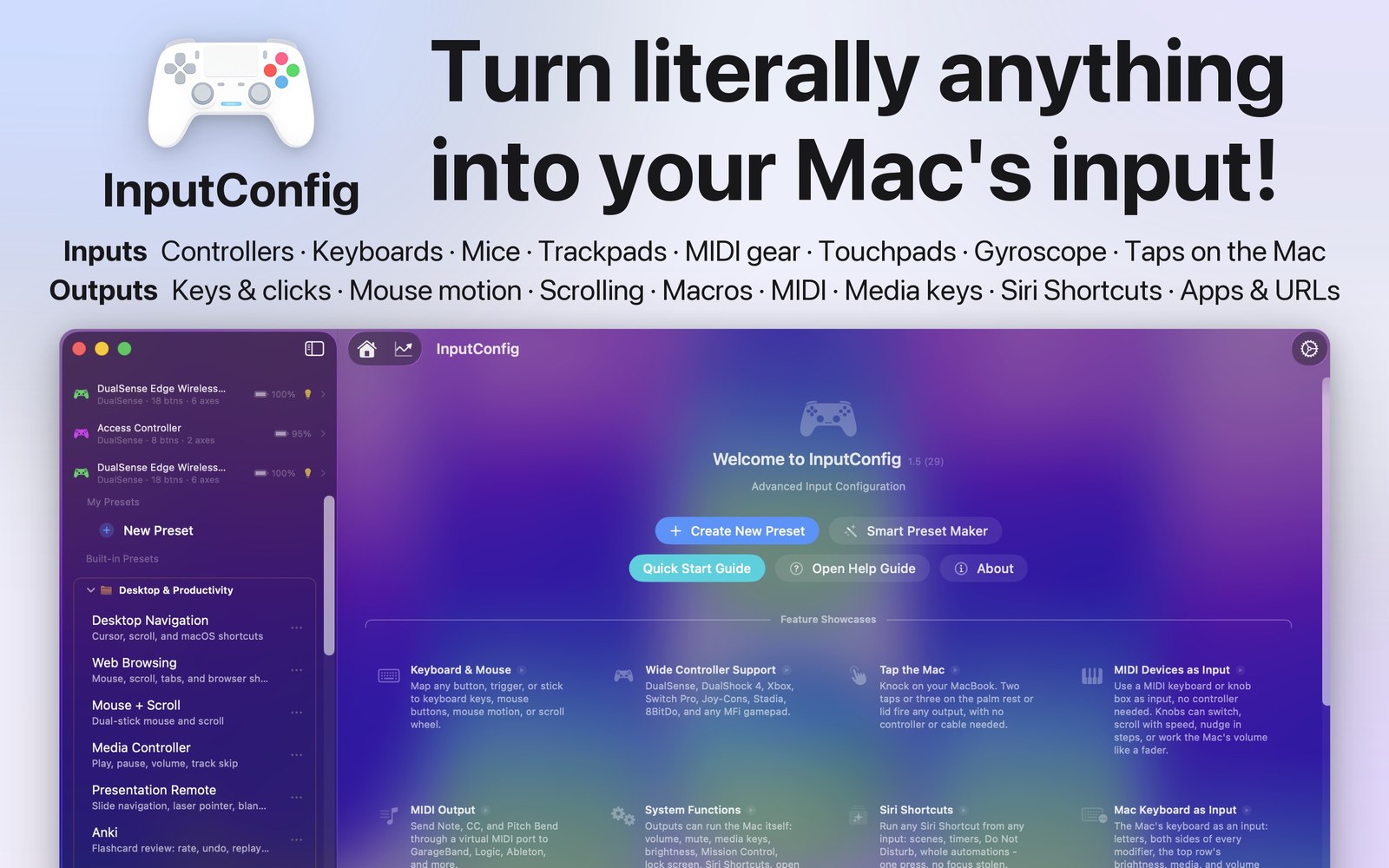
- Hero. 01-hero.jpg, the icon, the headline and the welcome window, 1600 by 1000. hero-window.jpg is the app window alone.
- Screens. Mapping a controller, the Live Visualizer, MIDI in and out, built for accessibility, each 1600 by 1000.


The ten App Store screenshots are on the App Store page. For a picture of a specific feature, ask and I will make one.
Coverage so far
- AppleInsider, October 26, 2026: Remap just about any button on your controller or MIDI keyboard.
- BGR, September 22, 2026, on Tap the Mac, the feature that lets a knock on a MacBook fire any output.
- How I use my Mac without a keyboard or mouse, my own story in Tech and Me on Medium, November 2026.
Contact
Email [email protected], or use the contact page at ryleighnewman.com. Bugs and feature requests go to the issue tracker on GitHub, where anyone can see them. I answer questions myself. I do not pay for coverage or placement, and I do not ask for reviews.