Online stopwatch
 InputConfig is completely free on the Mac App Store.
Press Space to start and stop. Press L for a lap and R to reset. Switch to Timer for a countdown that beeps at zero.
| Lap | Lap time | Total |
|---|
Keys
- Space. Start and stop, in both modes.
- L. Record a lap while the stopwatch runs. The fastest lap shows in green and the slowest in red once you have three.
- R. Reset, when stopped.
The time is read from the system clock each frame, so it stays accurate in a background tab and on a busy Mac. The display updates when you come back to the tab, and the timer still beeps on time in the background in most browsers.
Start it without touching the keyboard
Anything that presses Space can run this stopwatch: a foot pedal, a big USB button, a controller button or a MIDI pad. InputConfig maps any of them to Space for free, which is handy for timing laps, practice runs or speedcubing. The cube timer has the hold and release start that cubers use.
How this fits with InputConfig
These pages run on the space bar, a click or a key. InputConfig can press those for you from something else, a foot pedal, a controller button or a MIDI pad, which turns a pedal into a stopwatch button or a Morse key.
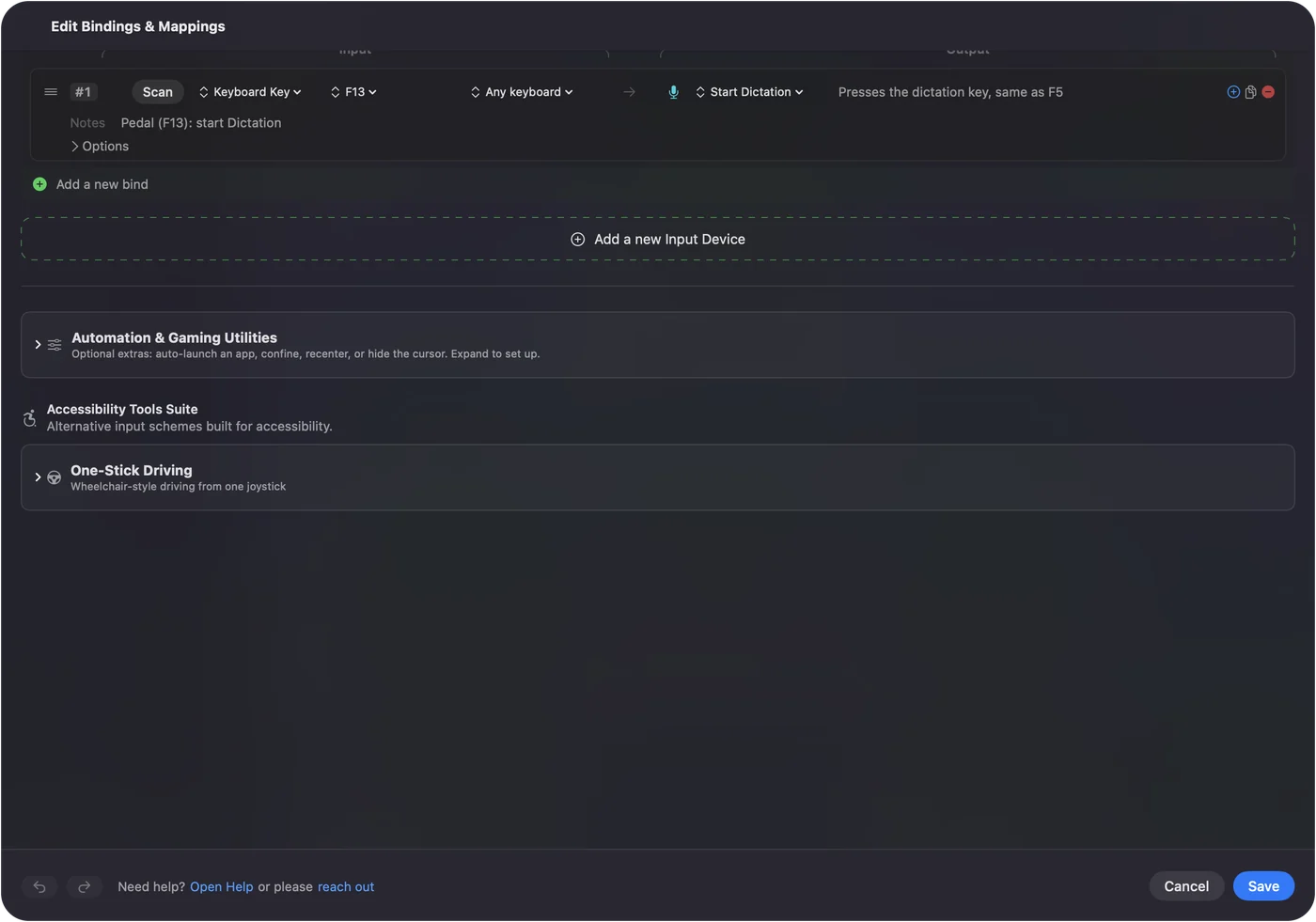
Foot pedal shortcuts on a Mac shows it step by step. InputConfig is free on the Mac App Store.
More timing and practice
Questions
How do I use the stopwatch with my keyboard?
Space starts and stops it, L records a lap while it runs, and R resets it when stopped. The keys work anywhere on the page.
Does it keep running in another tab?
Yes. The time comes from the clock, not from counting ticks, so it stays right even when the tab is in the background.
Is there a countdown timer?
Yes. Switch to Timer, type the minutes and seconds, and press Start. It beeps and flashes when it reaches zero.
Can I start it with a foot pedal or a button?
Yes. Anything that presses Space works. InputConfig can make a foot pedal, a controller button or a MIDI pad press Space for free.
Related
Completely free. You don't have to make an account, there are no subscriptions, and nothing is locked. Optimized for Apple silicon. Open source on GitHub.
Updated