Morse code translator
 InputConfig is completely free on the Mac App Store.
Type text to see and hear it in Morse, paste Morse to read it as text, or hold your space bar on the pad to tap it out yourself.
Text to Morse
20 words per minute
600 Hz
Tap it with your space bar
How Morse timing works
- Dot. One unit long.
- Dash. Three units.
- Gaps. One unit between the parts of a letter, three between letters, seven between words.
At 20 words per minute a unit is 60 ms, using the standard word PARIS to set the pace. Learn letters by their sound, not by counting dots and dashes, and you will read faster.
The tapping pad
The pad learns your speed as you tap. A press shorter than about two dot lengths counts as a dot, and a longer one as a dash. If it reads your letters wrong, tap a few clear dots first so it settles on your pace. To send the space bar from a foot pedal, a controller button or a MIDI pad instead, InputConfig can map any of them to the space bar for free.
How this fits with InputConfig
These pages run on the space bar, a click or a key. InputConfig can press those for you from something else, a foot pedal, a controller button or a MIDI pad, which turns a pedal into a stopwatch button or a Morse key.
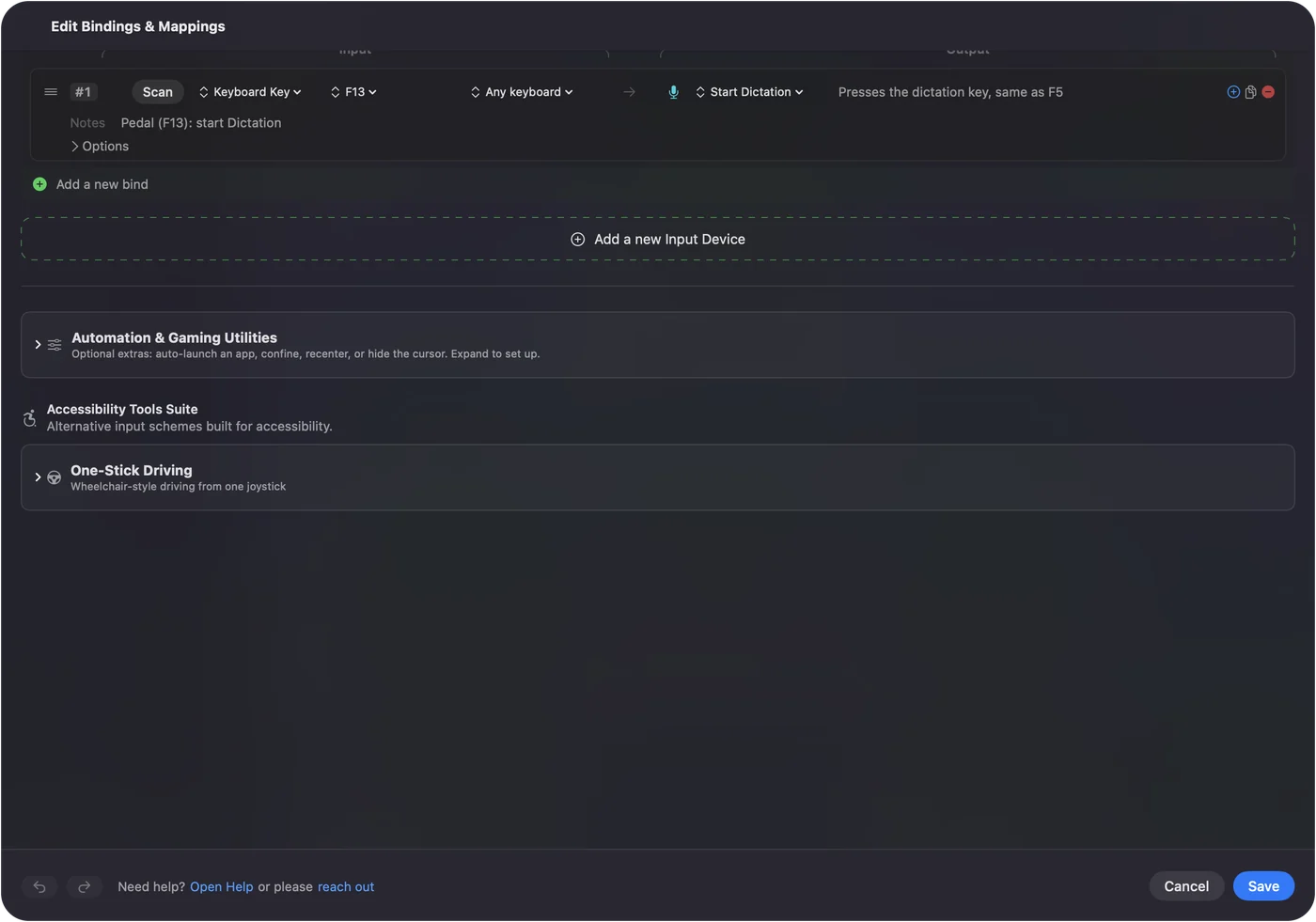
Foot pedal shortcuts on a Mac shows it step by step. InputConfig is free on the Mac App Store.
More timing and practice
Questions
How do I translate text to Morse code?
Type in the text box and the Morse appears below it. Press Play to hear it at the speed you set in words per minute.
How do I decode Morse code?
Paste dots and dashes into the Morse box, with a space between letters and a slash between words. The text appears as you type.
How do I tap Morse code with my keyboard?
Click the tapping pad and hold the space bar. A short press is a dot and a longer press is a dash. A short pause ends a letter and a longer one ends a word.
What is SOS in Morse code?
Three dots, three dashes, three dots, sent as one run with no gaps between the letters.
Related
Completely free. You don't have to make an account, there are no subscriptions, and nothing is locked. Optimized for Apple silicon. Open source on GitHub.
Updated