How to make a button combo on a controller on a Mac
 InputConfig is completely free on the Mac App Store. You don't have to make an account, there are no subscriptions, and nothing is locked. Optimized for Apple silicon.
Yes, a Mac controller can have button combos. In InputConfig, a row can be set to fire only while another button is held, so L1 plus Cross sends one thing and Cross alone sends another. It works like Shift on a keyboard, and it doubles what every button can do.
I make InputConfig, a free Mac app that maps a controller to keys and mouse. In the app a combo is called a chord. It is free, like everything else in it.
On this page: 9 sections
Steps
- Add a row on the button that does the work and set what it sends.
- Open the row's Options.
- Under Second control, set While also holding to the button you will hold.
- Keep a separate plain row for the button's normal job.
- Click Save, then hold the first button and press the second.
Make your first combo
- You: Add a row on the button that does the work, such as Cross, and set what it sends. Open its Options and, under Second control, set While also holding to the button you will hold, such as L1. You can also press Scan there and press the button.
- InputConfig: Fires that row only while L1 is down.
- Check: Hold L1 and press Cross. The combo fires. Press Cross alone and its plain row fires instead.
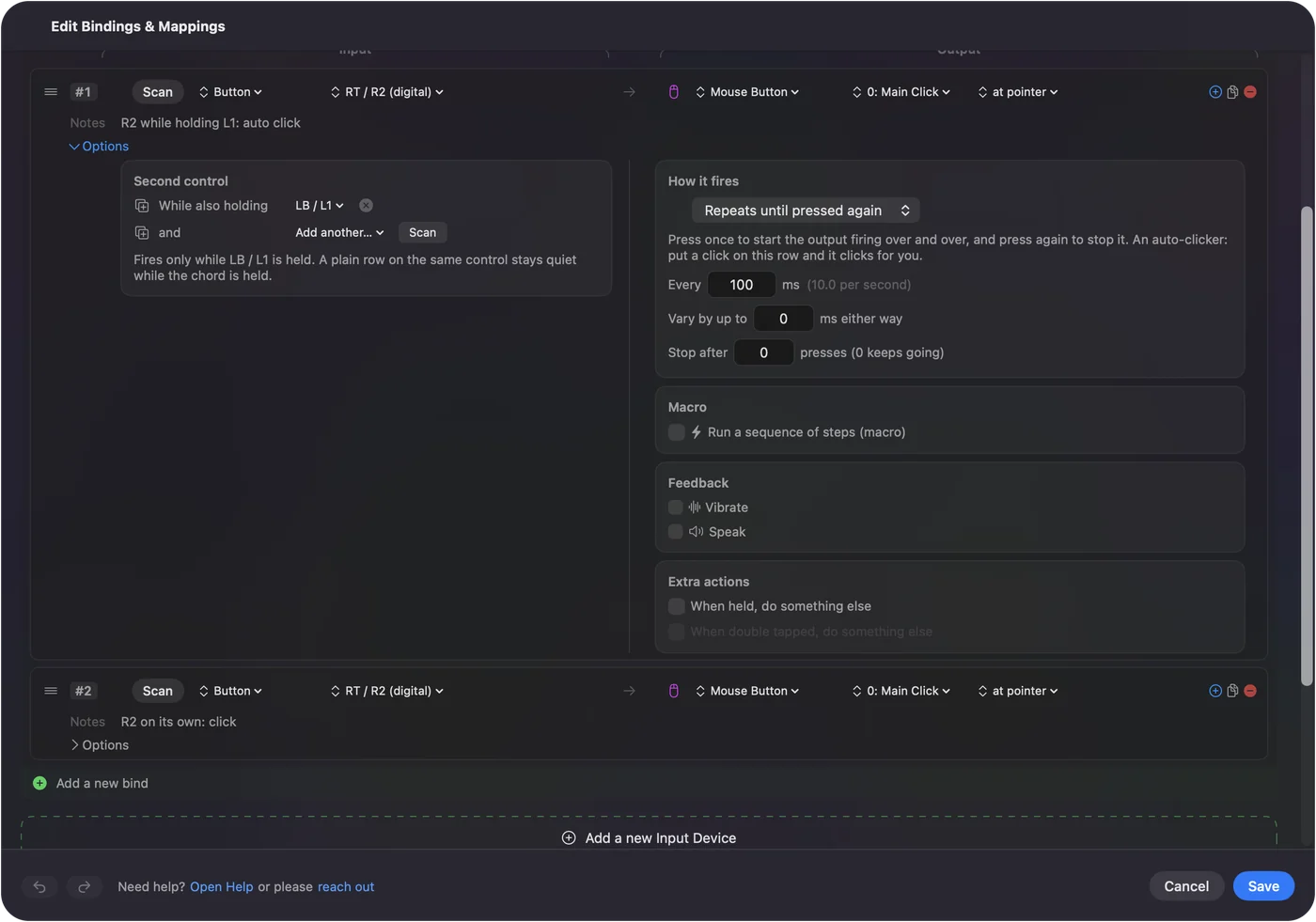
Hold the first button, then press the second, the way you press Shift and then a letter.
Keep the plain press too
A combo does not replace the button's normal job. Keep one row for the plain press and add a second row with the held button for the combo. While the held button is down, the plain row stays quiet.
Pick a good button to hold
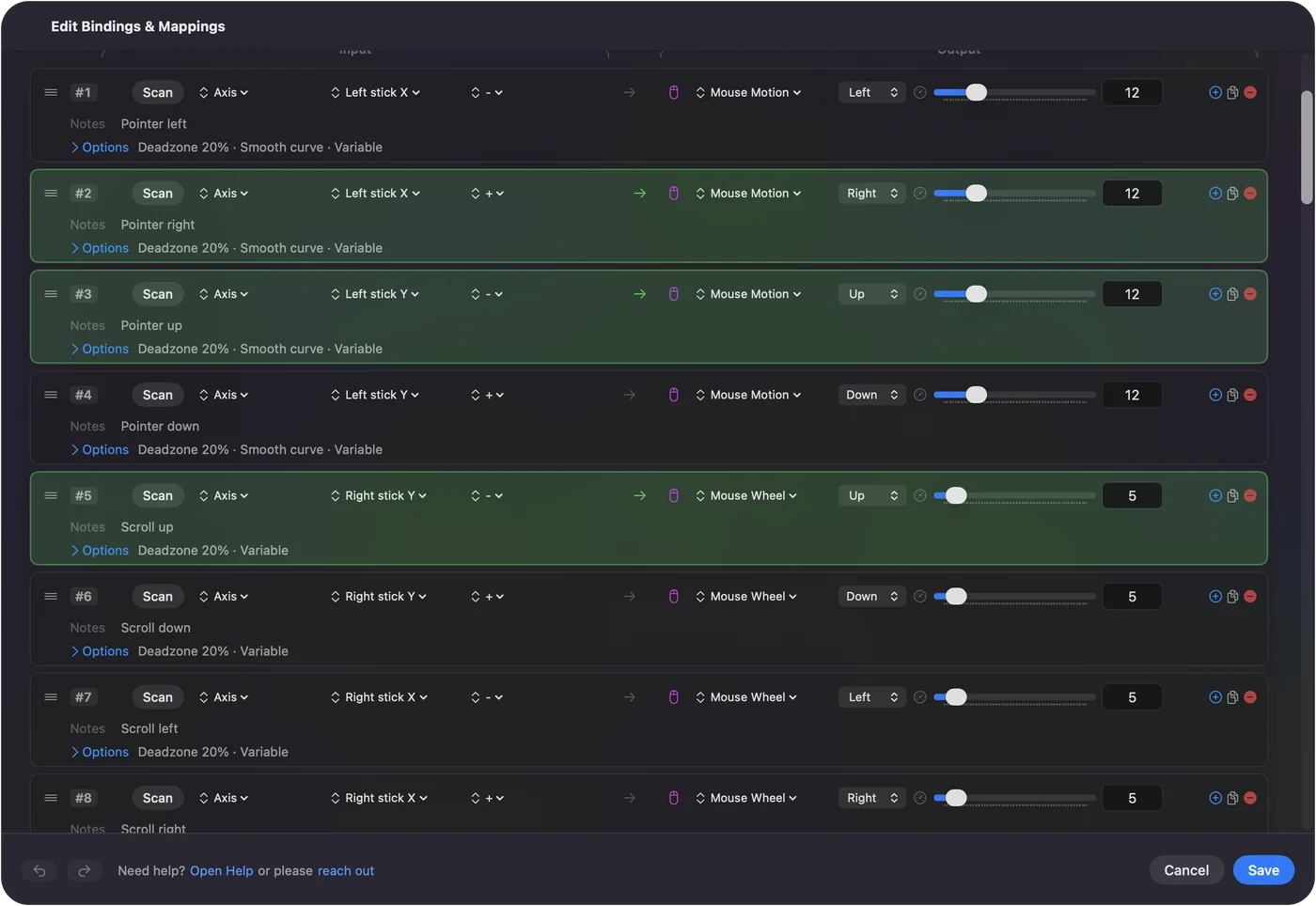
- A back paddle. It usually has no job of its own, so nothing fires when you hold it.
- A bumper. Easy to hold while your thumb presses a face button.
- A trigger. It can be held for a combo when it is bound as a button and not as an axis.
If the held button has its own job and you do not want it to fire, give it a row with no output.
Use more than one held button
A row can require up to three held buttons at once, so L1 plus R1 plus Triangle can be something you never press by accident. That is a good home for anything drastic, such as quitting an app.
What a combo can send
Anything a single button can: a key, a keyboard shortcut such as Command Q, a mouse click, a macro, typed text, a system function such as a screenshot, or a Siri Shortcut. The combo is only about what you press. What it sends is up to you.
If the combo fires the wrong thing
- Hold first, press second. If you press the main button first, the plain row fires before the held button goes down.
- Empty the held button's row. If holding it also does its own job, give it a row with no output.
- Update the app. Version 1.6 fixed combos firing the plain row on release.
Chords in the help has the full reference, and hold and double tap is the other way to get more jobs from one button.
The short version
- Where. A row's Options, Second control, While also holding.
- Two rows per button. One plain, one with the held button.
- Order. Held button first, then the press.
One spare button to hold gives every other button a second job.
Questions
Can I map two controller buttons pressed together to one key on a Mac?
Yes. In InputConfig, open a row's Options and set While also holding under Second control. The row then fires only while that other button is held.
How many buttons can a combo use?
A row can require up to three held buttons, plus the button you press.
Does the button still work on its own?
Yes. Keep a plain row for the button and a second row for the combo. The plain row stays quiet while the held button is down.
Does this work with a PS5, Xbox or Switch controller?
Yes. Combos work with any controller InputConfig reads, and the held control can be anything Scan sees.
Related
Completely free. You don't have to make an account, there are no subscriptions, and nothing is locked. Optimized for Apple silicon. Open source on GitHub.
Updated