Menu bar
 InputConfig is completely free on the Mac App Store. You don't have to make an account, there are no subscriptions, and nothing is locked. Optimized for Apple silicon.
The InputConfig icon in the menu bar is the app without the window. Click it to start and stop the current preset, switch presets, see what is connected and what the engine is doing, and reach the Emergency Stop. With the Dock icon hidden, it is the whole app.
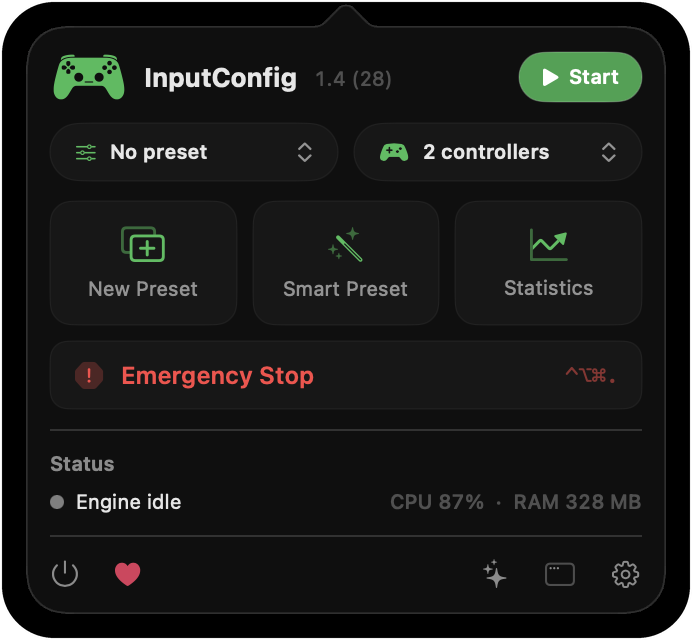
Use the popover
- Start and Stop. Starts or stops the selected preset.
- Presets. Every preset, in sidebar order. With the favorites filter on, only your starred presets.
- Controller. The connected controller by name, with its battery level; with more than one, a menu of them.
- New Preset, Smart Preset and Statistics. Shortcuts to the same sheets as in the window.
- Emergency Stop. With its keyboard shortcut beside it.
- Engine status. With CPU and memory use.
- The bottom row. Quit, the tip jar, What's New (the sparkles button), the main window and Settings. See what changed in each version.
The Emergency Stop is always one click away here.
Read the icon
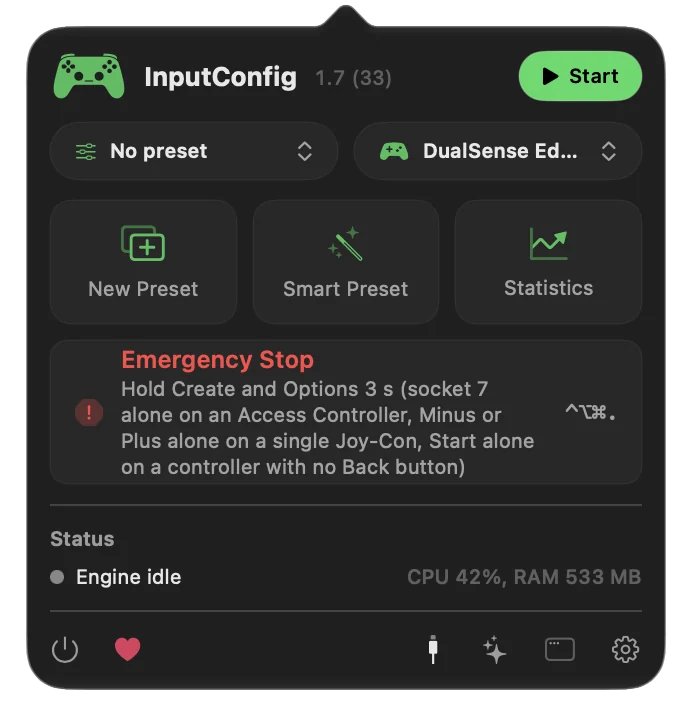
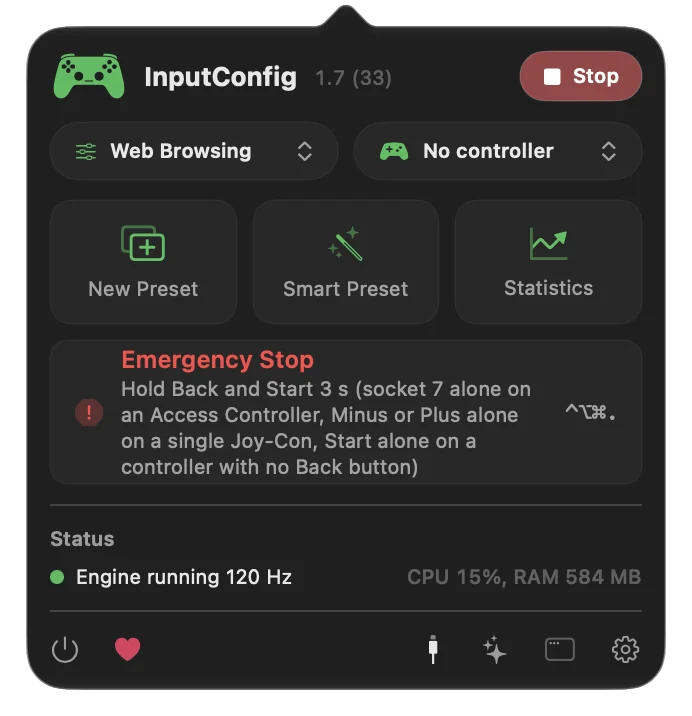
The icon turns green while a preset runs, and orange when a running preset needs the Accessibility permission. Rows start working the moment the permission is granted. Settings, General picks which glyph it uses. Orange means macOS is still waiting for your permission.
Run it from the menu bar only
Settings, General can hide the Dock icon; one of the two always stays on, so you can always reach the app. With launch at login and auto-switch set up, the app becomes something you set once and stop thinking about. The editor is still there: click the icon and open the window from the popover. Menu-bar-only mode keeps every feature, minus the Dock icon.
The short version
- Start and switch. Start, then pick a preset.
- Stop in an emergency. Emergency Stop, or its shortcut.
- Watch the color. Green is running, orange needs the permission.
Everything you need while a preset runs fits in this one popover.
Questions
Can I switch presets from the controller?
App Action outputs include Next Preset, Previous Preset, and Activate a specific preset.
Related
Completely free. You don't have to make an account, there are no subscriptions, and nothing is locked. Optimized for Apple silicon. Open source on GitHub.
Updated