Statistics
 InputConfig is completely free on the Mac App Store. You don't have to make an account, there are no subscriptions, and nothing is locked. Optimized for Apple silicon.
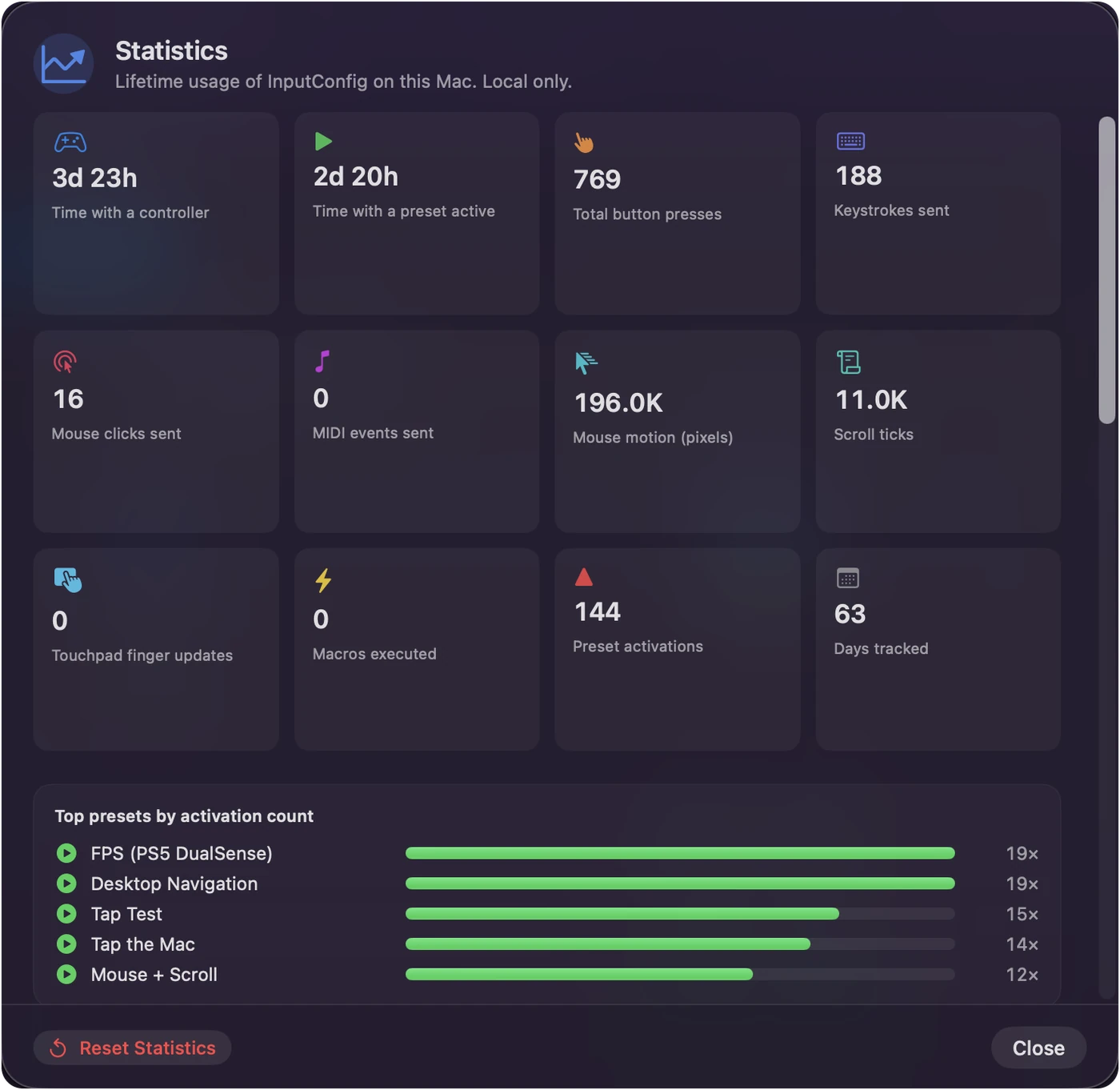
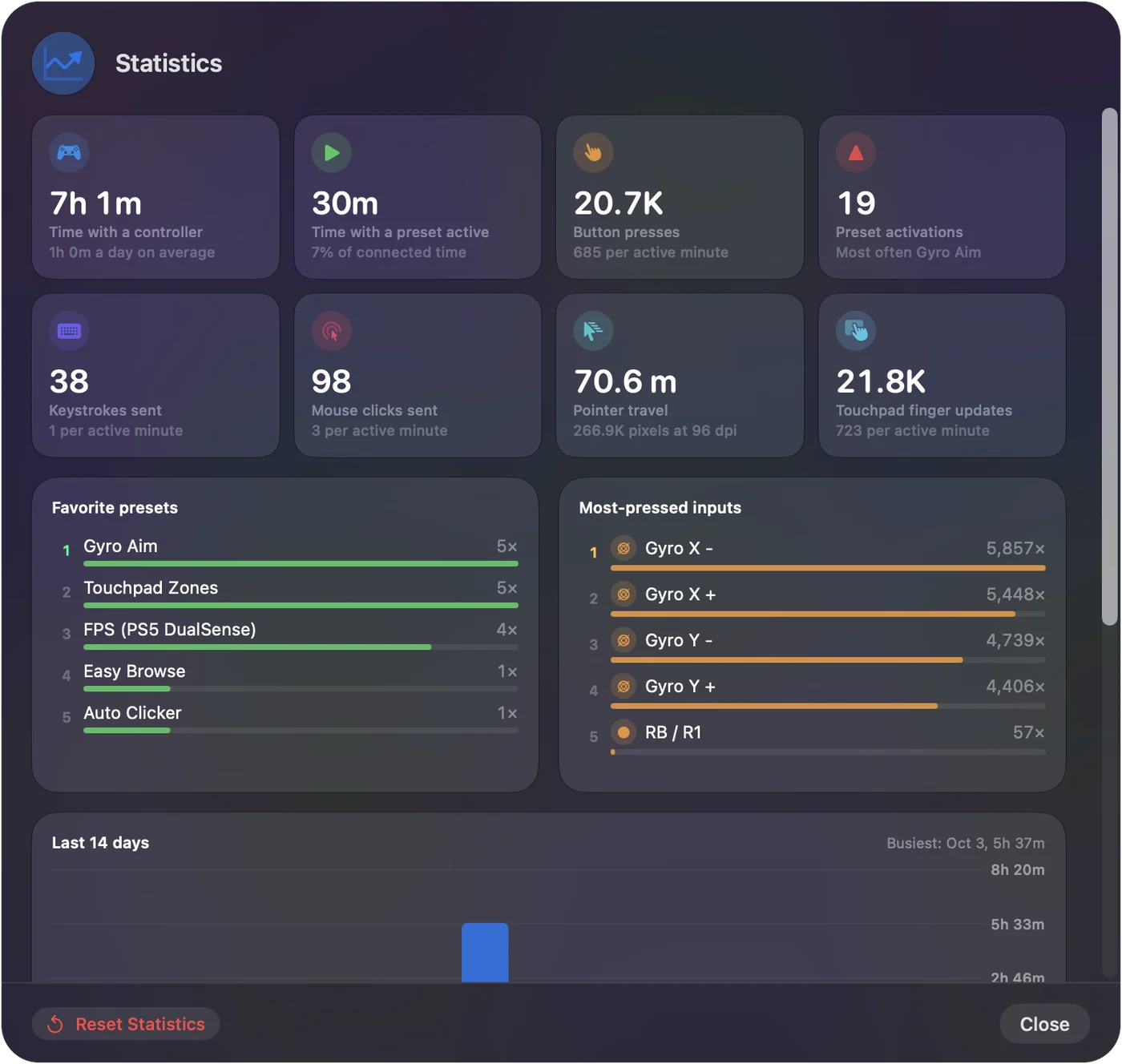
The Statistics sheet shows lifetime usage on this Mac: time with a controller connected, time with a preset active, and how much output the app has sent. Open it from the chart icon at the top of the window or from the menu bar. It is a small file in the app's folder and never leaves the Mac.
See what is counted
- Time. Controller time, preset time, and each controller's own time.
- Input. Button presses seen and touchpad updates.
- Output. Keystrokes sent, clicks sent, MIDI events sent, mouse motion in pixels, scroll ticks and macros run.
- Presets. Preset activations, days tracked, and a chart of the presets you activate most.
Input from the Mac's own keyboard counts only when a keyboard row in a running preset matches. The top presets chart is a quick way to see which layouts earn their place.
Keep it or reset it
The counts live in stats.json in the app's data folder. Reset Statistics starts over. Nothing here is ever sent anywhere.
Questions
Does it count input from the Mac keyboard?
Only when a keyboard row in a running preset matches.
Related
Completely free. You don't have to make an account, there are no subscriptions, and nothing is locked. Optimized for Apple silicon. Open source on GitHub.
Updated