How to right click on a Mac
 InputConfig is completely free on the Mac App Store. You don't have to make an account, there are no subscriptions, and nothing is locked. Optimized for Apple silicon.
To right click on a Mac, click the trackpad with two fingers, or hold Control and click. A Magic Mouse right clicks on its right side once Secondary click is switched on, and any two-button mouse right clicks with its right button. Apple calls it a secondary click.
Steps
- On a trackpad, click or tap with two fingers.
- On any Mac, hold Control and click.
- For a Magic Mouse, open System Settings, Mouse and set Secondary click to Click Right Side.
- For a trackpad, open System Settings, Trackpad, Point & Click and set Secondary click.
- With a two-button mouse, press the right button.
Right click on each device
- Trackpad. Click or tap with two fingers. System Settings, Trackpad, Point & Click, Secondary click can change it to a bottom corner.
- Magic Mouse. In System Settings, Mouse, set Secondary click to Click Right Side, or Click Left Side if you use it left-handed.
- Any other mouse. The right button works with no setting.
- Keyboard. Hold Control and click. It works everywhere, whatever the settings say.
Control-click always works, so use it to reach the setting when nothing else does.
If right click does nothing
Climb this ladder, smallest step first:
- Try Control-click. If the menu appears, the Mac is fine and the setting is off.
- Switch Secondary click on. It is in System Settings, Mouse for a Magic Mouse and in Trackpad, Point & Click for a trackpad.
- Lift your other fingers. A Magic Mouse reads a right click only when no finger rests on its left side.
- Test the button. The right click test shows whether the mouse sends a right click at all.
Right click from another button
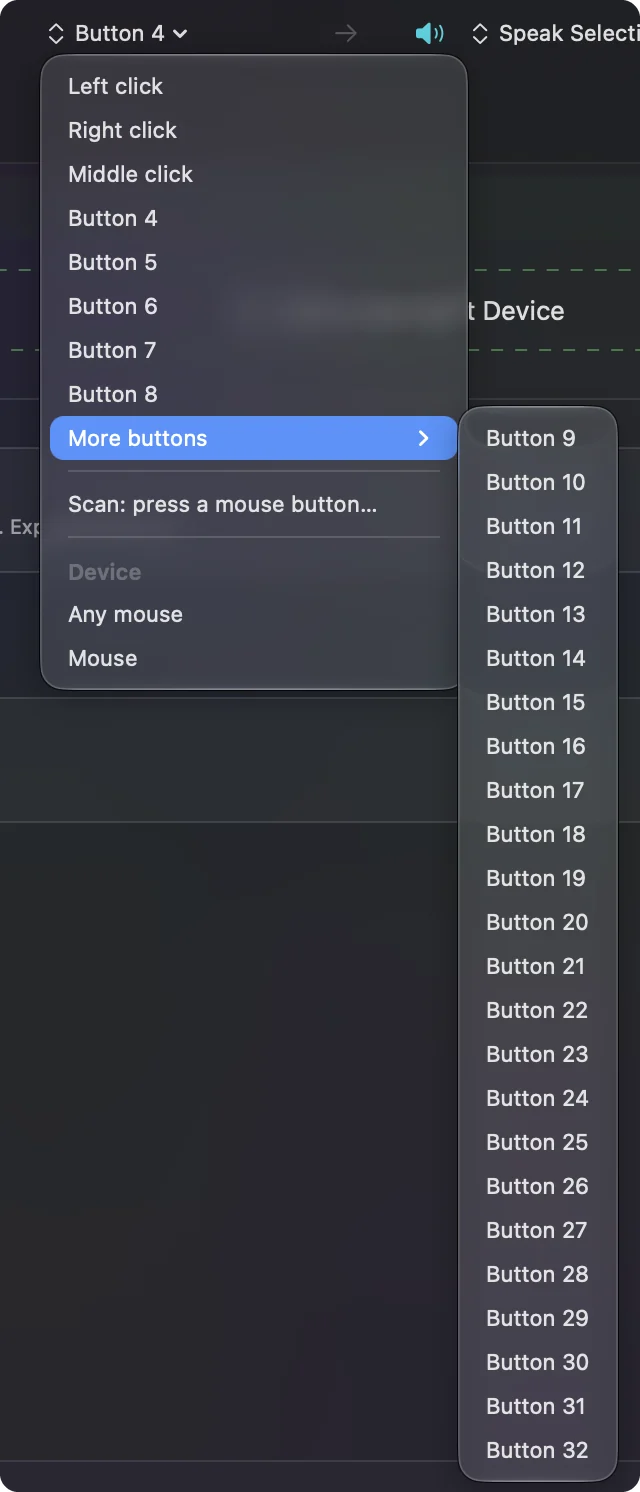
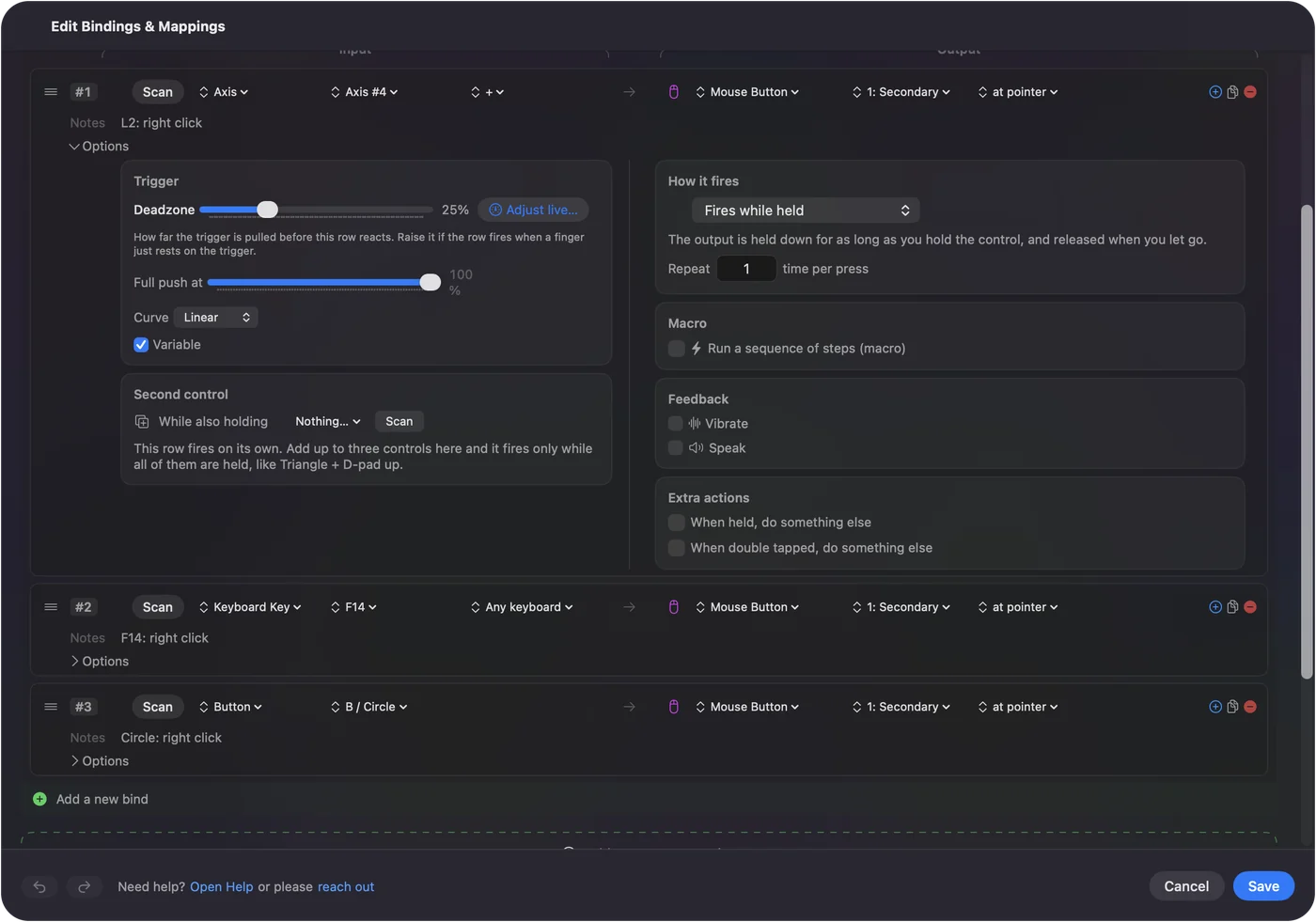
If two-finger clicks are hard for your hands, a different control can send the right click. InputConfig, free on the Mac App Store, can put it on a key, a mouse side button or a controller button, held or as a single press. Right click on a Mac without the button has the setup.
The short version
- Trackpad. Two fingers.
- Magic Mouse. Right side, after Secondary click is on.
- Anywhere. Control and click.
Questions
How do I right click on a MacBook?
Click or tap the trackpad with two fingers, or hold Control and click.
Why can't I right click on my Mac?
Secondary click is probably off. Turn it on in System Settings, Mouse or Trackpad. Control-click works in the meantime.
How do I right click with an Apple Magic Mouse?
In System Settings, Mouse, set Secondary click to Click Right Side, then click the right side with your other fingers lifted.
Related
Completely free. You don't have to make an account, there are no subscriptions, and nothing is locked. Optimized for Apple silicon. Open source on GitHub.
Updated