Change the double-click speed on a Mac
 InputConfig is completely free on the Mac App Store. You don't have to make an account, there are no subscriptions, and nothing is locked. Optimized for Apple silicon.
The double-click speed on a Mac is in System Settings, Accessibility, Pointer Control. Drag Double-click speed toward Slow and the Mac allows more time between the two clicks, which fixes most double clicks that do not register.
Steps
- Open System Settings, Accessibility.
- Click Pointer Control.
- Drag Double-click speed toward Slow.
- Double click a folder in the Finder to test it.
- Move the slider until a comfortable double click works every time.
Set the speed to your hand
- You: Open System Settings, Accessibility, Pointer Control, and drag Double-click speed.
- macOS: Counts two clicks as a double click when they arrive within that time.
- Check: Double click a folder. If it opens every time at your natural pace, the setting is right.
Slower is the forgiving direction, so start there if double clicks keep failing.
If a double click still fails
Climb this ladder, smallest step first:
- Hold the mouse still. The pointer must not move between the two clicks.
- Slow the speed setting. It gives the second click more time.
- Test the mouse. The double click test shows the gap between your clicks, and whether the mouse is sending clicks you did not make.
- Use a single press instead. A key or a spare button can send a real double click.
Send a double click from one press
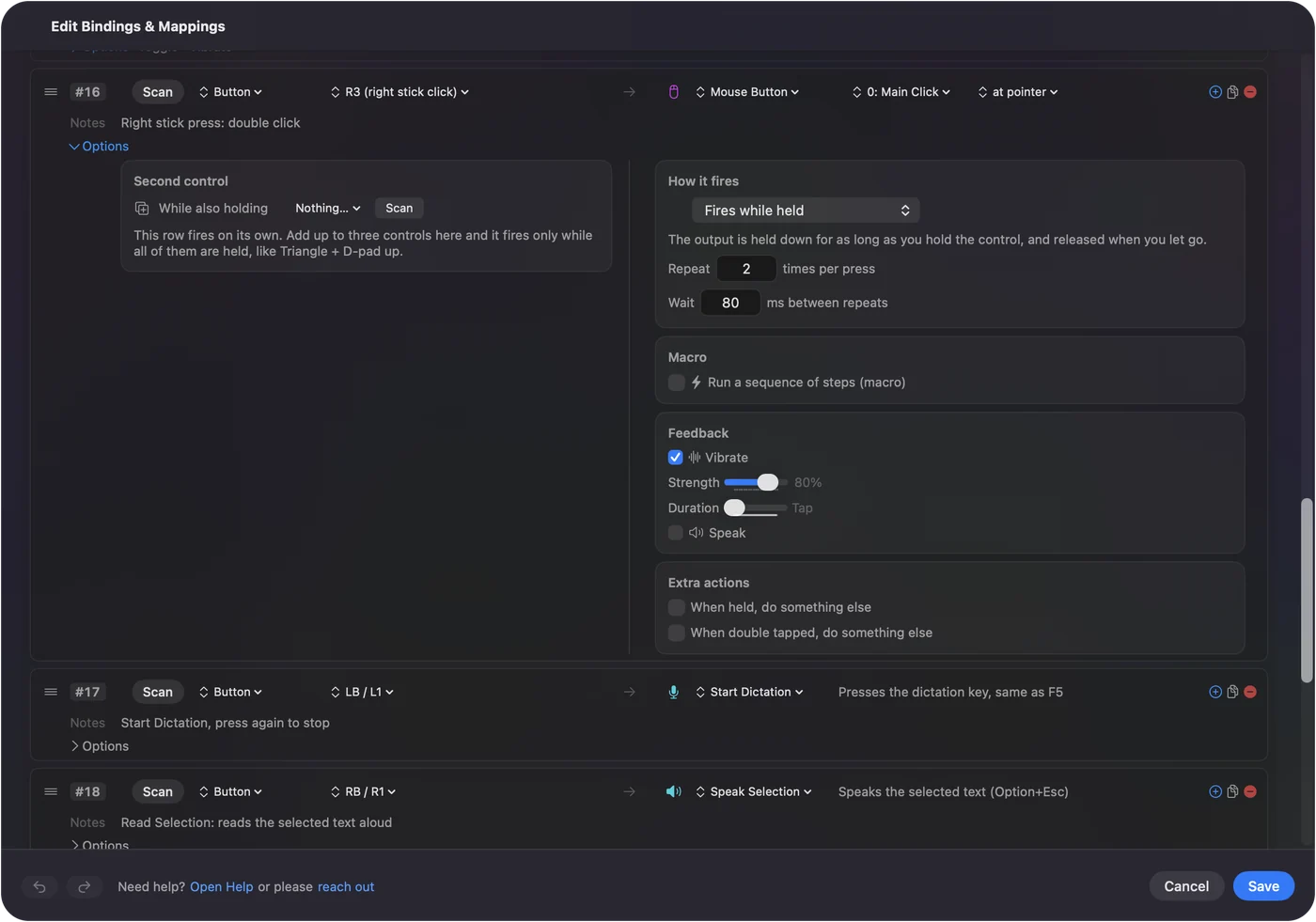
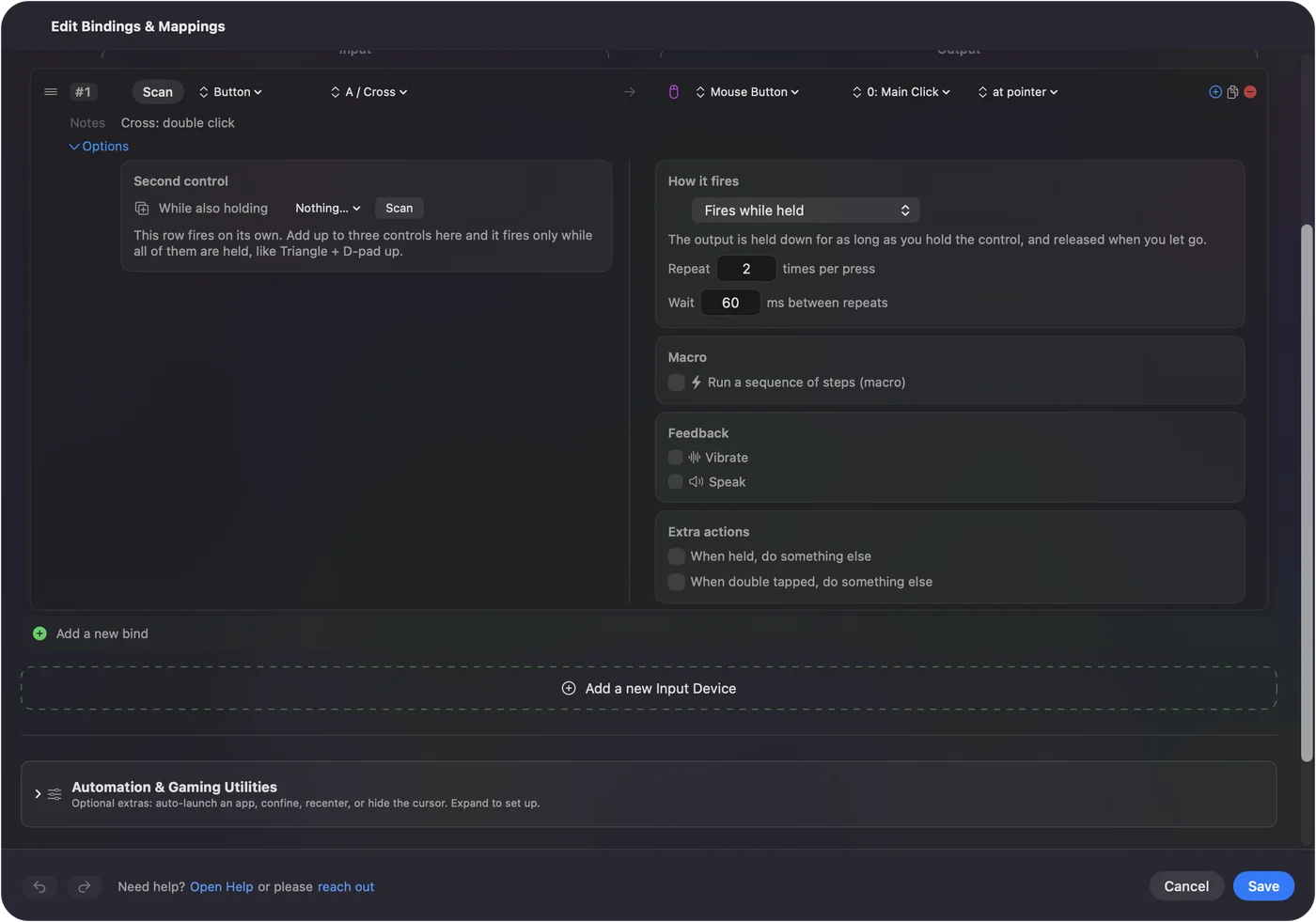
InputConfig, free on the Mac App Store, can send a real double click from one press of a key, a mouse button or a controller button. Double click on a Mac with one press has the setup, and the built-in Double Click Deck preset is ready to use.
The short version
- Where. System Settings, Accessibility, Pointer Control, Double-click speed.
- Failing double clicks. Slide toward Slow.
- A mouse that clicks twice by itself. Test it, because that is the switch wearing out.
Questions
How do I change the double-click speed on a Mac?
Open System Settings, Accessibility, Pointer Control, and drag the Double-click speed slider.
Why can't I double click on my Mac?
The two clicks are probably arriving too far apart for the current setting, or the pointer moves between them. Slow the Double-click speed and hold the mouse still.
Why does my mouse double click when I click once?
A worn switch can send two clicks for one press. The double click test shows it.
Related
Completely free. You don't have to make an account, there are no subscriptions, and nothing is locked. Optimized for Apple silicon. Open source on GitHub.
Updated