How to change Mac screen brightness from a controller or a button
 InputConfig is completely free on the Mac App Store. You don't have to make an account, there are no subscriptions, and nothing is locked. Optimized for Apple silicon.
Give two buttons the Brightness Up and Brightness Down system functions in InputConfig, and they change the Mac's screen brightness the way the F1 and F2 keys do. The keyboard backlight has its own pair. Any input can carry them: a controller, a mouse button, a MIDI pad or a spare key.
I make InputConfig, a free Mac app. This helps when the brightness keys are out of reach, such as a Mac on a TV, a keyboard without those keys, or a setup you run from a controller.
Steps
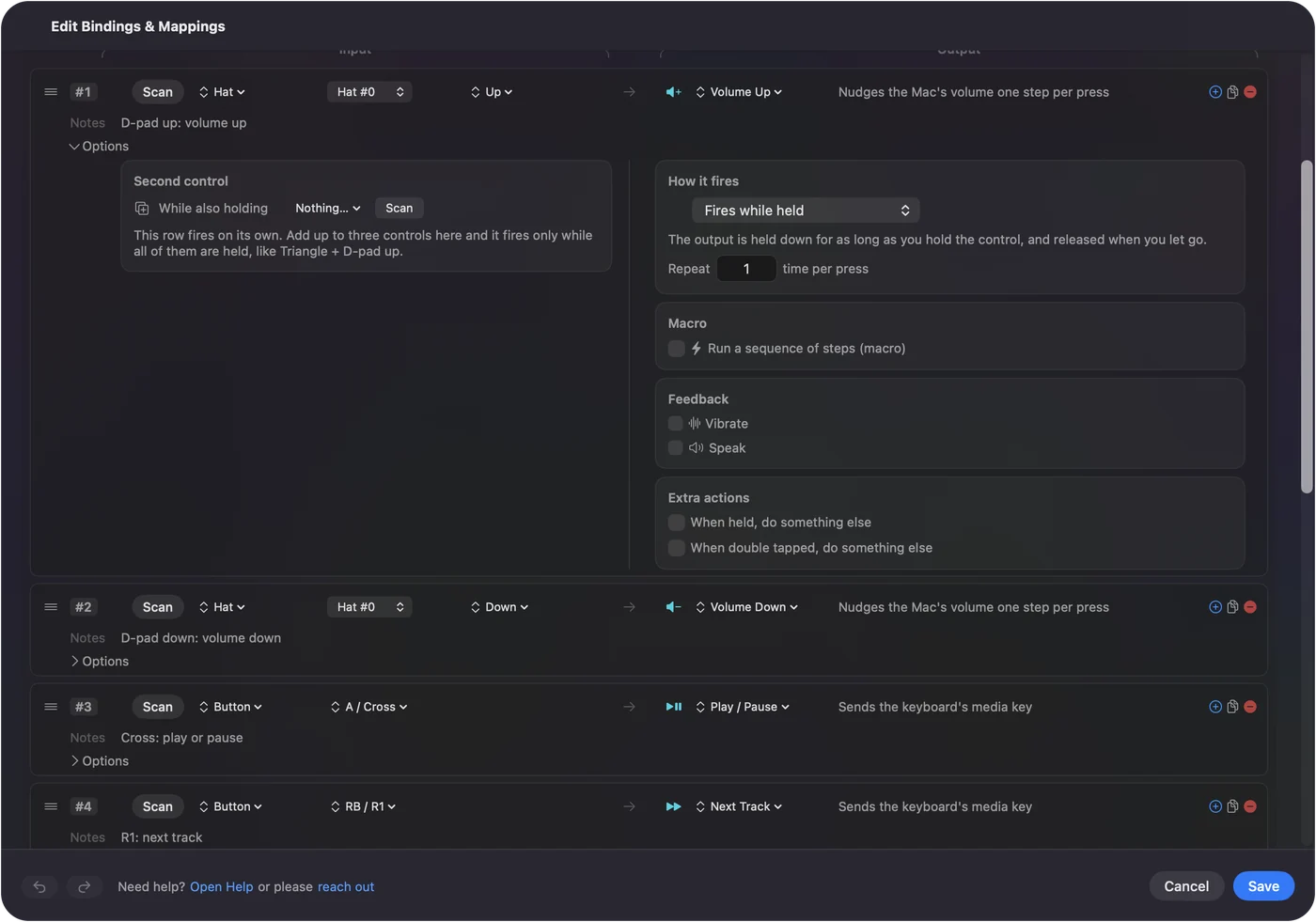
- Open a preset in InputConfig and click Edit.
- Add a row, press Scan and press a button.
- Set the output type to System Function and pick Brightness Up.
- Add a second row for Brightness Down.
- Click Save, then Activate.
Set it up
- You: Add two rows. On each, press Scan and press a button, set the output type to System Function, and pick Brightness Up on one and Brightness Down on the other.
- InputConfig: Sends the Mac's own brightness control.
- Check: Press the button. The brightness overlay appears and the screen changes.
Dim the keyboard too
The System Function list also has keyboard backlight up and down. On a MacBook they do what the backlight keys do. On a Mac with no backlit keyboard attached they have nothing to change.
What it changes, and what it does not
Brightness Up and Down change the display the Mac's own brightness keys change. An external monitor that ignores the brightness keys ignores these too. That is a limit of the monitor and of macOS, and I have not tested every display. Apple's own displays follow the keys.
The short version
- Screen. System Function, then Brightness Up or Brightness Down.
- Keyboard. The keyboard backlight pair in the same list.
If the F1 and F2 keys change your screen, these rows will too.
Questions
Can I change Mac brightness without the keyboard?
Yes. InputConfig can send Brightness Up and Brightness Down from a controller button, a mouse button, a MIDI pad or any spare key.
Does it work on an external monitor?
Only if that monitor follows the Mac's own brightness keys. Apple's displays do. Many third-party monitors do not, and then these rows change nothing on them.
Can a button change the keyboard backlight?
Yes. The System Function list has keyboard backlight up and down, which do what the backlight keys on a MacBook do.
Related
Completely free. You don't have to make an account, there are no subscriptions, and nothing is locked. Optimized for Apple silicon. Open source on GitHub.
Updated