Stadia Controller
 InputConfig is completely free on the Mac App Store. You don't have to make an account, there are no subscriptions, and nothing is locked. Optimized for Apple silicon.
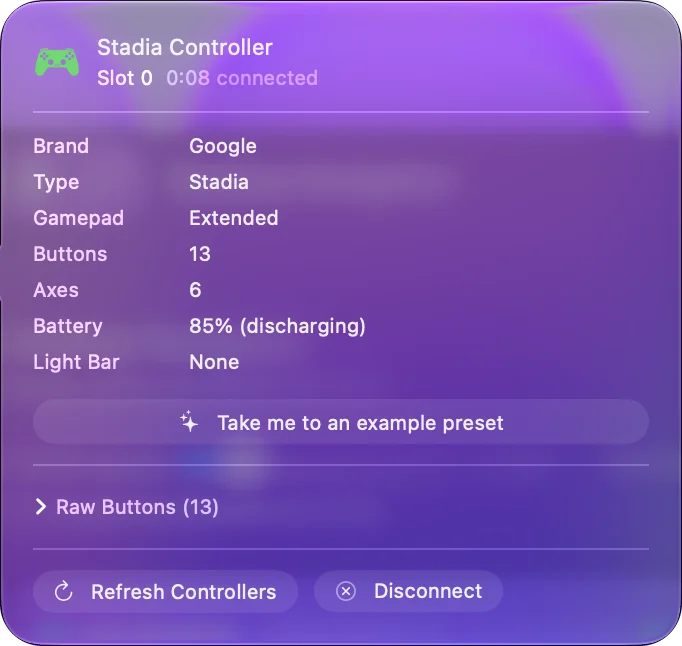
The Stadia controller works on a Mac over Bluetooth, but only if it was switched to Bluetooth mode with Google's update. After that it is an ordinary gamepad with an Xbox-style layout. Google's update page, stadia.google.com/controller, no longer loads (it returned an error when checked in September 2026), so a controller that was never switched cannot be updated through Google now. If you are buying one second hand, ask whether it was.
Steps
- Make sure the controller was switched to Bluetooth mode with Google's update. Google's page for it no longer loads, so a controller that was never switched cannot be switched now.
- Hold the Stadia, Y and A buttons together for two seconds and release. The light pulses.
- Open System Settings, Bluetooth and click Connect on Stadia Controller.
Check whether yours was switched
Google's Bluetooth update was permanent, so a controller switched years ago is still in Bluetooth mode today. To test one, hold Stadia, Y and A together for two seconds and release. If the light pulses and Stadia Controller appears in System Settings, Bluetooth, it was switched and pairs normally. If it never appears, it is still in Stadia mode.
The pairing test is the quickest way to know whether a second-hand Stadia pad will work.
Use its layout
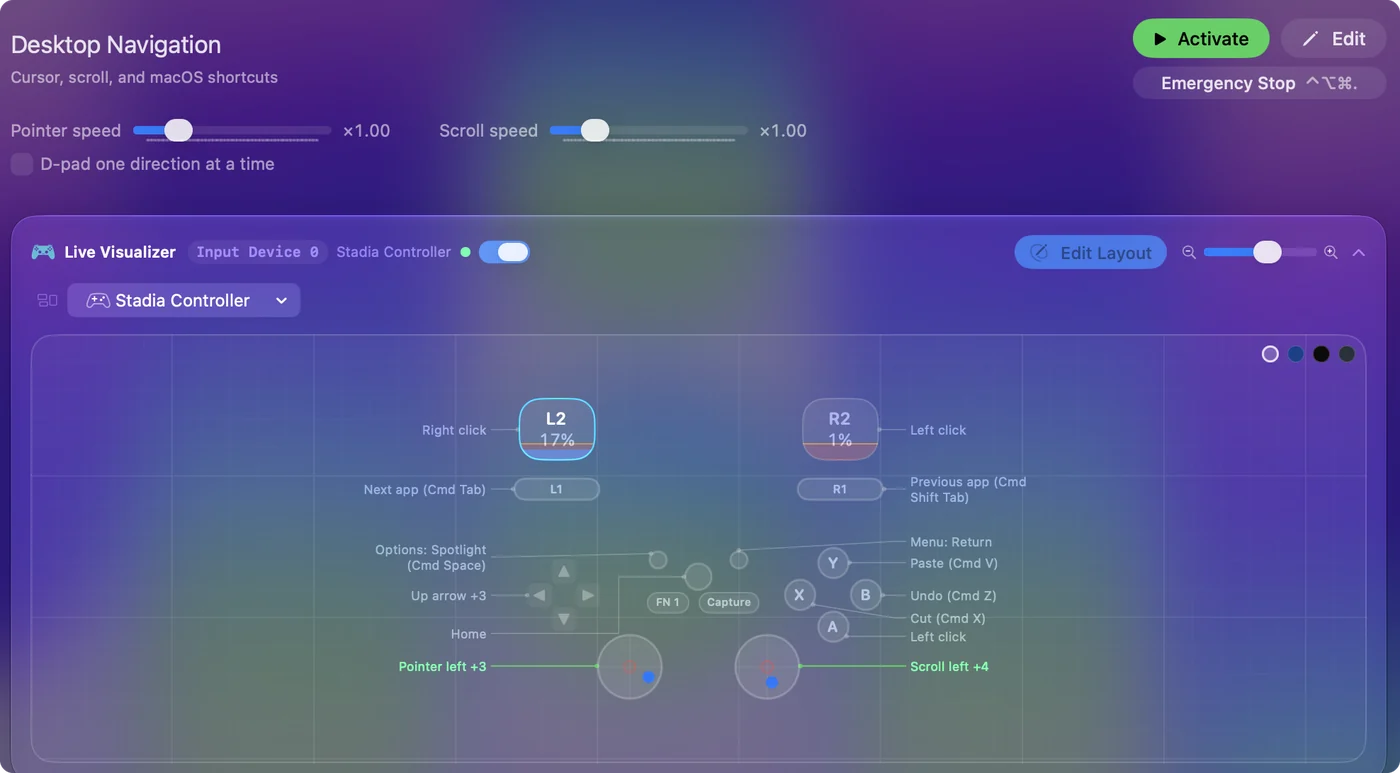
It uses the Xbox arrangement: A bottom, B right, X left, Y top. Any preset built for an Xbox pad works, including FPS (Xbox). The Assistant and Capture buttons report as extra buttons and bind too. Treat it as an Xbox pad and every Xbox layout fits.
What it cannot do
It has no wired mode on a Mac: Bluetooth only, once switched. A controller that was never switched cannot be switched through Google any more. Bluetooth mode is the only way it works with a Mac.
Questions
Does it work by cable?
No. Bluetooth only, once unlocked.
Can I still switch a Stadia controller to Bluetooth mode?
Not through Google: its update page no longer loads. A controller that was switched earlier pairs normally. Hold Stadia, Y, and A for two seconds; if the light pulses and it appears in System Settings, Bluetooth, it was switched.
Related
Completely free. You don't have to make an account, there are no subscriptions, and nothing is locked. Optimized for Apple silicon. Open source on GitHub.
Updated