Turn on the on-screen keyboard on a Mac
 InputConfig is completely free on the Mac App Store. You don't have to make an account, there are no subscriptions, and nothing is locked. Optimized for Apple silicon.
Yes, a Mac has an on-screen keyboard. It is called the Accessibility Keyboard, and you turn it on in System Settings, Accessibility, Keyboard. Click its keys with a mouse or trackpad, or let Dwell press them when the pointer rests on a key.
Steps
- Open System Settings, Accessibility.
- Click Keyboard.
- Turn on Accessibility Keyboard.
- Click the keys on screen to type.
- For the login window, open System Settings, Lock Screen, Accessibility Options.
Turn it on
- You: Open System Settings, Accessibility, Keyboard, and turn on Accessibility Keyboard.
- macOS: Shows a keyboard that floats over your apps.
- Check: Click a text field, then click keys on the keyboard. The letters appear.
If the Mac's keyboard is not working at all, press Option Command F5 on any working keyboard, or triple press Touch ID, to open Accessibility Shortcuts. The Accessibility Keyboard types into every app, which makes it the way around a broken key.
Use it at the login window
Open System Settings, Lock Screen, and click Accessibility Options. Turn on Accessibility Keyboard there and it appears at the login window, so you can type your password with the pointer.
Type without clicking
Dwell presses a key when the pointer rests on it, which suits a head pointer, a joystick or a hand that cannot click. Its settings are with the Accessibility Keyboard. Clicking with the head pointer on a Mac covers the pointer side.
Type from a controller instead
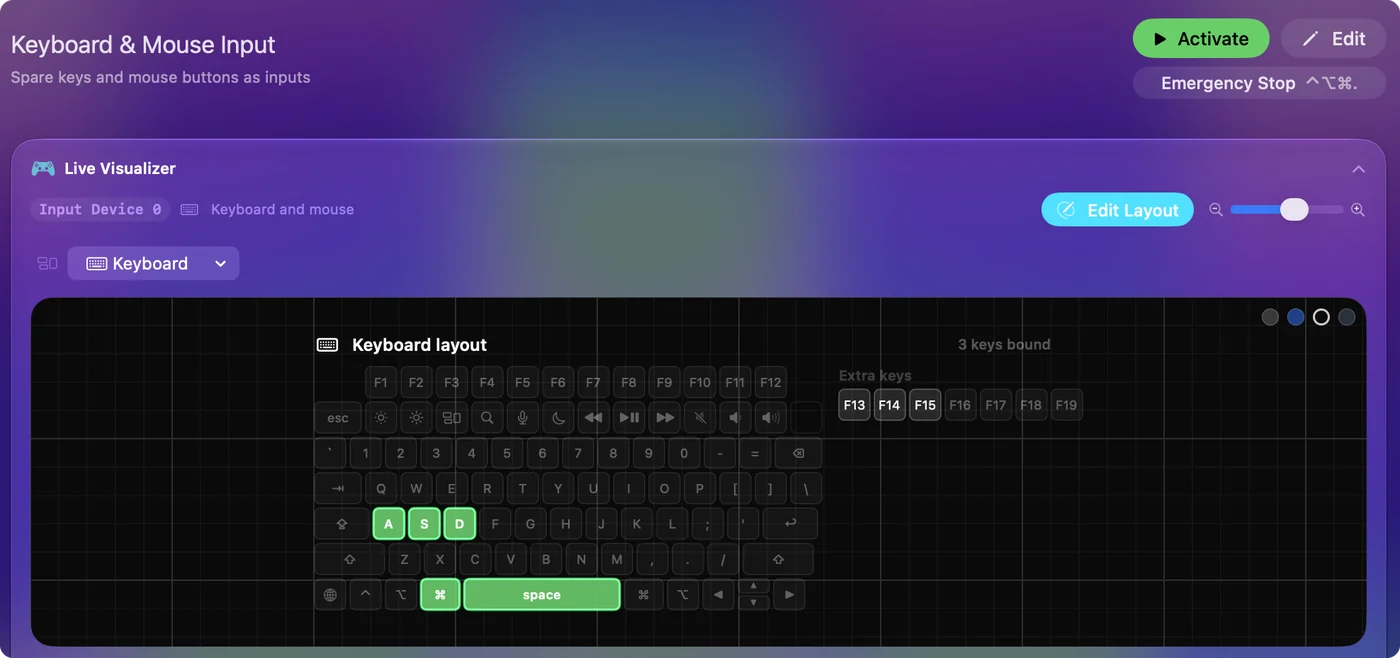
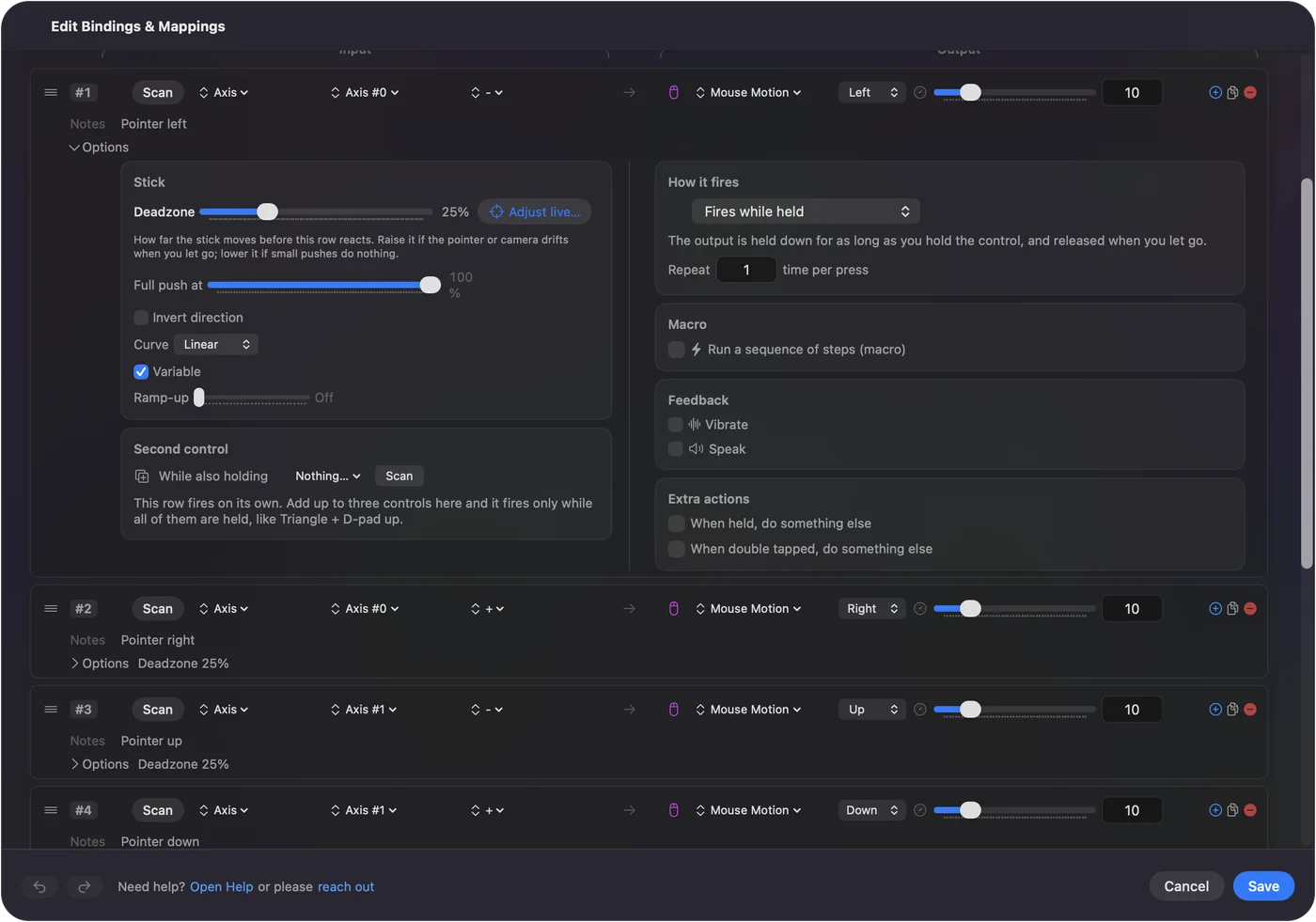
A game controller can move the pointer over the on-screen keyboard and click its keys. InputConfig, free on the Mac App Store, does that with the built-in Desktop Navigation preset, and a button can also type a whole phrase with a Type Text output. Using a Mac without a keyboard walks through it.
The short version
- Turn it on. System Settings, Accessibility, Keyboard, Accessibility Keyboard.
- At login. System Settings, Lock Screen, Accessibility Options.
- No clicking. Dwell.
Questions
Does a Mac have an on-screen keyboard?
Yes. It is the Accessibility Keyboard, in System Settings, Accessibility, Keyboard.
How do I get the on-screen keyboard at the Mac login screen?
Open System Settings, Lock Screen, click Accessibility Options, and turn on Accessibility Keyboard.
How do I type on a Mac if my keyboard is broken?
Turn on the Accessibility Keyboard and click its keys with the mouse or trackpad.
Related
Completely free. You don't have to make an account, there are no subscriptions, and nothing is locked. Optimized for Apple silicon. Open source on GitHub.
Updated