Fix or change the mouse scroll wheel on a Mac
 InputConfig is completely free on the Mac App Store. You don't have to make an account, there are no subscriptions, and nothing is locked. Optimized for Apple silicon.
A scroll wheel that goes the wrong way on a Mac is Natural scrolling, which you switch off in System Settings, Mouse. Scroll speed is in Accessibility, Pointer Control, Mouse Options, and zooming with the wheel is in Accessibility, Zoom.
Steps
- Open System Settings, Mouse.
- Turn Natural scrolling off if the wheel feels reversed.
- For speed, open Accessibility, Pointer Control, Mouse Options and set Scroll speed.
- For zoom, open Accessibility, Zoom and turn on Use scroll gesture with modifier keys to zoom.
- Test the wheel with a scroll wheel test.
If the wheel scrolls the wrong way
macOS scrolls the way a touch screen does, which feels inverted, reversed or backwards with a wheel. Turn Natural scrolling off in System Settings, Mouse. The one setting also flips the trackpad, and changing the scroll direction on a Mac shows how to have the wheel one way and the trackpad the other. A reversed wheel is a setting, not a fault.
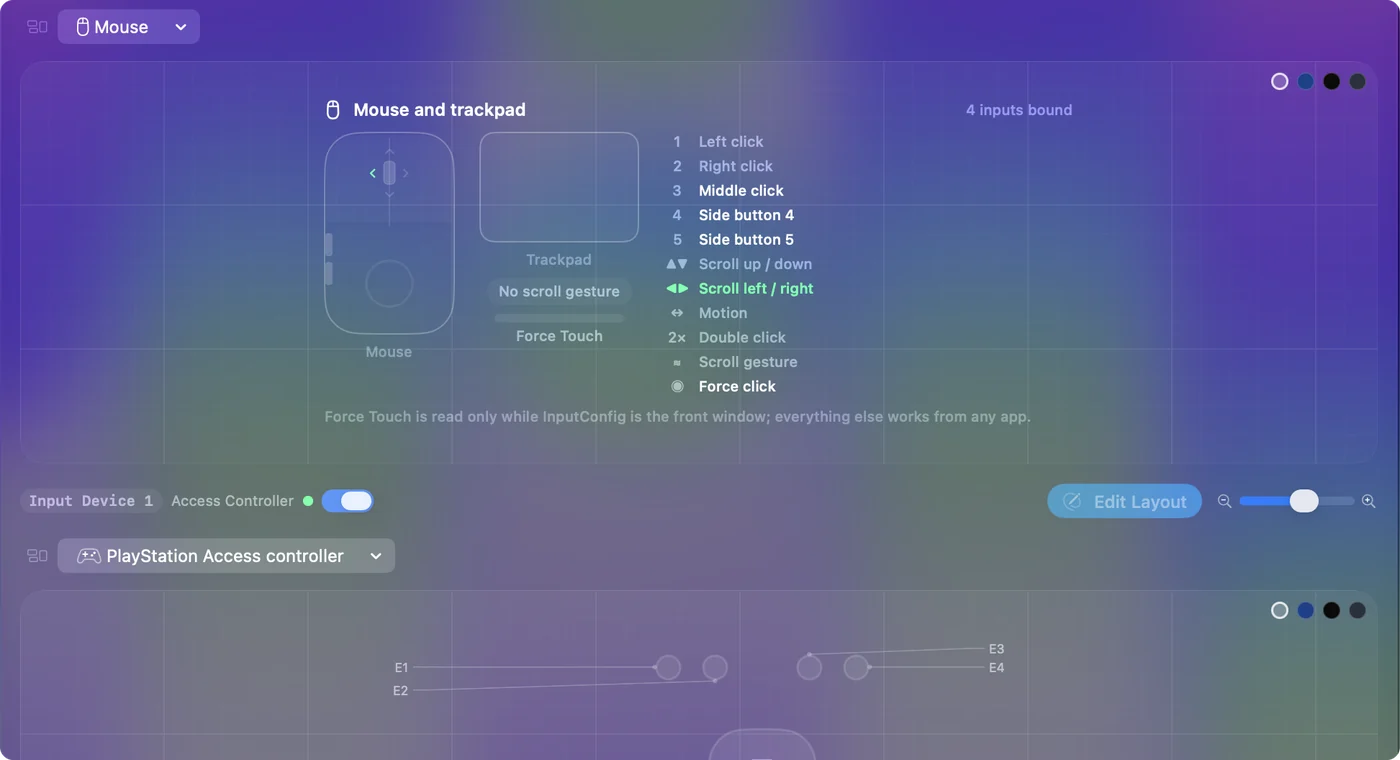
Change how fast it scrolls
Open System Settings, Accessibility, Pointer Control, click Mouse Options, and drag Scroll speed. Some mice also have their own software with a scroll setting, which is added on top.

Zoom with the wheel
Open System Settings, Accessibility, Zoom, and turn on Use scroll gesture with modifier keys to zoom. Hold the modifier key shown there, Control by default, and roll the wheel to zoom the whole screen.
If the wheel jumps or does nothing
Climb this ladder, smallest step first:
- Test the wheel. The scroll wheel test shows every step and any step that goes the wrong way.
- Clean it. Dust on the wheel's sensor makes it skip or jump back.
- Replace the battery or reconnect. A weak Bluetooth link drops scroll steps.
- Quit the mouse's own software. It can take the wheel over.
The short version
- Wrong way. Natural scrolling, in Mouse.
- Speed. Scroll speed, in Accessibility, Pointer Control, Mouse Options.
- Zoom. Accessibility, Zoom.
- Skipping. Test it, then clean it.
Questions
Why is my scroll wheel reversed on my Mac?
Natural scrolling is on. Turn it off in System Settings, Mouse.
How do I change the scroll wheel speed on a Mac?
Open System Settings, Accessibility, Pointer Control, click Mouse Options, and drag Scroll speed.
How do I zoom with the scroll wheel on a Mac?
Turn on Use scroll gesture with modifier keys to zoom in System Settings, Accessibility, Zoom, then hold the modifier and roll the wheel.
Related
Completely free. You don't have to make an account, there are no subscriptions, and nothing is locked. Optimized for Apple silicon. Open source on GitHub.
Updated