Change or fix the Caps Lock key on a Mac
 InputConfig is completely free on the Mac App Store. You don't have to make an account, there are no subscriptions, and nothing is locked. Optimized for Apple silicon.
The Caps Lock key on a Mac can be switched off or turned into Escape, Control, Option or Command in System Settings, Keyboard, Keyboard Shortcuts, Modifier Keys. If it seems broken, it is usually the short delay Apple builds in: a quick tap is ignored, and a slightly longer press turns it on.
Steps
- Open System Settings, Keyboard.
- Click Keyboard Shortcuts, then Modifier Keys.
- Pick your keyboard at the top if you have more than one.
- Set Caps Lock key to No Action, Escape, Control, Option or Command.
- Click Done.
If Caps Lock does not turn on
Climb this ladder, smallest step first:
- Press it a little longer. Apple keyboards ignore a very quick tap on Caps Lock so a brushed key does not switch it on. Hold it for a moment and the light comes on.
- Check Modifier Keys. In System Settings, Keyboard, Keyboard Shortcuts, Modifier Keys, the Caps Lock key may be set to No Action or to another key.
- Check the input source. With some languages, Caps Lock switches the input source instead. That option is in System Settings, Keyboard, under Text Input.
- Test the key. The keyboard tester shows whether the key registers at all.
A Caps Lock that needs a firm press is working as Apple designed it.
Turn it off or make it another key
- You: Open System Settings, Keyboard, Keyboard Shortcuts, Modifier Keys, and choose a new job for the Caps Lock key.
- macOS: Sends that key instead, for the keyboard you picked at the top of the sheet.
- Check: Press Caps Lock. With No Action, nothing happens and the light stays off.
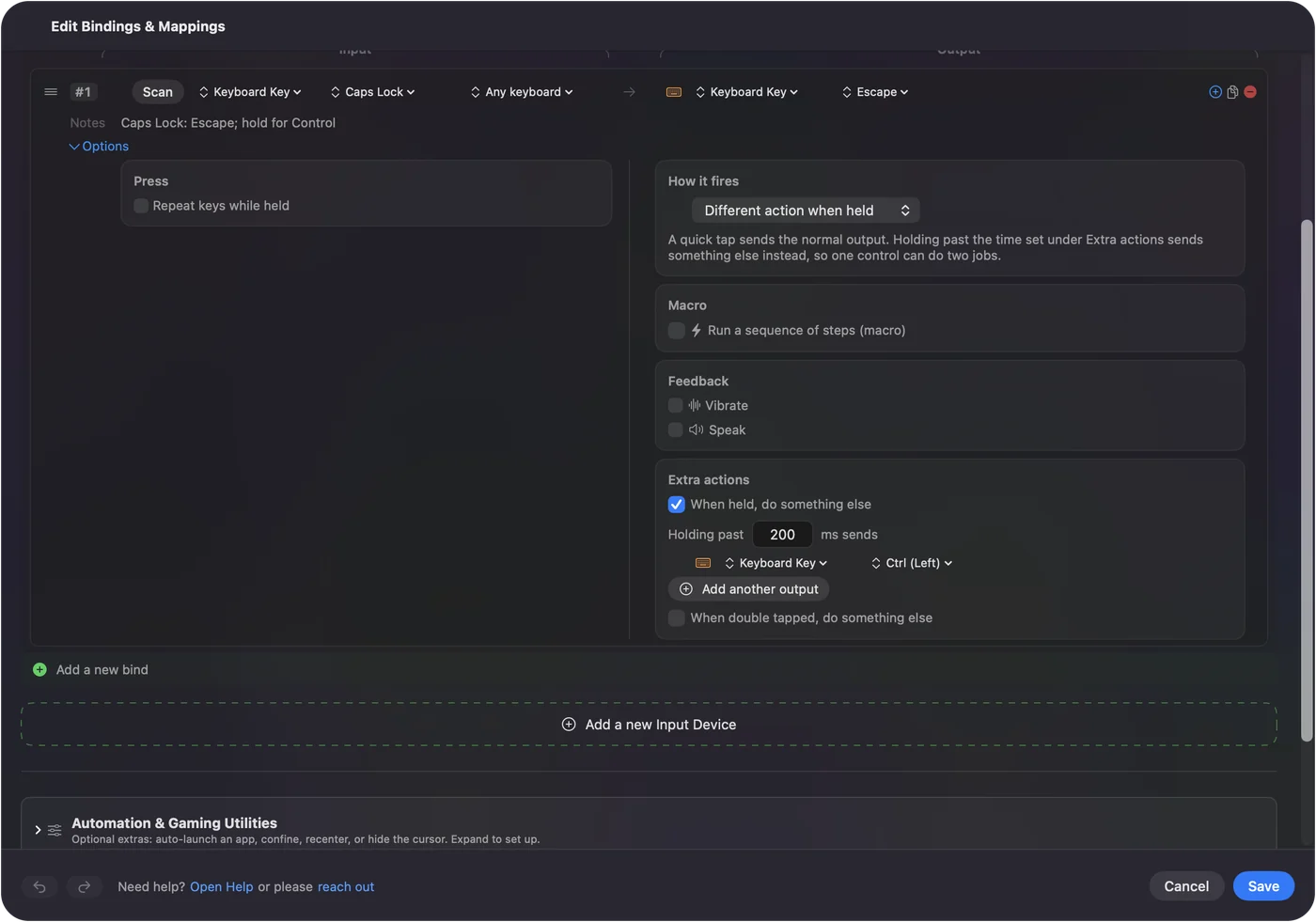
Escape is a popular choice on keyboards with a small or missing Escape key, and Control suits Terminal and Emacs users.
Give Caps Lock any job at all
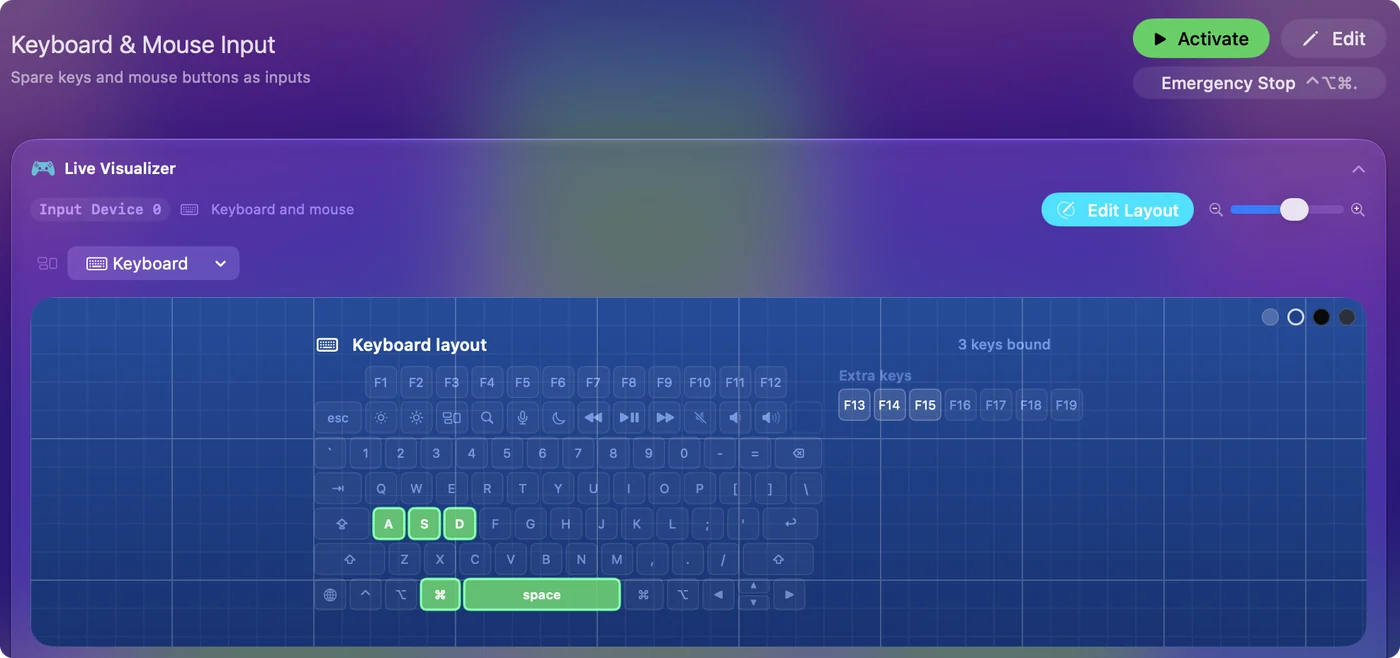
System Settings only offers a few keys. To run a shortcut, open an app or start a macro from Caps Lock, turn it into a key nothing else uses, then let InputConfig, free on the Mac App Store, listen for that key.
Terminal: Swap Caps Lock for F18 until the next restart.
hidutil property --set '{"UserKeyMapping":[{"HIDKeyboardModifierMappingSrc":0x700000039,"HIDKeyboardModifierMappingDst":0x70000006D}]}'What happens: Caps Lock now sends F18, which InputConfig can read as an input. A restart puts Caps Lock back.
InputConfig listens to the keyboard. It does not block or remap a key itself, which is why the swap to F18 comes first.
The short version
- Will not turn on. Press it a little longer, then check Modifier Keys.
- Turn it off. Modifier Keys, Caps Lock key, No Action.
- Make it useful. Escape or Control in Modifier Keys, or F18 and InputConfig for anything else.
Questions
Why is my Caps Lock not working on my Mac?
Usually it is the built-in delay: a quick tap is ignored, so press it a little longer. If it still does nothing, check System Settings, Keyboard, Keyboard Shortcuts, Modifier Keys, where the key can be set to No Action.
How do I disable Caps Lock on a Mac?
Open System Settings, Keyboard, Keyboard Shortcuts, Modifier Keys, and set Caps Lock key to No Action.
Can I change Caps Lock to Escape on a Mac?
Yes. In Modifier Keys, set Caps Lock key to Escape.
Related
Completely free. You don't have to make an account, there are no subscriptions, and nothing is locked. Optimized for Apple silicon. Open source on GitHub.
Updated